GPT Image 2.5 in PromptWise: pricing and how to use it
By Daniel Riley · Published · Updated
In short: You can use GPT Image 2.5, OpenAI's newest image models, in PromptWise in both versions: GPT Image 2.5 Sunburst, OpenAI's most capable model for generation and precise editing, and GPT Image 2.5 Flare, its fastest for everyday images. Both make images at 1K, 2K or 4K in ten aspect ratios, with five quality settings. GPT Image 2.0 and 1.5 are there too, and every model is available as soon as you sign up, on every plan from $19 a month.
GPT Image is OpenAI’s family of image models. PromptWise, a web studio with 40+ image, video and audio models, carries four GPT Image models in its image menu, led by GPT Image 2.5, described in the app as “OpenAI image generation and editing”. There’s no separate OpenAI account or API key to set up.
GPT Image 2.5 Sunburst and Flare are on every plan from $19 a month. Every model is available as soon as you sign up. See plans
What is GPT Image 2.5?
GPT Image 2.5 is OpenAI’s newest image model generation, released in September 2026 (both snapshots are dated 8 September 2026). It comes in two versions:
- GPT Image 2.5 Sunburst, which OpenAI calls its “most capable model for image generation and editing”. OpenAI recommends it “for workflows where editing precision matters most”.
- GPT Image 2.5 Flare, OpenAI’s “fastest model for high-quality, everyday image generation”.
Both take text and images as input and support five quality levels: low, medium, high, xhigh and max.
GPT Image 2.5 follows GPT Image 2.0 (April 2026), which OpenAI described as a “state-of-the-art image generation model for fast, high-quality image generation and editing” and recommended for text-heavy images, photorealism, compositing and identity-sensitive edits. GPT Image 2.0 is still in PromptWise for work you started on it.
The GPT Image models in PromptWise
| Model | Resolutions | Quality settings | Aspect ratios |
|---|---|---|---|
| GPT Image 2.5 Sunburst | 1K, 2K (default), 4K | Low, medium, high (default), xhigh, max | 1:1, 16:9, 9:16, 4:3, 3:4, 3:2, 2:3, 4:5, 5:4, 21:9 |
| GPT Image 2.5 Flare | 1K, 2K (default), 4K | Low, medium, high (default), xhigh, max | Same ten |
| GPT Image 2.0 | 1K, 2K (default), 4K | Low, medium, high (default) | Same ten |
| GPT Image 1.5 | Set by aspect ratio | Medium, high | 1:1, 2:3, 3:2 |
Higher resolution and quality settings use more credits, so draft at low or medium quality and switch to high for the final image.
GPT Image 2.5 pricing on PromptWise
There’s no OpenAI bill and no API key. GPT Image 2.5 runs on the same PromptWise credits as the other 40+ models, and each plan sets your monthly allowance:
| Plan | Price | Credits per month | Images and videos at once |
|---|---|---|---|
| Starter | $19/month | 275 | 2 |
| Plus | $39/month | 800 | 4 |
| Pro (most popular) | $79/month | 1,800 | 6 |
| Max (best value) | $149/month | 3,800 | 8 |
Max 2 ($249, 6,500 credits) and Max 3 ($349, 9,500 credits) cover bigger workloads. Up to 45% comes off when you pay yearly; prices exclude VAT and are in USD.
With GPT Image 2.5, the quality level, the resolution, the version and the number of images all change the cost. Check current figures on PromptWise pricing and models, and read the exact number on the Generate button before each run. Allowances reset monthly and unused credits expire. A failed image is refunded automatically. Read about billing, cancelling and refunds.
How to use GPT Image 2.5 in PromptWise
- Sign up and pick a plan. Open an account at app.promptwise.com. Every GPT Image model is included, whatever the plan.
- Go to Studio and choose image. Images you make or edit are kept there.
- Pick GPT Image 2.5. Open the image model menu, choose GPT Image, then pick GPT Image 2.5 Sunburst or GPT Image 2.5 Flare (or 2.0 or 1.5).
- Choose the settings. Pick a quality level, an aspect ratio, a resolution and the number of images.
- Write your prompt. For edits, say exactly what should change and what should stay; Wise can help phrase it.
- Generate. The button lists the credits for your settings before it runs.
Animate the result. A finished GPT Image 2.5 picture can go straight into Seedance 2.5, Kling 3.0 or Veo 3.1 as a start frame, with no download in between. To repeat the same steps later, keep them as a Flow on PromptWise’s node-based canvas.
GPT Image 2.5 Sunburst, 2.5 Flare or 2.0?
- GPT Image 2.5 Sunburst is OpenAI’s most capable model and its pick when an edit has to be precise, such as changing a background while a face or product stays the same.
- GPT Image 2.5 Flare is OpenAI’s fastest, for high-quality everyday images: social graphics, ad variations and drafts.
- GPT Image 2.0 stays for work you started on it; it has three quality steps instead of five.
- Use xhigh or max on either 2.5 model for the final version once the idea is right.
- GPT Image 1.5 stays for work you started on it, in square, portrait or landscape.
What to make with GPT Image 2.5
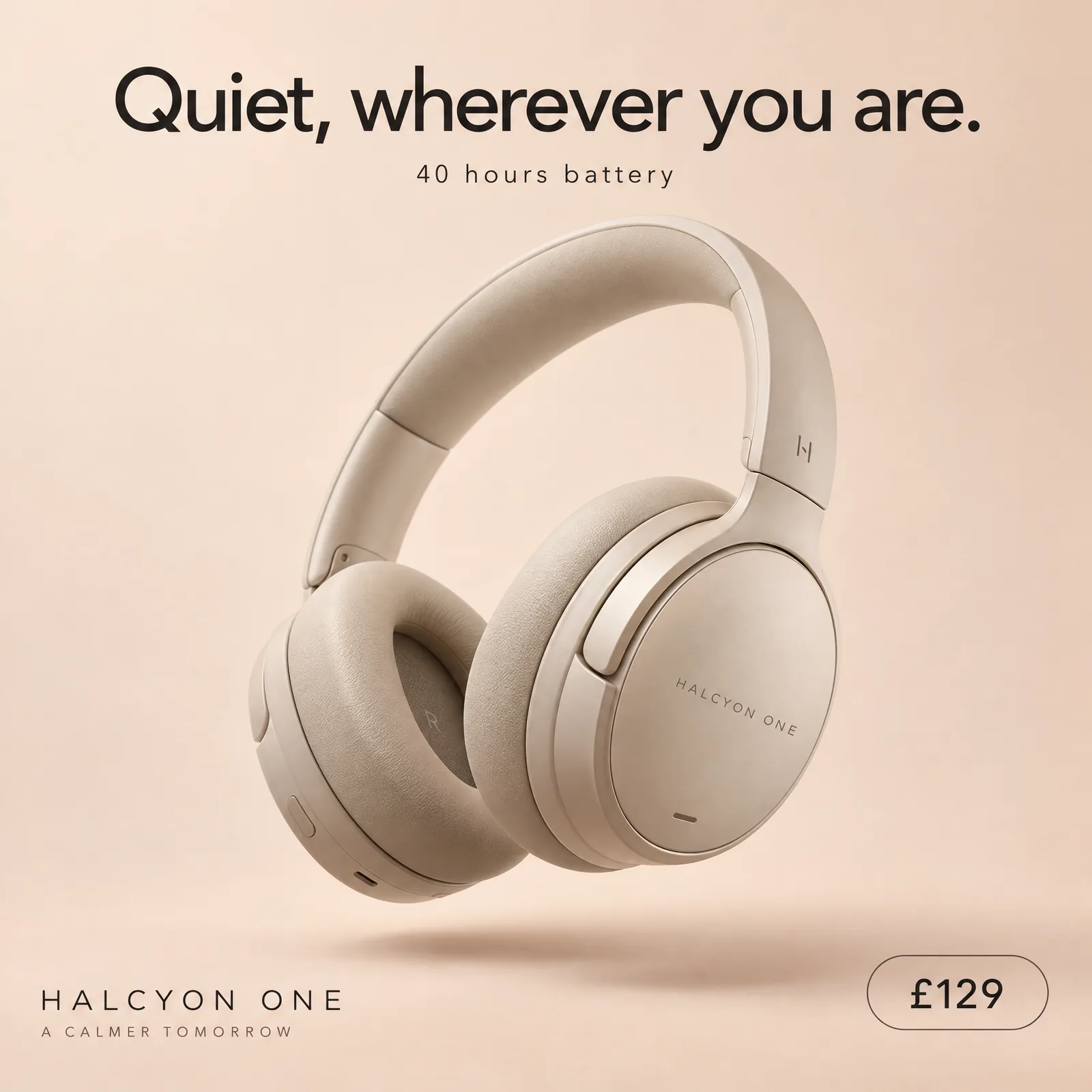
- Ads and social graphics with text. Headlines, prices and short calls to action that read cleanly.
- Product shots. A product in a new setting, season or colourway for listings and ads.
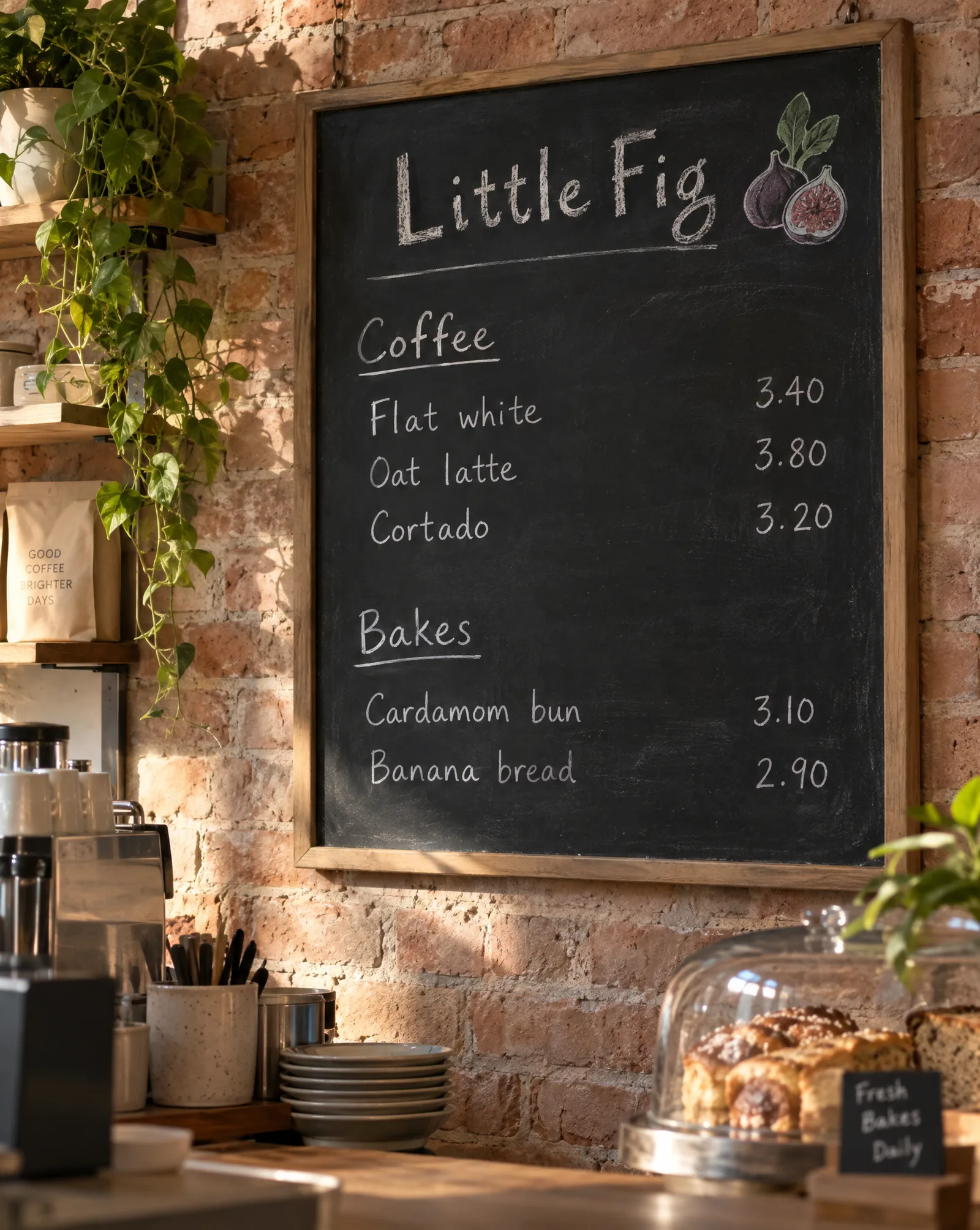
- Mock-ups. Packaging, signs, menus and app screens to test an idea before a designer builds it.
- Start frames for video. Approve the look as a still, then animate it.
Prompt tips for GPT Image 2.5
- Put exact text in quotation marks and say where it goes and how big it is.
- Describe the layout for posters and graphics: what’s at the top, the middle and the bottom.
- Say what must not change when you edit or composite, such as the logo or the face.
- Draft on Flare at low or medium quality to test ideas, then make the final on Sunburst or at a higher quality setting.
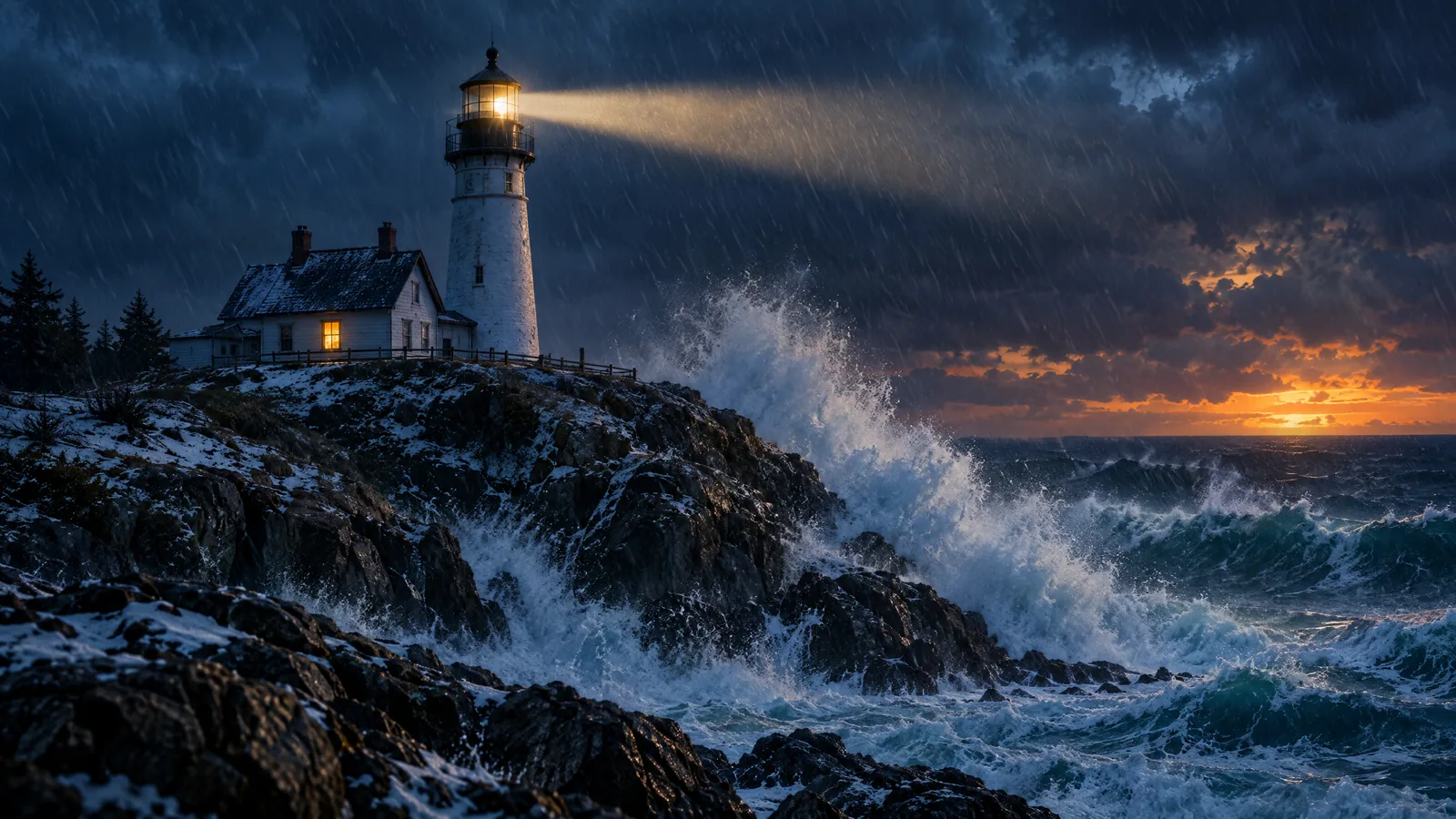
- Name the light and the lens for photoreal shots.
More prompt advice: how to write AI image prompts that actually work.
Why use GPT Image 2.5 in PromptWise
- Four GPT Image models, one subscription, plus Nano Banana Pro, Seedream 5.0 Pro and 9 more image models to run the same prompt on.
- Images and video together. 20 video models in the same studio.
- Quality you can price. The credit cost for your chosen quality level shows before you generate.
- Commercial rights. GPT Image 2.5 output comes with a full commercial AI licence.
- Call it from an MCP client. Claude, Cursor and other MCP clients can generate through PromptWise.
More answers: Nano Banana Pro vs GPT Image 2.5 is quickest to judge by giving both the same prompt in Studio · plans and credits on PromptWise models and pricing
Sunburst, Flare and 40+ other models on every plan. Every model is available as soon as you sign up. See plans
FAQ
Where can I use GPT Image?
You can use GPT Image 2.5 Sunburst, GPT Image 2.5 Flare, GPT Image 2.0 and GPT Image 1.5 in PromptWise, where one subscription covers 40+ image, video and audio models. There's no OpenAI account or API key to set up, and every model is available as soon as you sign up, on every plan from $19 a month.
How do I use GPT Image 2.5 in PromptWise?
Sign up, open Studio and choose image mode. In the model menu, choose GPT Image, then GPT Image 2.5 Sunburst or GPT Image 2.5 Flare. Write your prompt, attach any image you want to edit, set the aspect ratio, resolution and quality, and generate. The Generate button shows the credit cost before you start.
What is GPT Image 2.5 best for?
GPT Image 2.5 Sunburst is OpenAI's most capable model for image generation and editing, and its pick when an edit has to be precise, such as a new background while a face or product stays the same. GPT Image 2.5 Flare is OpenAI's fastest model for high-quality, everyday images, which suits drafts, social posts and quick variations.
GPT Image 2.5 vs Nano Banana Pro: which should I pick?
Pick GPT Image 2.5 Sunburst for precise edits and Nano Banana Pro for dense text or a product shot built from several photos; for anything important, try both. The Nano Banana Pro vs GPT Image 2.5 comparison goes through text, realism and editing side by side.
How much does GPT Image 2.5 cost?
There's no separate charge for GPT Image 2.5 in PromptWise. It's included in every plan, from $19 a month, and each image uses credits from your monthly balance. The cost depends on the model, resolution, quality and number of images; current costs are on the PromptWise pricing page, and the Generate button shows the exact cost before you start.
Sources
We checked these official pages on the dates shown. Prices and specs can change, so check the provider's page before you buy.
- OpenAI: GPT Image 2 model page (Checked 26 Oct 2026)
- OpenAI: GPT Image 2.5 Sunburst model page (Checked 26 Oct 2026)
- OpenAI: GPT Image 2.5 Flare model page (Checked 26 Oct 2026)
- OpenAI: image generation guide (Checked 26 Oct 2026)
- OpenAI Cookbook: image model prompting guide (Checked 26 Oct 2026)