Camera Movement Prompts for AI Video: Four Moves That Work
By Daniel Riley · Published · Updated
In short: AI videos feel static when the prompt never tells the camera what to do. Naming one move and spelling out its direction, speed and end point gives a video model something definite to follow. This page covers four moves (dolly in, orbit, crane up and handheld) with a move line, a full video prompt and a stronger rewrite for each, plus a start-frame image prompt and a line for keeping the camera still.
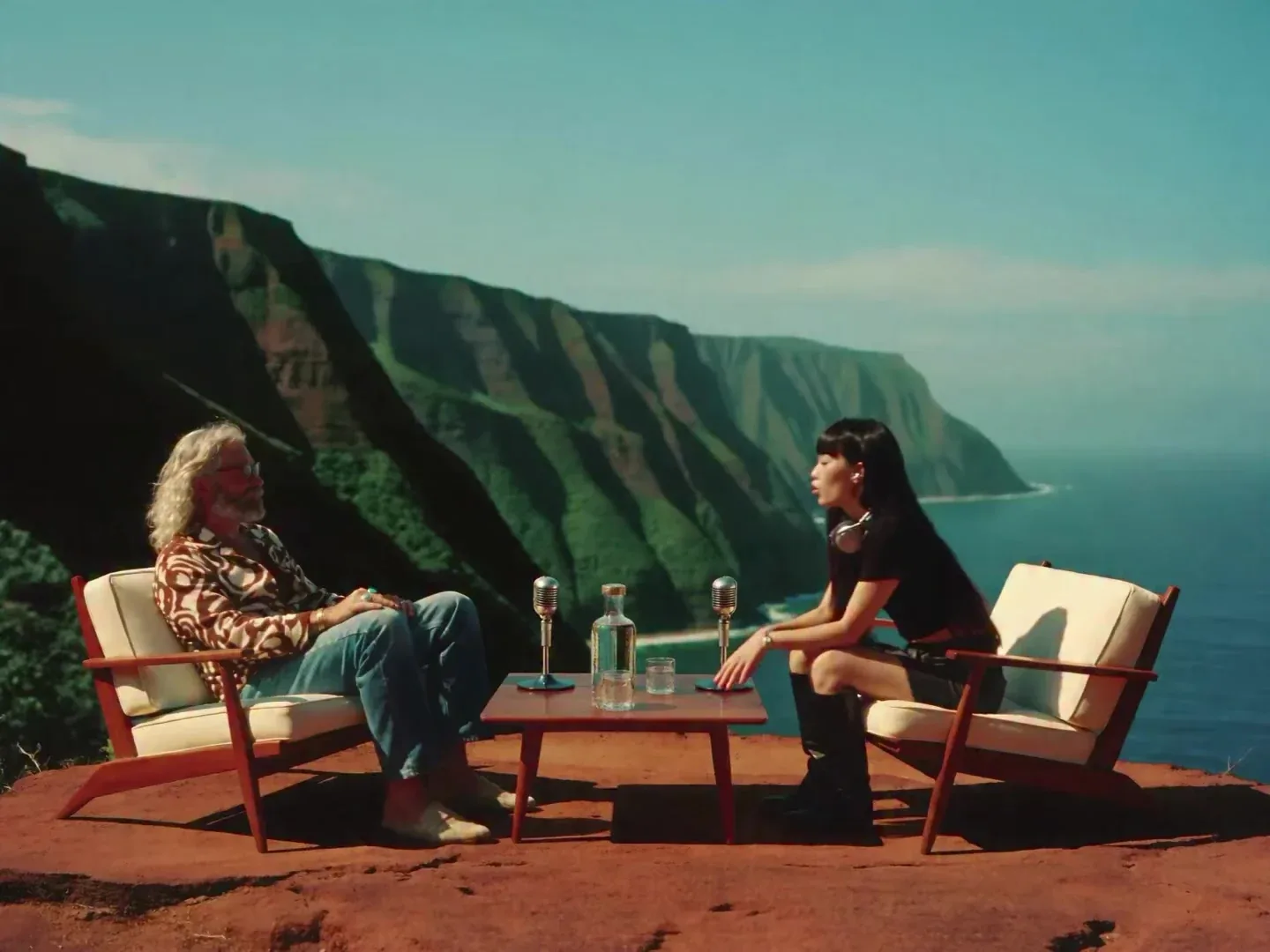
A still from the “4 Camera Moves” reel.
Camera moves can’t be shown in one picture, so the video examples are stills of the key moment, not frames from rendered clips. Captions name the model used.
Without a move to follow, a video model tends to hold the camera still or let it drift, so even a strong image plays like a photo with something wobbling in it. Film crews choose a move for what it does to the audience: pushing in builds tension, circling makes someone heroic, rising up shows scale, and a handheld camera feels alive.
Each move line has two halves. The first names the move; the second says what the camera physically does, how fast and where it ends. Keep the second half when shortening a line, because the name alone leaves too much to chance.
Source post: The “4 Camera Moves” reel on Instagram (@trypromptwise) · “4 Camera Moves” on Facebook
Four moves and what they do
| Move | What the camera does | What the audience feels |
|---|---|---|
| Dolly in | Travels straight towards the subject on a track | Tension; this moment matters |
| Orbit | Circles the subject at a fixed distance, facing them | The person is the hero |
| Crane up | Rises straight up while tilting down | How big the place is |
| Handheld | Follows on an operator’s shoulder with a natural bob | It’s real and happening now |
A zoom is not a move: it changes the lens, so the picture enlarges but the background does not shift as it would if the camera travelled. Models often swap a push-in for a zoom, which is why the lines say the camera physically moves. Video prompts are written for Seedance 2.5 and the start-frame image for Realism Pro.
Make the start frame first
All four moves start from the same kind of still; only the framing changes. A face and a place hold far better when the video begins from an approved image. Frame it for where the move starts: a medium shot for a dolly in, the subject centred for an orbit, close behind at shoulder height for a crane up, and a little space ahead of them for handheld.
IMAGE PROMPT: start frame
Prompt
Photorealistic [shot size, e.g. medium shot from the waist up] of [your subject, e.g. a woman in her twenties in a black turtleneck] [what they are doing, e.g. kneeling beside a huge round steel vault door] in [the place, e.g. an old bank vault at night], [where they sit in the frame, e.g. on the left third with space around them]. [The light, e.g. one warm desk lamp low on the floor to the right], with deep soft shadows. [Lens, e.g. 50mm] at f/2.8. Real unretouched skin with visible texture, natural hands, no readable text, numbers or logos.Why this works
- Building the start frame as a still means the model only has to move the camera, not invent the person and the place as well.
- Saying where the subject sits in the frame sets up the move before it begins.
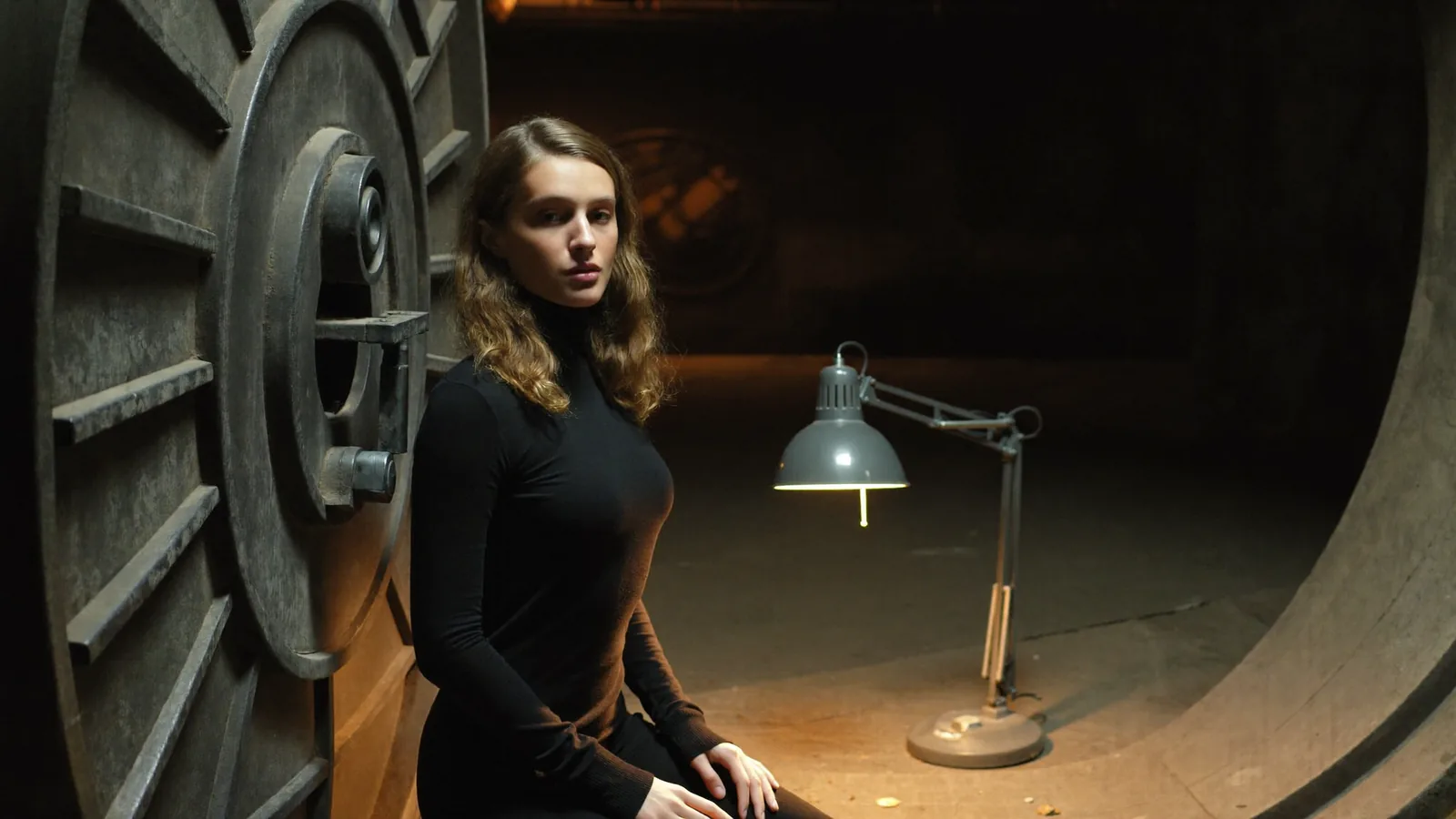
Made in Realism Pro: IMAGE PROMPT: start frame with the bracket examples kept.

Made in Realism Pro: IMAGE PROMPT: start frame, framing field changed per panel.
Dolly in: a slow push towards the subject
A dolly in moves the whole camera towards the subject, slowly and steadily, so the frame tightens and everything else falls away. It suits a decision, a realisation or a reveal. A rushed push reads as a zoom or a jolt, so say slow and steady, give it the whole shot and state the start and end framing. Four to six seconds is plenty.
Dolly In Move Line:
Slow dolly in: the camera physically moves straight toward [your subject] on a dolly track at a slow, steady speed for the whole shot, starting on a medium shot and ending on a close-up of the face, about forty percent closer. No zoom, the camera itself moves.Video Prompt
SET: [the place, e.g. an old bank vault at night] with [details, e.g. a huge round steel door and walls of brass safe-deposit boxes]. No readable text, numbers or logos.
LIGHT: [one light source, e.g. a single green desk lamp on the floor], warm and low, with deep soft shadows around [your subject].
SHOT: one continuous 5-second shot, 50mm lens, SLOW DOLLY IN: the camera moves straight toward [your subject] on a dolly track, slowly and steadily for the whole shot, from a medium shot at the waist to a close-up of the face, about forty percent closer, with no zoom. [Your subject, e.g. a safecracker kneeling at the vault door] [one small action, e.g. turns the dial click by click, listening]. At about 3 seconds [one small change, e.g. a lock clunks inside the door and her eyes slide to the lens].
SOUND: [the sounds, e.g. the hum of the lamp and the dial ticking]. No music.
LOOK: real cinematic light, shallow depth of field, natural skin tones. Natural movement and blinking, real unretouched skin, hands with five fingers. No text, subtitles, logos or readable signs anywhere. No slow motion.
Instead of: “Cinematic zoom in on a woman at a vault door, dramatic, tension, epic, 8k.”
Better:
A woman in a black turtleneck and thin leather gloves kneels at a huge round steel vault door at night, one ear pressed to the steel, turning the dial with two fingers. Slow dolly in on a dolly track: the camera moves straight toward her for the whole 5-second shot, from a medium shot at the waist to a close-up of her face, about forty percent closer, with no zoom. A single green desk lamp on the floor lights her from below. At about 3 seconds a lock clunks inside the door and her eyes slide to the lens. No text, numbers or logos.Why this works
- “No zoom, the camera itself moves” heads off the most common swap.
- A defined end point, about forty per cent closer, stops the push stalling or overshooting.
- A small action at a set moment, a lock clunking at about three seconds, gives the push something to land on.
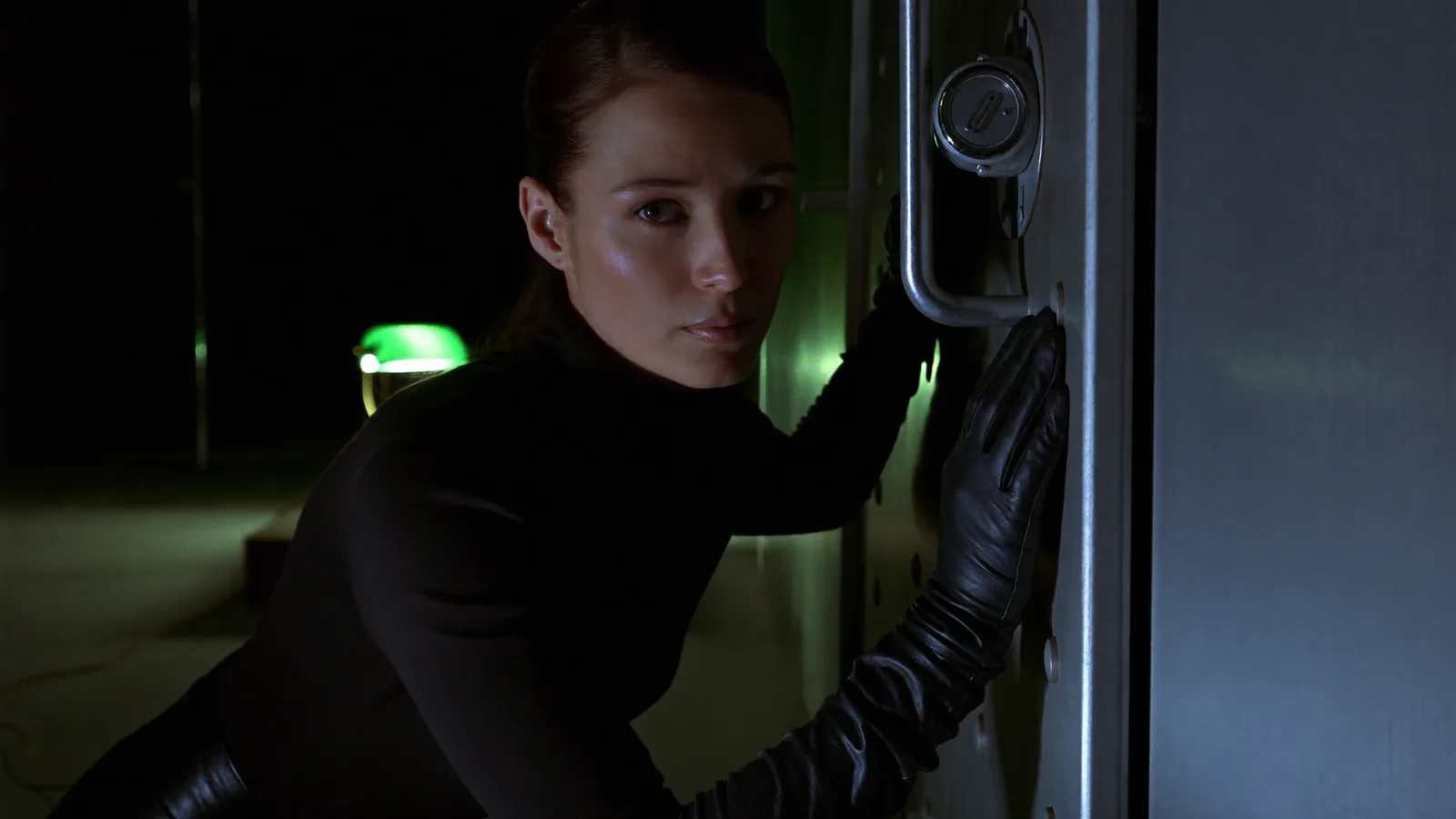
Made in Realism Pro as a still: BETTER prompt above, first frame.
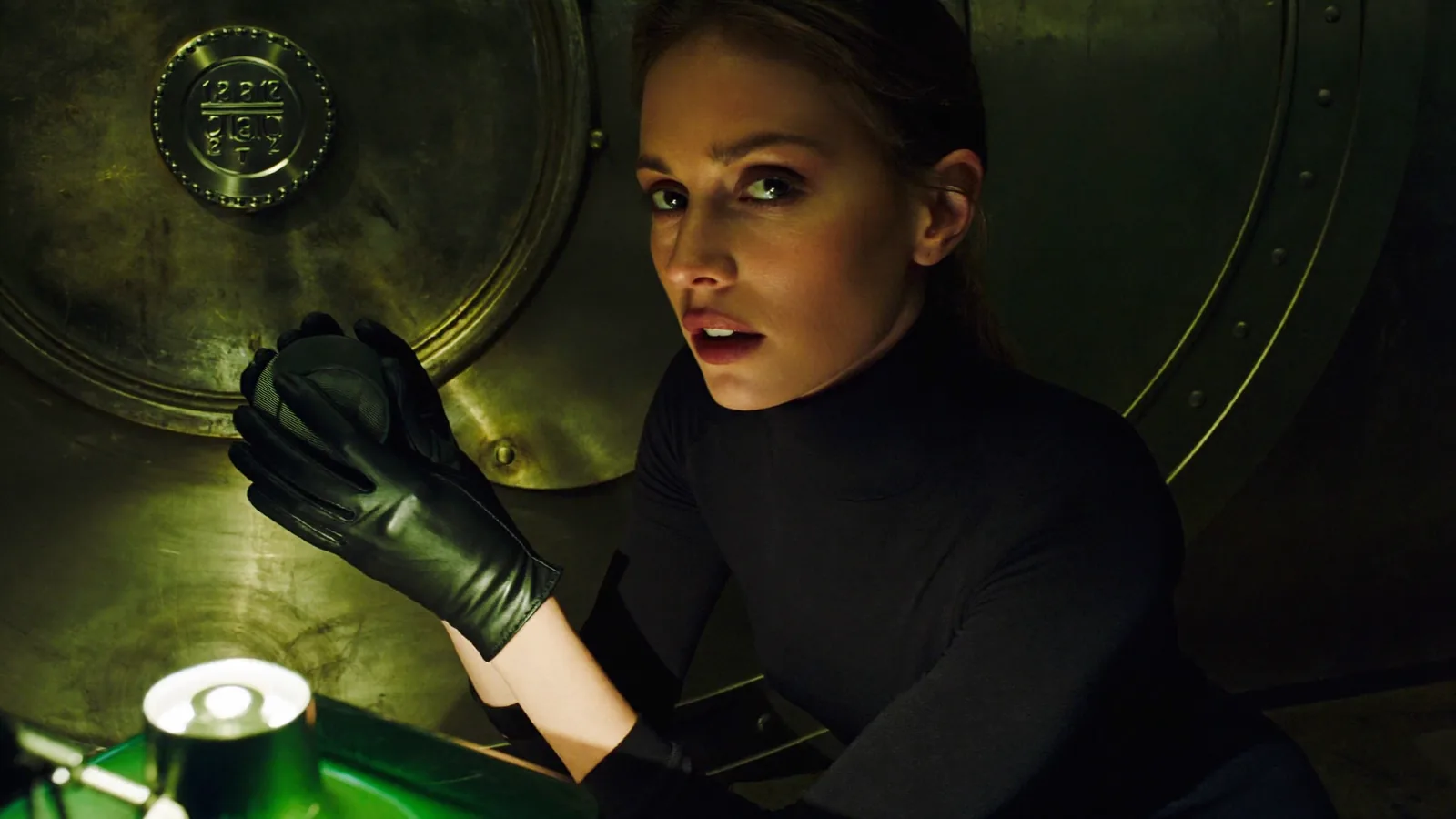
Made in Realism Pro as a still: BETTER prompt above, last frame.
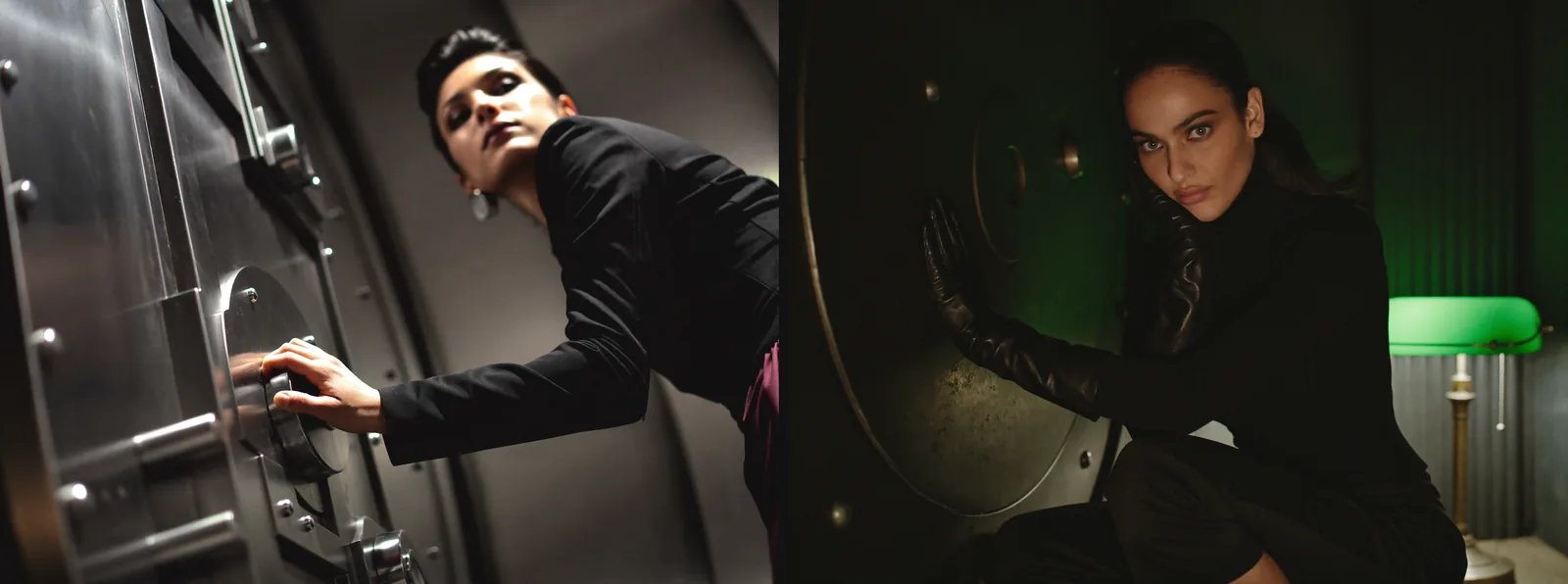
Made in Realism Pro as a still: the “Instead of” line, then the BETTER prompt.
Orbit: circle the subject and make them a hero
An orbit keeps the subject centred while the world sweeps past behind, which puts them at the centre of everything. It suits a character reveal, a dancer, a fighter getting ready or anyone in a beautiful place. Halfway round is easier for a model to finish cleanly in a short clip than a full circle; the orbit reveals sides the start frame doesn’t show, so describe the outfit in full.
Orbit Move Line:
Orbit: the camera circles smoothly around [your subject] on a curved track at chest height, at a constant distance of about three meters, moving halfway around them from their left side, across the front, to their right side, keeping them centered while the background sweeps past behind them.Video Prompt
SET: [the place, e.g. a high grassy ridge above a mountain valley at golden hour], with [details, e.g. snow-capped peaks and a winding river far below]. No readable text.
LIGHT: [the light, e.g. warm low golden-hour sun from the side], giving a glowing rim on [your subject]’s hair and clothes.
SHOT: one continuous 5-second shot, 35mm lens, ORBIT: the camera circles smoothly halfway around [your subject] on a curved track at chest height, at a constant distance of about three meters, from their left side, across the front, to their right side, keeping them centered while [the background, e.g. the valley and the peaks] sweeps past behind them. [Your subject, e.g. an eagle hunter in a red wool coat with an eagle on his arm] stands tall and [one small action, e.g. gazes out over the valley]. At about 3 seconds [one small change, e.g. the eagle spreads its wings].
SOUND: [the sounds, e.g. strong wind across the grass and an eagle’s cry]. No music.
LOOK: real golden-hour light, shallow depth of field, natural skin tones, hair moving in the wind. Natural movement and blinking, real unretouched skin, hands with five fingers. No text, subtitles, logos or readable signs anywhere. No slow motion.
Instead of: “360 degree spinning camera around a hero on a mountain, epic, dynamic, cinematic, 8k.”
Better:
A man in his fifties with long silver hair and a deep-red wool coat stands on a grassy mountain ridge at golden hour, an eagle on his gloved arm, gazing out over a valley with a river far below. Orbit: the camera circles smoothly halfway around him on a curved track at chest height, at a constant distance of about three meters, from his left side to his right, keeping him centered for the whole 5-second shot while the valley and the snowy peaks sweep past behind him. Warm low sun gives his hair a glowing rim. No text or logos.Why this works
- A constant distance of about three metres stops the camera drifting in and out.
- Half a turn gives the background time to sweep without the face changing as it comes round. If it does, cut to a quarter turn.
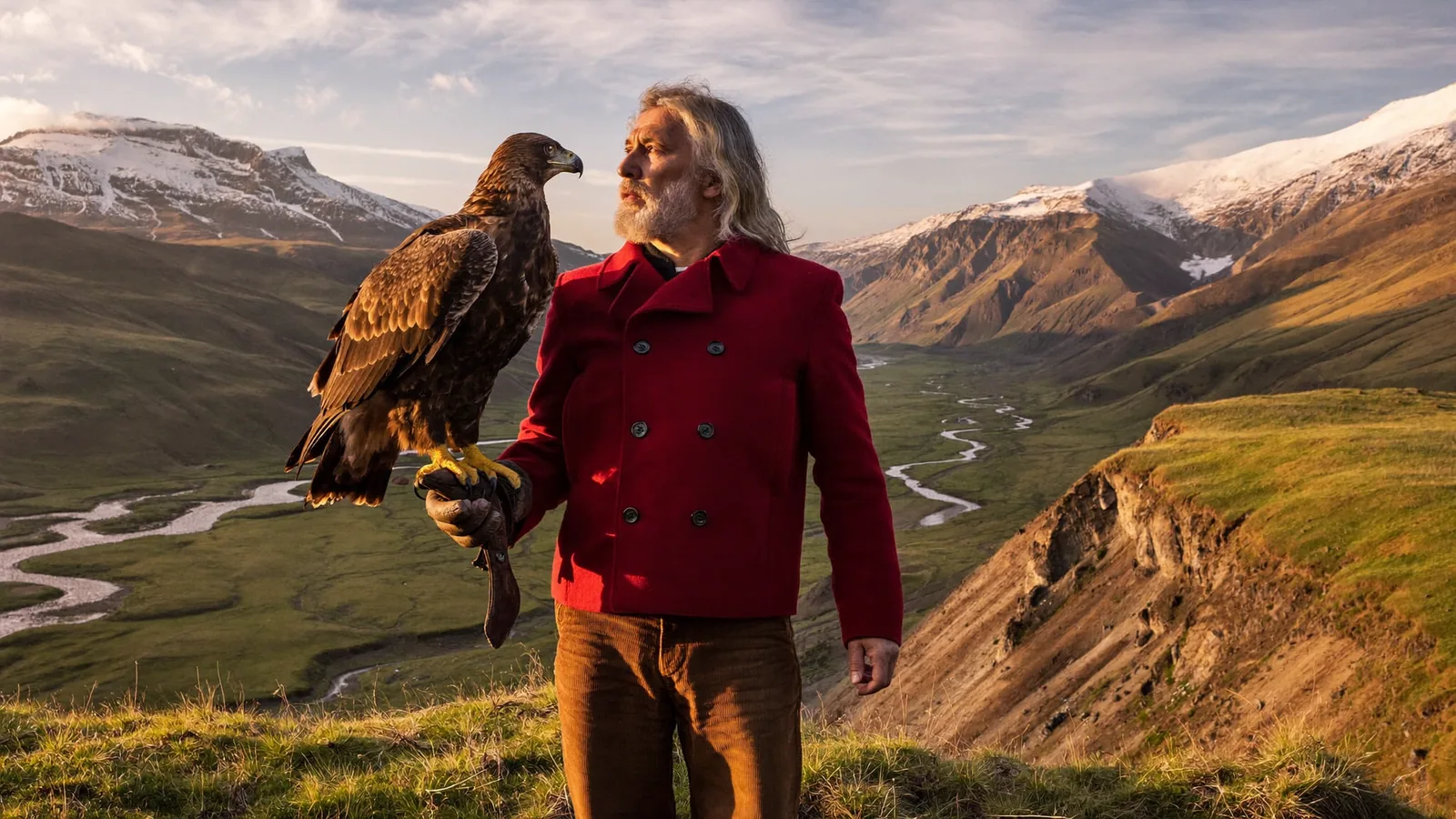
Made in Realism Pro as a still: BETTER prompt above, first frame.
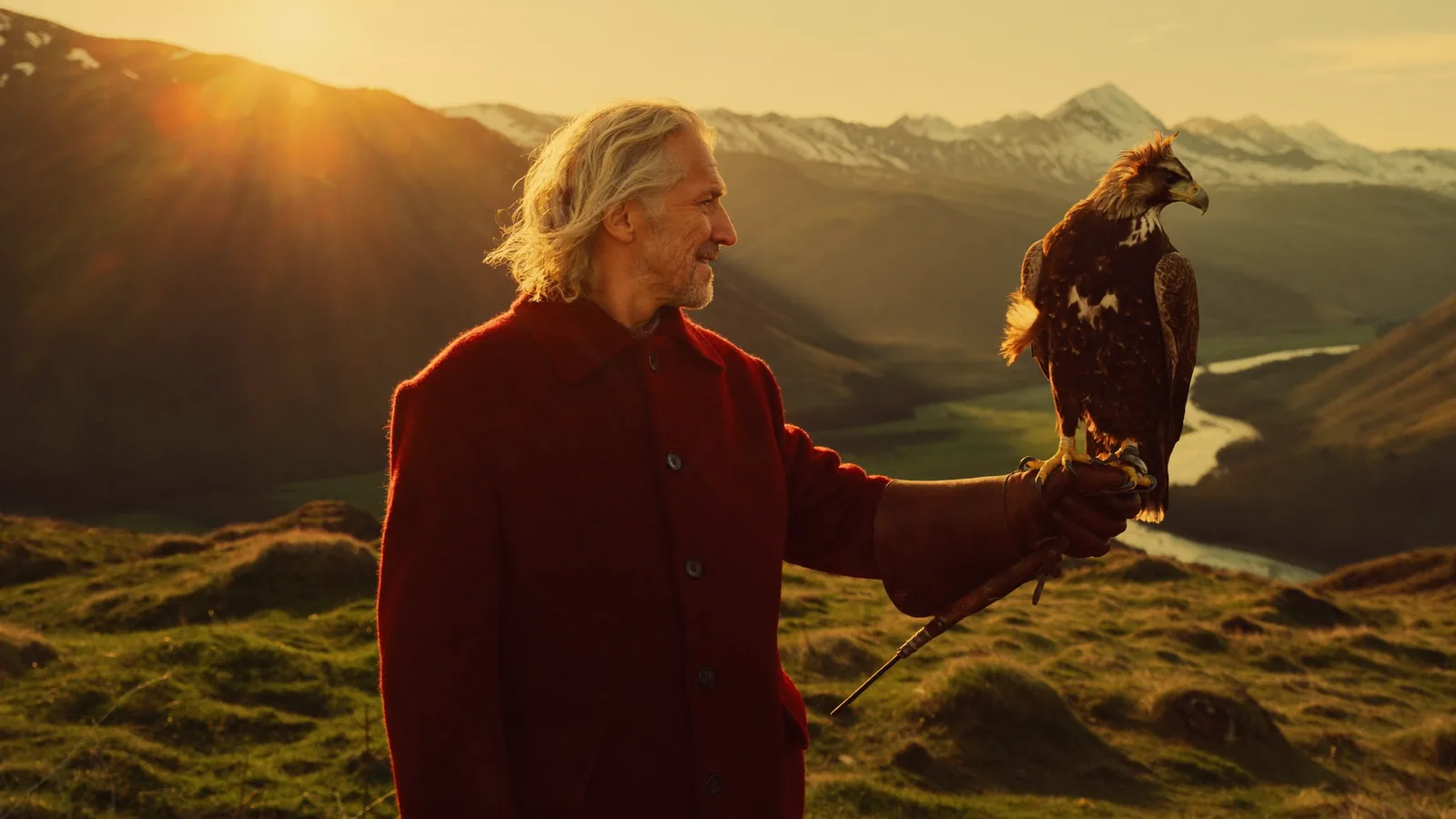
Made in Realism Pro as a still: BETTER prompt above, last frame.
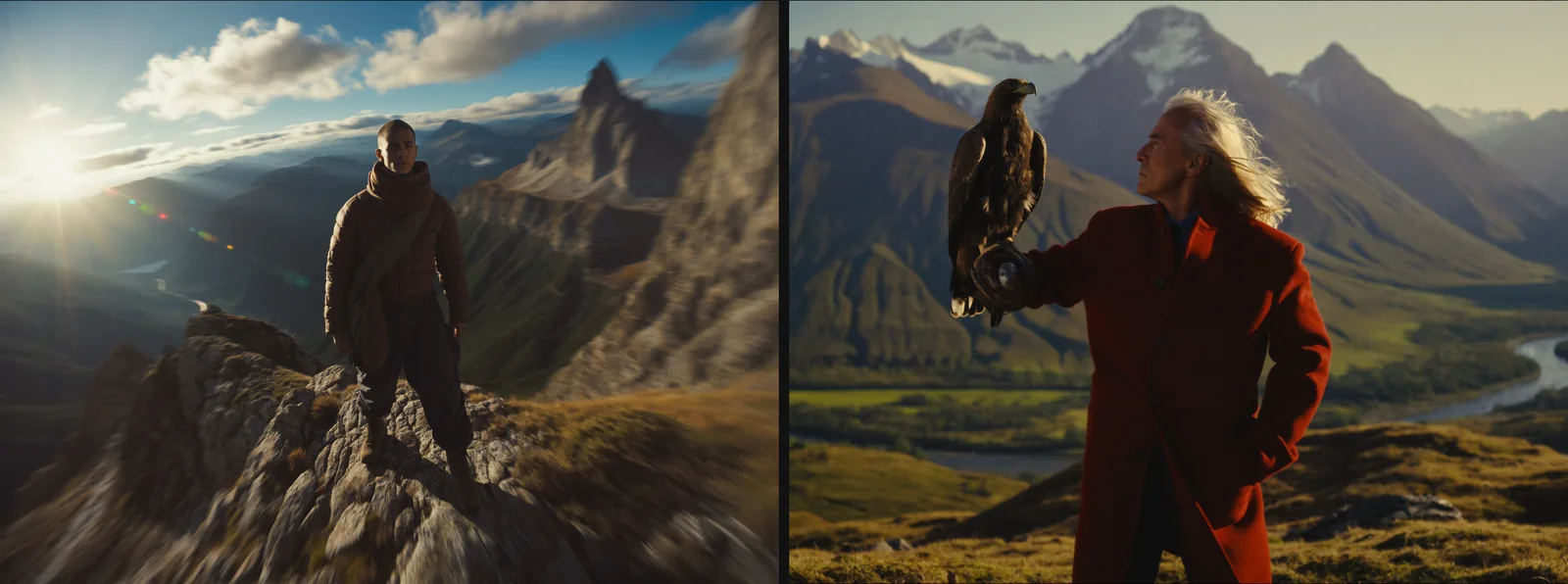
Made in Realism Pro as a still: the “Instead of” line, then the BETTER prompt.
Crane up: rise up and reveal the place
A crane up lifts the camera high while it tilts down to keep the subject in frame, so a person becomes small against a big place. It suits openings, endings and arrivals. Say it only rises, never moves backwards, or the model may turn it into a pull-back or a drone fly-away.
Crane Up Move Line:
Crane up, one smooth continuous rise straight up: the camera starts at [your subject]’s shoulder height and booms up about twenty meters over the shot while tilting down to keep them in frame. It never moves backward, it only rises, ending on a high view looking down as [your subject] becomes a small figure and [the place] is revealed around them.Video Prompt
SET: [the place, e.g. a stretch of an ancient stone wall on a mountain ridge in autumn], [details, e.g. winding away over red and gold forest to a misty horizon]. No readable text, signs or plaques.
LIGHT: [the light, e.g. soft bright morning sun through light mist].
SHOT: one continuous 5-second shot, 24mm lens, CRANE UP: the shot opens at [your subject]’s shoulder height just behind them in a medium shot, then the camera rises smoothly straight up like a crane arm lifting, about twenty meters over the shot, tilting down to keep them in frame. It never moves backward, it only rises. [Your subject, e.g. a delivery rider with a plain orange backpack] [one small action, e.g. stares ahead, then trudges on] and shrinks to a small figure as [the place, e.g. the whole wall] is revealed below, ending on a high view looking down.
SOUND: [the sounds, e.g. wind rising as the camera climbs and footsteps on stone]. No music.
LOOK: real natural light, a wide view with deep focus, natural colors. Natural movement and blinking, real unretouched skin, hands with five fingers. No text, subtitles, logos or readable signs anywhere. No slow motion.
Instead of: “Epic drone shot zooming out from a delivery girl on the Great Wall, cinematic, aerial, 8k.”
Better:
A young woman in a black bomber jacket with a big plain orange delivery backpack stands on the stone walkway of an ancient wall on a mountain ridge on an autumn morning. Crane up, one smooth continuous rise straight up: the shot opens at her shoulder height just behind her, then the camera booms up about twenty meters over 5 seconds, tilting down to keep her in frame. It never moves backward, it only rises. She shrinks to a tiny figure with an orange dot of a backpack as the wall is revealed winding away over red and gold forest to a misty horizon, ending on a high view looking down. No text, logos or writing on the backpack.Why this works
- “It never moves backward, it only rises” separates a crane from a zoom out or a drone retreat.
- Starting at shoulder height and ending on a high view gives the move a clear beginning and end.
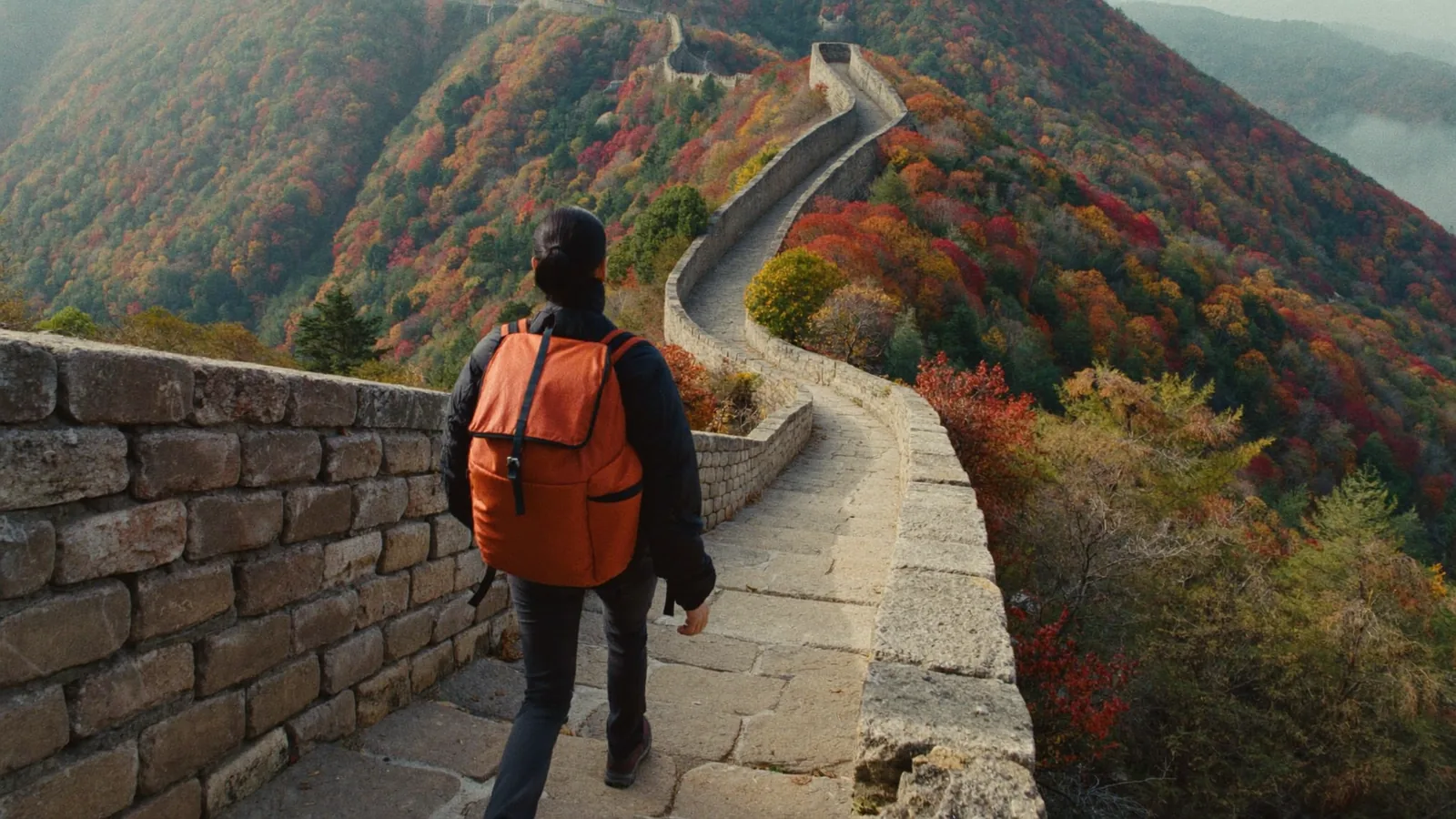
Made in Realism Pro as a still: BETTER prompt above, first frame.
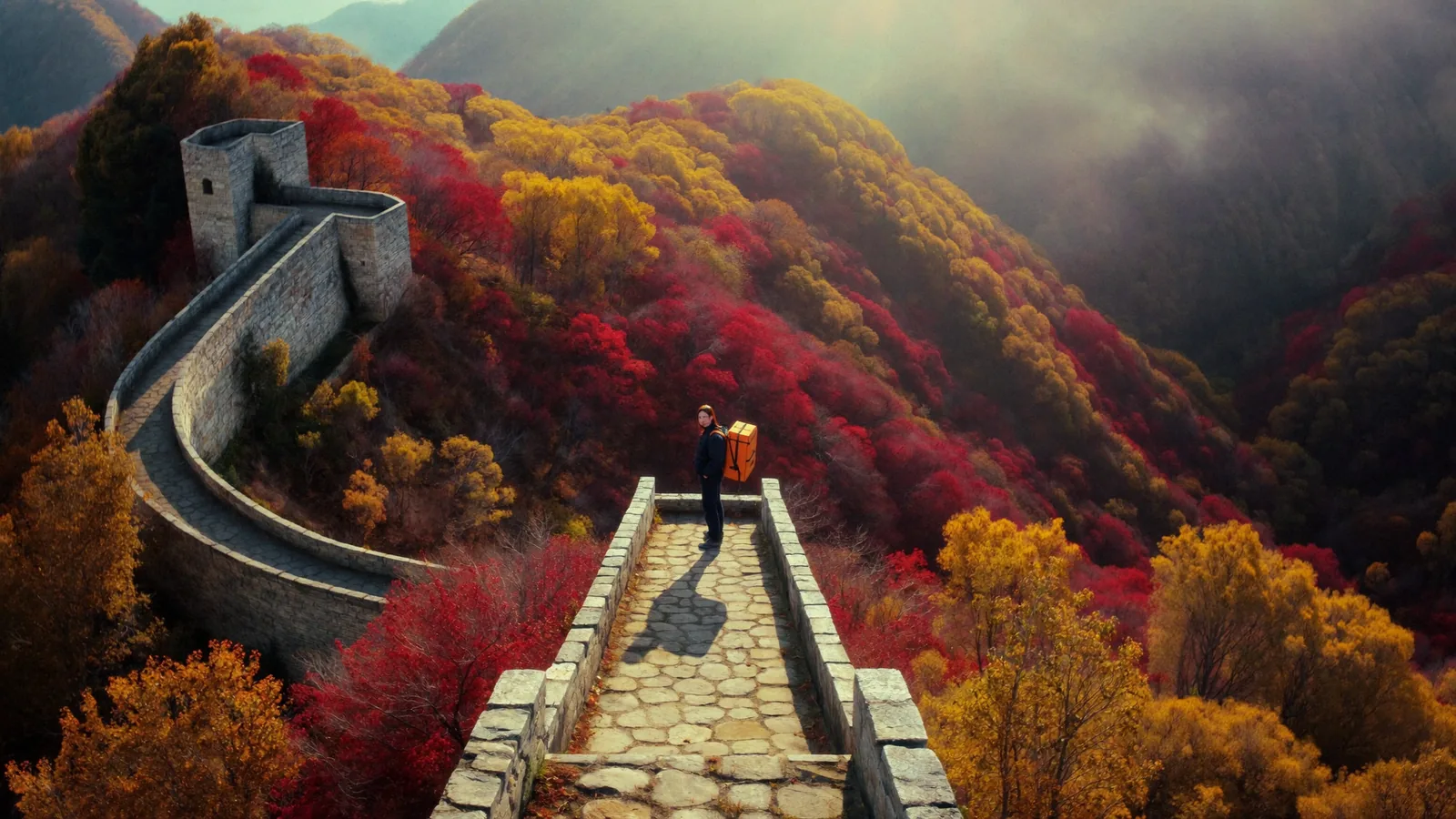
Made in Realism Pro as a still: BETTER prompt above, last frame.
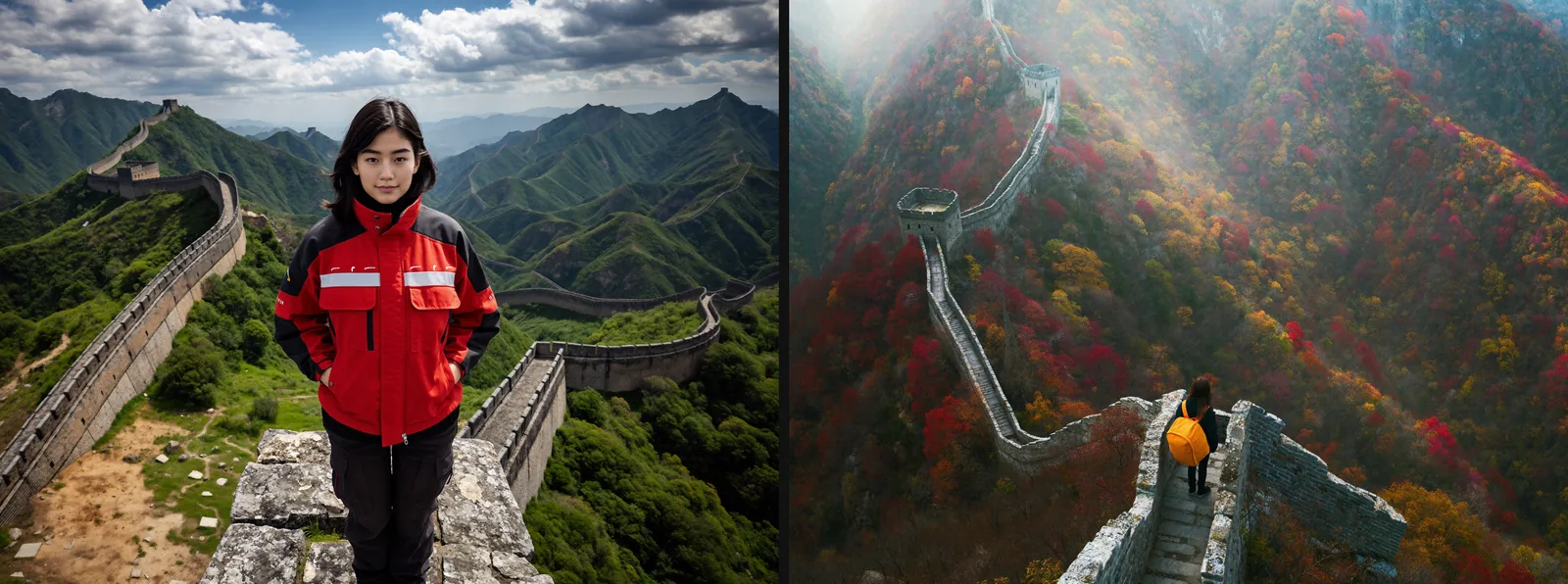
Made in Realism Pro as a still: the “Instead of” line, then the BETTER prompt.
Handheld: loose and alive, like a documentary
Handheld means an operator carries the camera, usually on the shoulder, so the picture has a small bob and little corrections. Good handheld is loose, not shaky. It suits documentary moments, chases and anything that should feel unplanned.
Handheld Move Line:
Handheld: a shoulder-mounted documentary camera follows just behind and beside [your subject], with real handheld movement the whole time, a natural bob with each step, small reframing corrections and a slight lag, like a documentary crew filming on the move. Loose and smooth, with no jitter or violent shake.Video Prompt
SET: [the place, e.g. red desert sand with dry grass and a meerkat burrow at golden hour], with [details, e.g. a lone flat-topped thorn tree on the horizon]. No readable text.
LIGHT: [the light, e.g. warm low sun through a faint haze of dust].
SHOT: one continuous 5-second shot, 35mm lens, HANDHELD: a shoulder-mounted documentary camera follows just behind and beside [your subject], with a natural bob with each step, small reframing corrections and a slight lag, like a documentary crew filming on the move, and no jitter. [Your subject, e.g. a field guide in a khaki shirt with binoculars] [one action, e.g. creeps forward in a low crouch, then lifts the binoculars]. At about 2 seconds [one small surprise, e.g. a meerkat climbs onto his head like a lookout], and the camera bobs in a little closer.
SOUND: [the sounds, e.g. dry grass rustling, footsteps in sand and birds far off]. No music.
LOOK: a real documentary look with natural light, natural colors and real textures. Natural movement and blinking, real unretouched skin, hands with five fingers. No text, subtitles, logos or readable signs anywhere. No slow motion.
Instead of: “Shaky cam of a man in the desert, found footage, realistic, raw, documentary style, 8k.”
Better:
A man in a khaki safari shirt with binoculars round his neck creeps forward in a low crouch through dry grass on red desert sand at golden hour, toward a meerkat burrow. Handheld: a shoulder-mounted documentary camera follows just behind and beside him for the whole 5-second shot, with a natural bob with each step, small reframing corrections and a slight lag, and no jitter. He lifts the binoculars to scan the horizon, and at about 2 seconds a meerkat climbs up onto his head like a lookout. Warm low sun through dust. No text or logos.Why this works
- Describing a shoulder-mounted documentary crew gives the model a specific kind of footage to copy.
- “No jitter or violent shaking” keeps the movement natural rather than found-footage chaos.
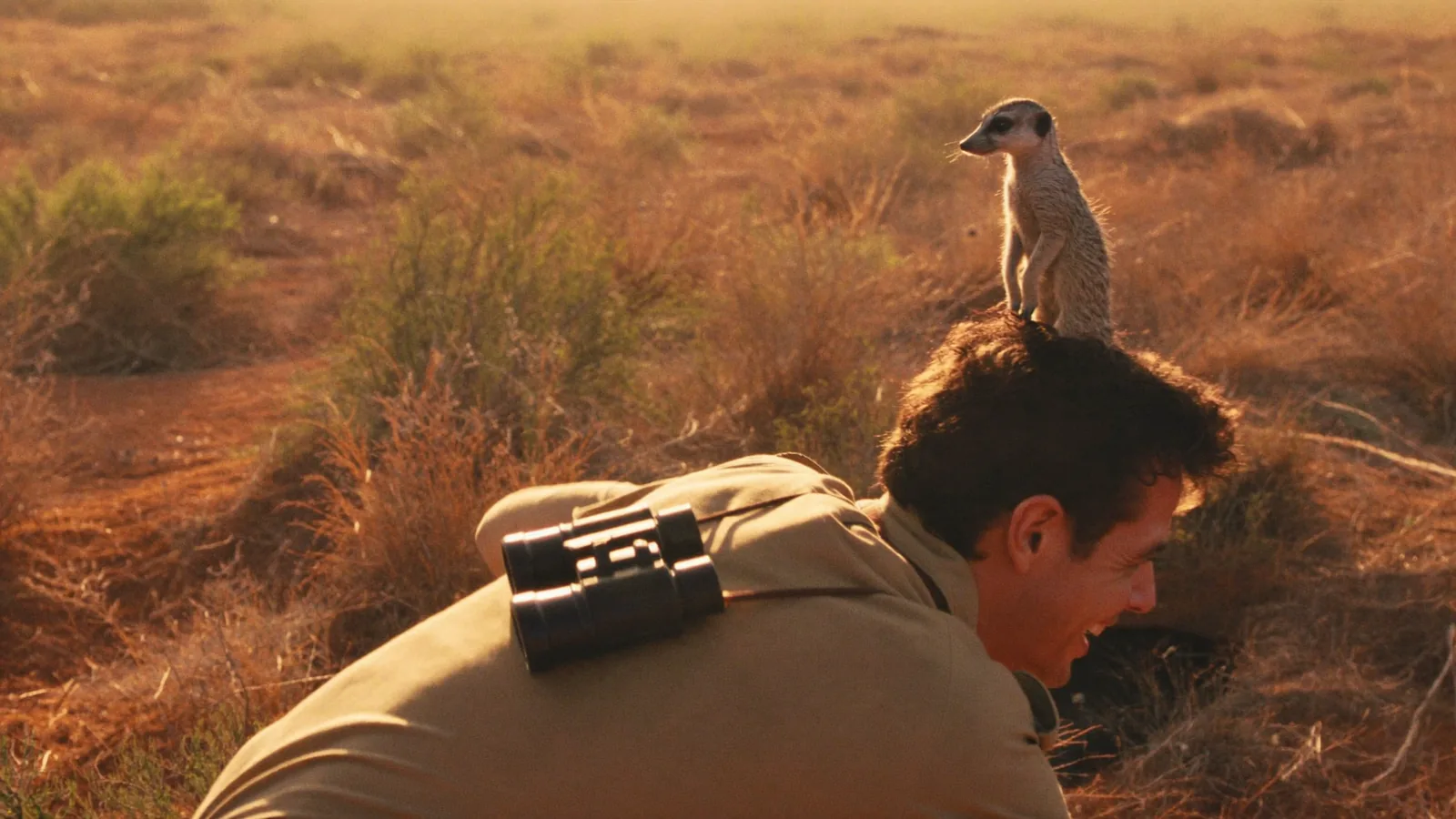
Made in Realism Pro as a still: BETTER prompt above, mid-shot.
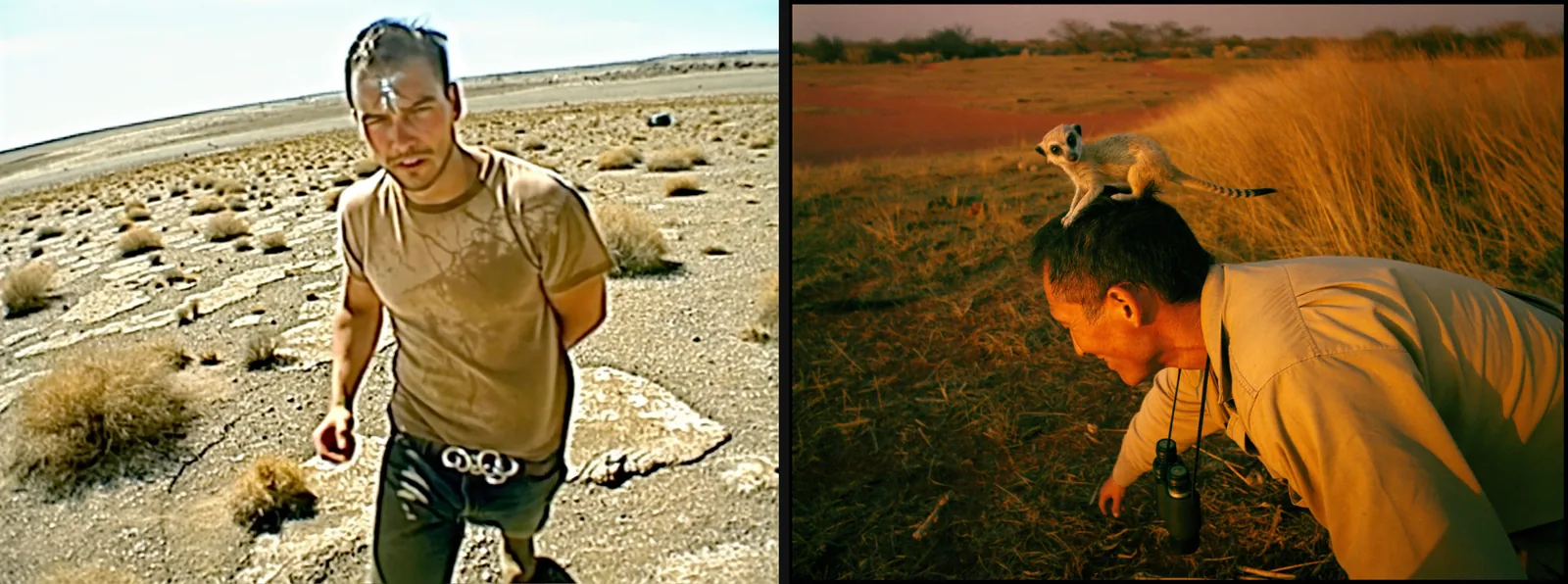
Made in Realism Pro as a still: the “Instead of” line, then the BETTER prompt.
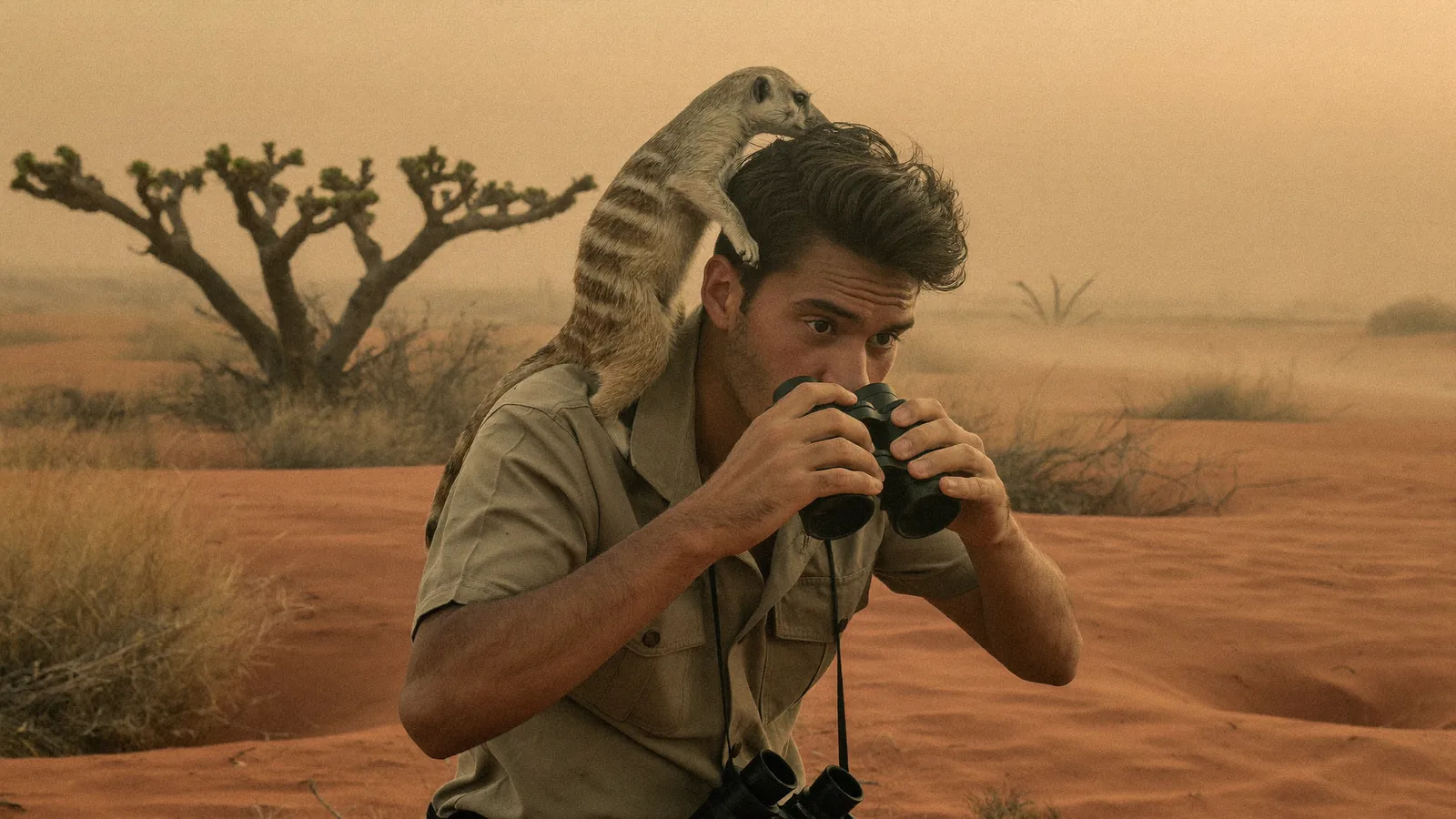
Made in Realism Pro as a still: VIDEO PROMPT with the bracket examples kept.
When the camera should not move
Sometimes the right move is none. A locked-off shot lets the subject carry all the motion, which suits a performance, a product demo or a moment that needs the viewer’s full attention. Models drift by default, so say it outright.
Still Camera Line:
Locked-off tripod shot: the camera does not move at all for the whole shot, with no push, no pan and no drift, so the only movement is [your subject].Why this works
- Listing what the camera must not do (push, pan, drift) closes off the small default movements models add.
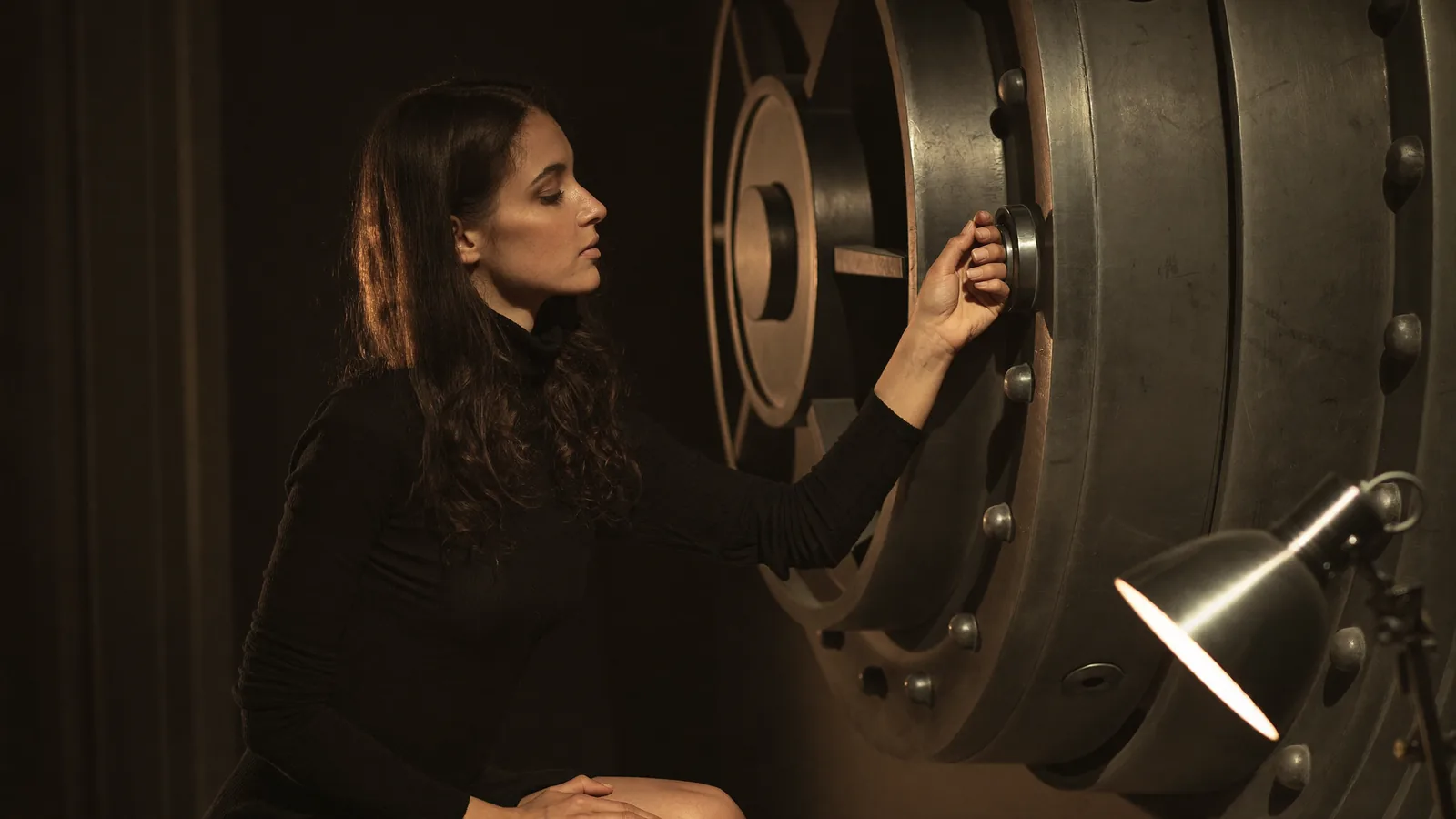
Made in Realism Pro as a still: start-frame still + STILL CAMERA LINE with [your subject] = “the woman turning the dial”.
Make your own in PromptWise
Build the start frame on Realism Pro and check it at full size, then upload it as the first frame in Seedance 2.5 with the move line that fits the feeling you want. Generate a few takes and keep the one where the camera does what the line says. Every model is available as soon as you sign up, and 40+ models sit in the same studio.
Related
- AI video prompt template
- Depth layering prompts: what to put close to the lens so movement shows depth
- Cinematic AI video prompts
- All prompts
FAQ
What is the difference between a dolly in and a zoom?
A dolly in moves the whole camera towards the subject, so the background shifts in relation to them. A zoom changes the lens from one spot, so the picture enlarges but the background stays flat. In a prompt, say the camera physically moves and add no zoom.
Why does an orbit change the person's face?
The camera reveals sides the start frame never showed, so the model invents them. Keep the orbit to half a turn or less, describe the outfit in full and shorten to a quarter turn if the face drifts.
How long should a camera move last?
Give one move the whole shot. Four to six seconds suits a slow push-in; a rushed move reads as a jolt. Use one move per shot rather than chaining several.