AI Prompt Library: Video and Image Prompt Examples
By Daniel Riley · Published · Updated
In short: These are the prompts we actually use, split into eleven pages by the problem they fix. Each page gives you the prompt to paste, a note on what each part is doing and example images. Light and lens first, then directing video, then people, then three silly viral ideas.
We haven’t cleaned these up. Each prompt is pasted as we ran it, odd capitals included, with a few lines underneath on which words matter.
You probably came here because one shot is bugging you: a flat face, a background that won’t go soft, a character whose nose changes between clips, or a video that looks like a stage set. Jump to the page for that. There’s no order to follow.
Planning a whole video rather than fixing one shot? Read the cinematic AI video prompts guide first. That covers the method. These pages are the parts.
Light and lens
- Cinematic lighting: where the light comes from, hard or soft, and four named portrait setups
- Aperture and depth of field: how wide or narrow to set the lens when you want the background soft, or sharp
- Film stock looks: Kodak, Fuji, Ilford and CineStill, and why naming one beats typing “vintage”
- Atmosphere: stuff in the air, like haze, dust, embers and rain lit from behind
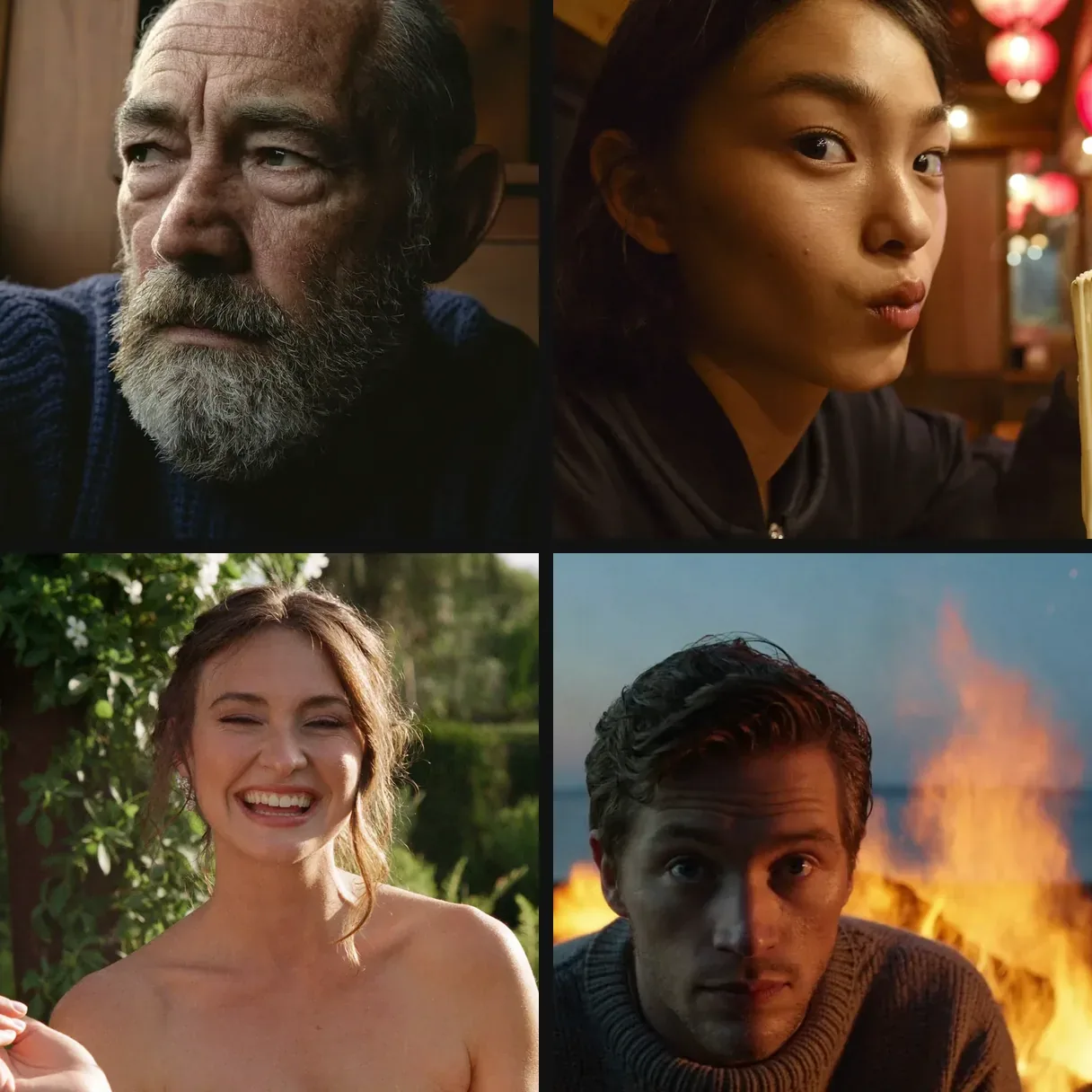
Crops from the lighting, aperture, film stock and atmosphere pages.
Directing AI video
- AI video prompt template: a template you fill in, plus the lines to swap in when a prompt is too vague
- Camera movement: dolly in, orbit, crane up or handheld, and when to keep the camera still
- Depth layering for image to video: getting near and far things to slide past each other so the shot feels deep
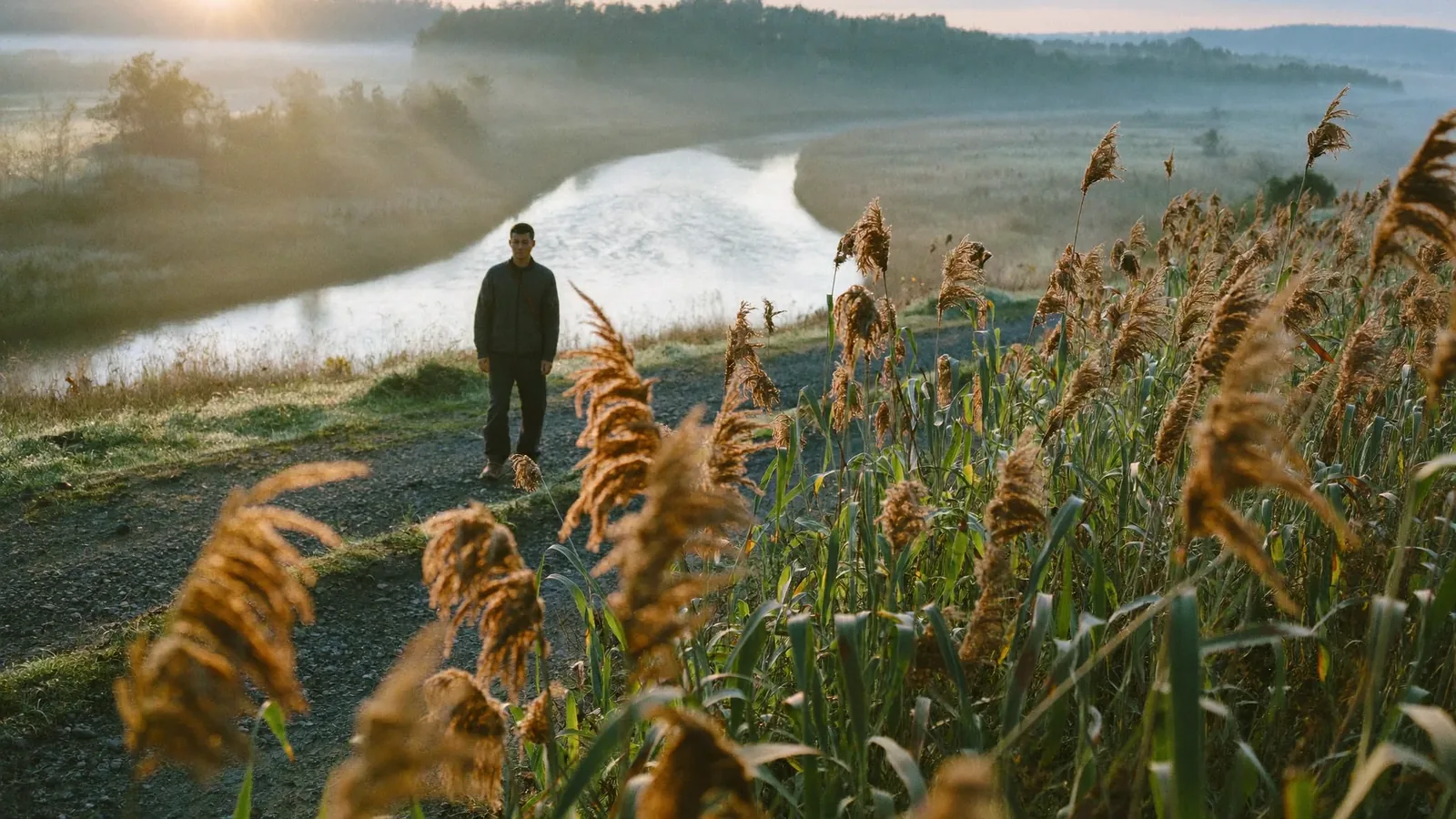
From the depth layering page.
People and characters
- Realistic AI people: pores, eyes, light and small movements, so people stop looking waxy
- Character sheet: one reference sheet so the same face turns up in every shot
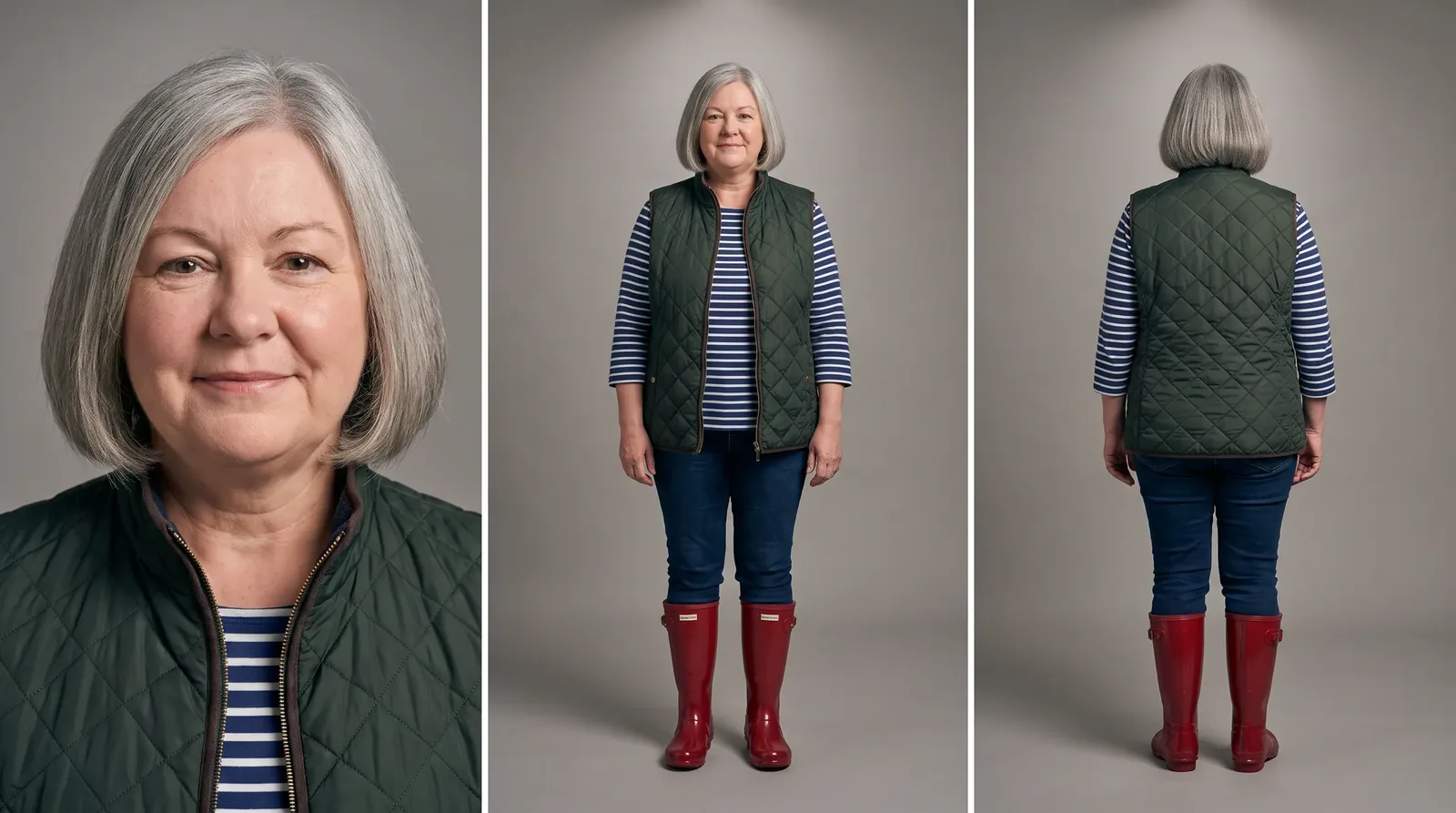
From the character sheet page.
Ready-made viral concepts
- Viral AI video prompts: a man chased by a giant mouse cursor, a fighter jet launched off a motorway trailer, and popcorn erupting from a volcano
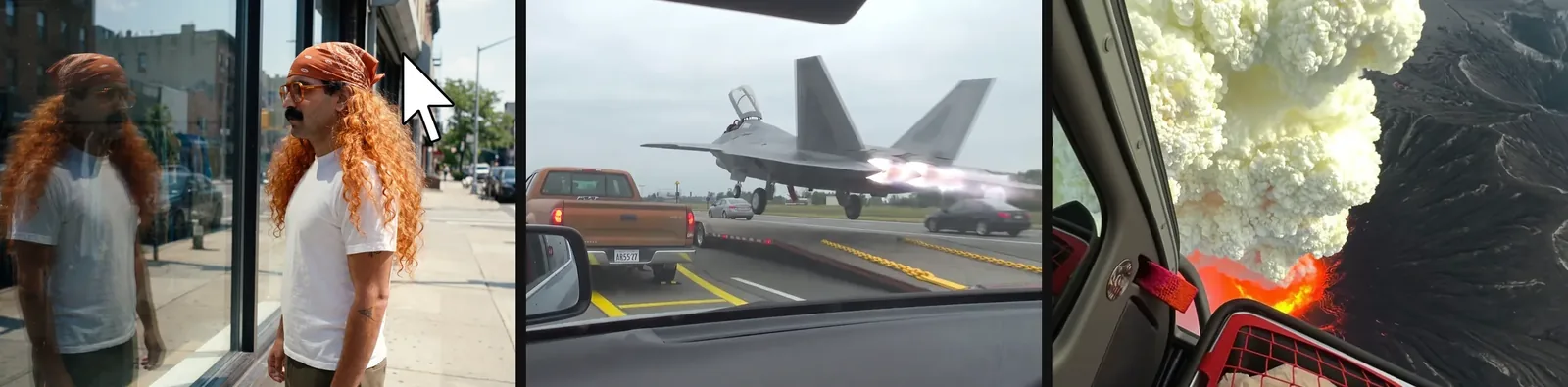
Stills from the three viral concepts.
Using these prompts in PromptWise
Choose the model the page names, paste the prompt, and if it asks for reference images, add them in the order it lists. Order matters more than you’d think. There are 40+ image, video and audio models in the studio, and every model is available as soon as you sign up.