AI Video Prompt Template and the Lines That Fill It
By Daniel Riley · Published · Updated
In short: Cinematic AI video comes from deciding, before prompting, what happens, how it is shot, how the character behaves and what must not change. This page gives a copy-paste template with a slot for each of those decisions, plus short ready-made lines that replace vague words such as "cinematic lighting", "handheld" or "nervous" with things a model can actually show.
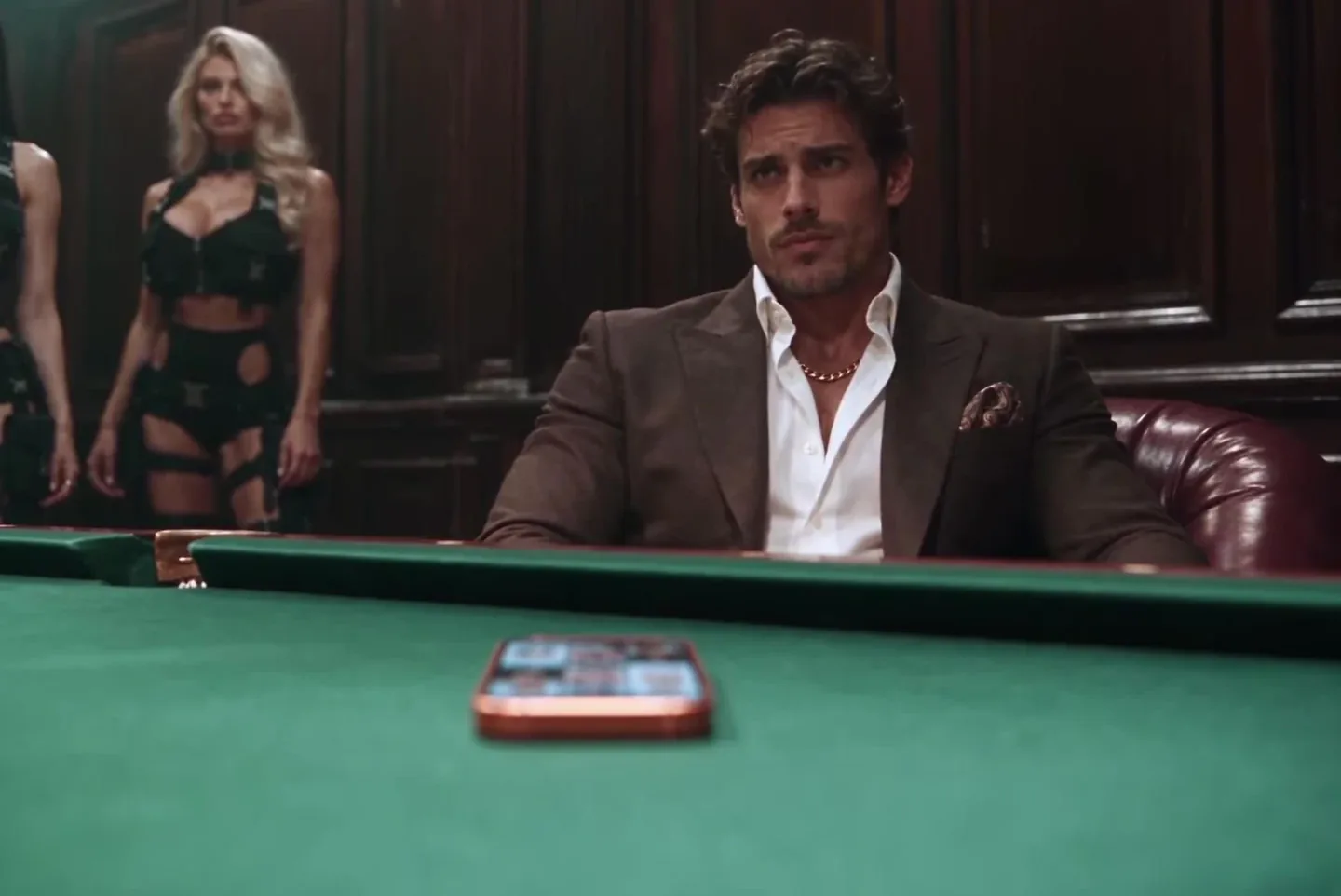
A still from the “AI Cinematic Blueprint” reel.
Images for the video lines are stills made to match the moment described, not frames pulled from rendered clips. Captions name the model used.
Adding “cinematic” to a prompt doesn’t make a shot cinematic. Deciding in advance does: what happens, how to shoot it, how the character behaves and what must stay unchanged. Give every shot one primary job by finishing the sentence “This shot exists to…”, whether that is establishing a place, showing an action or revealing a reaction. A shot that tries to show five equally important things should be simplified or split.
The lines below are small and specific on purpose. Each replaces a vague word with something a video model can perform, and they all slot into the template at the end. The examples follow one running scene: a man arriving at a checkpoint outside an upscale city club at night.
Source post: The “AI Cinematic Blueprint” reel on Instagram (@trypromptwise) · “AI Cinematic Blueprint” on Facebook
Text to video or image to video
The two need different prompts. With text to video, the model has no first frame, so the prompt must describe the character, location, composition, light and style as well as what happens. With image to video, the starting image already sets all of that, so the prompt should spend its words on action, camera, performance, environmental motion and timing, not on redescribing what is visible.
Text-To-Video:
A nighttime entrance to an upscale city club. A man stands in front of a security guard on a round manhole cover. A handheld camera observes them in a medium side view. The guard raises a small flashlight toward the man’s eyes; the man calmly removes his glasses.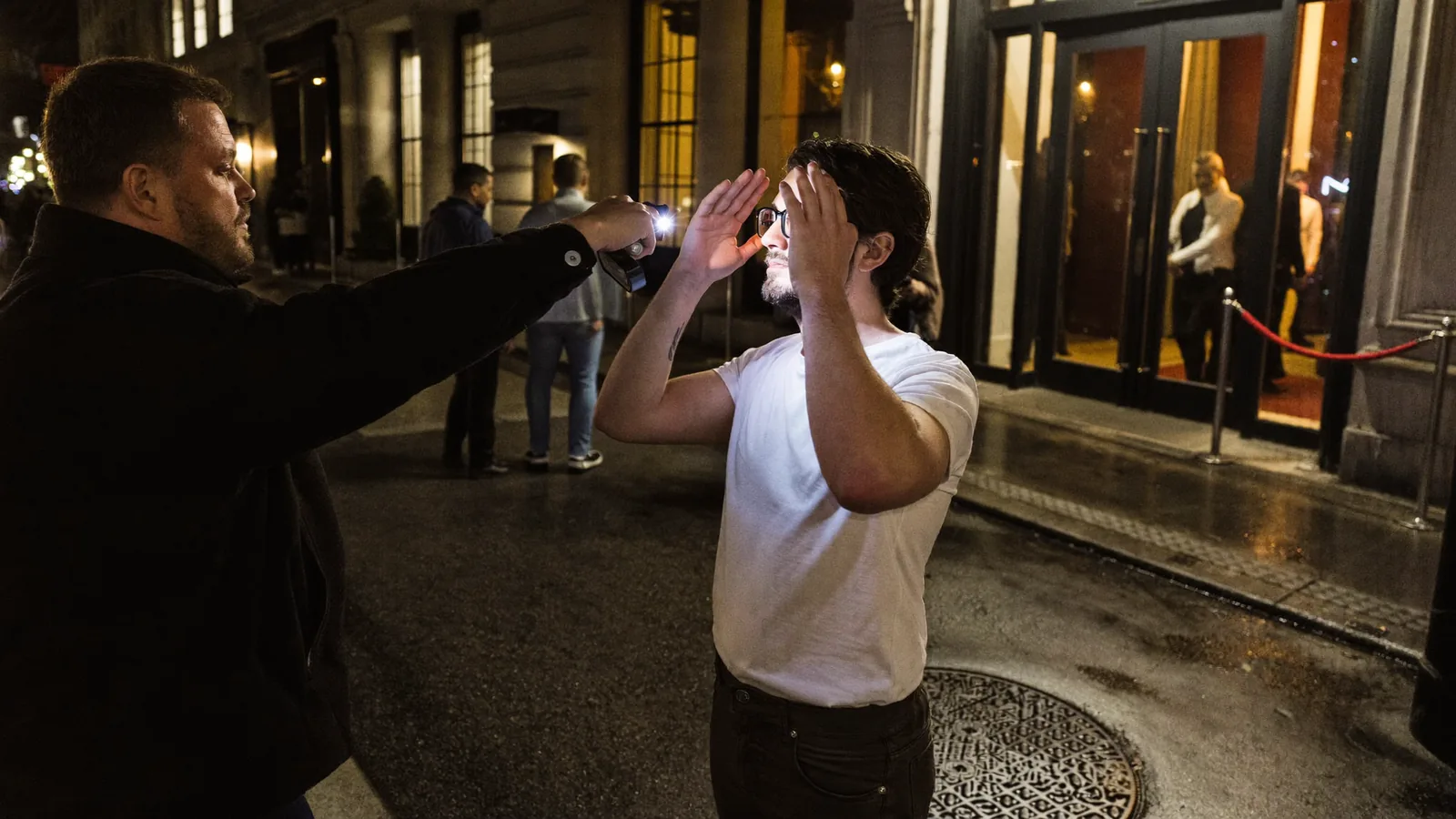
Made in Realism Pro as a still: TEXT-TO-VIDEO prompt as written.
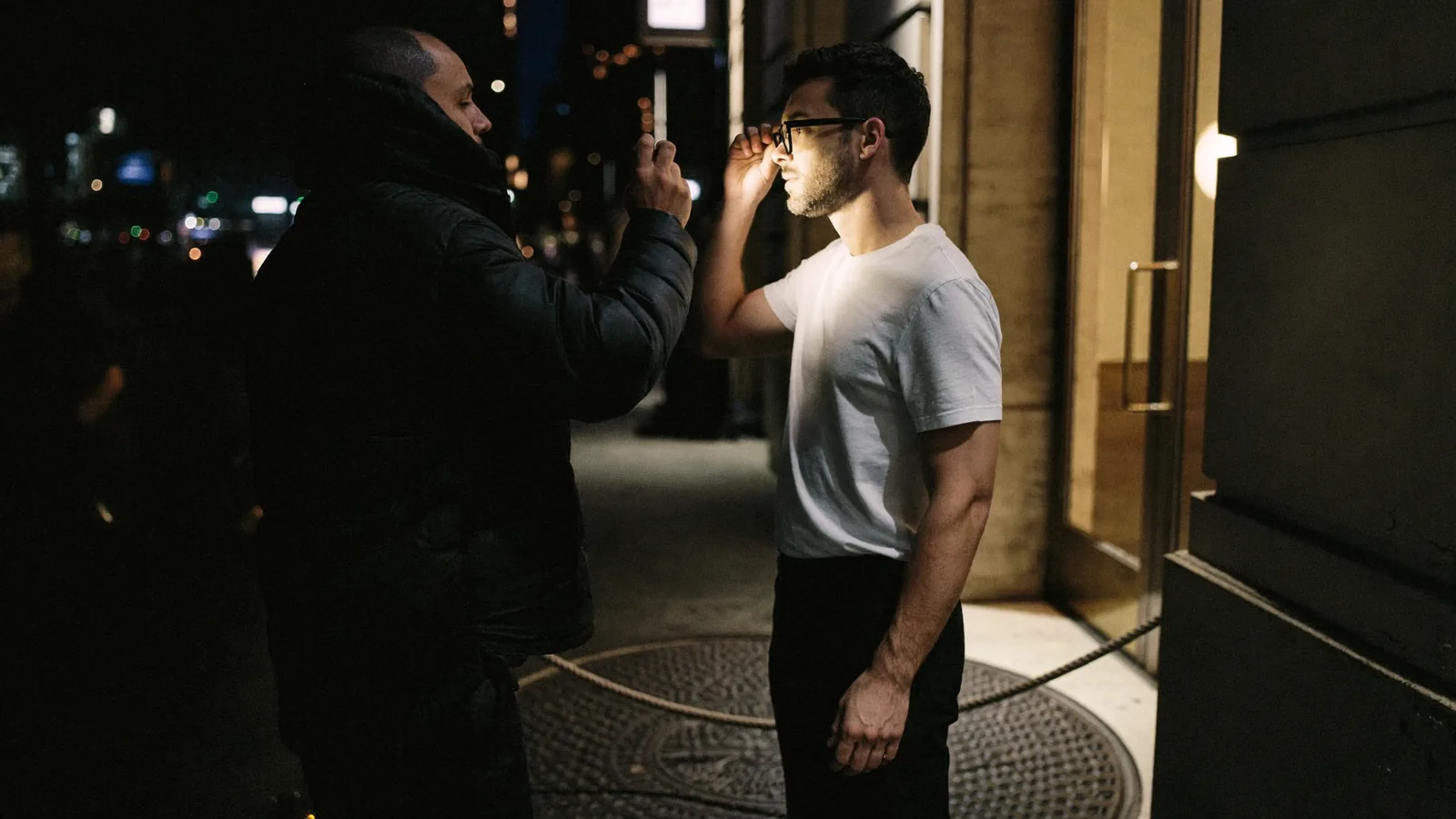
Made in Realism Pro as a still: same clip, later frame.
Image-To-Video:
The man starts walking forward and puts on his glasses with one hand. The handheld camera tracks backward in front of him. A light breeze moves his hair and the edges of his clothing. Focus makes one small, natural correction as he begins to move.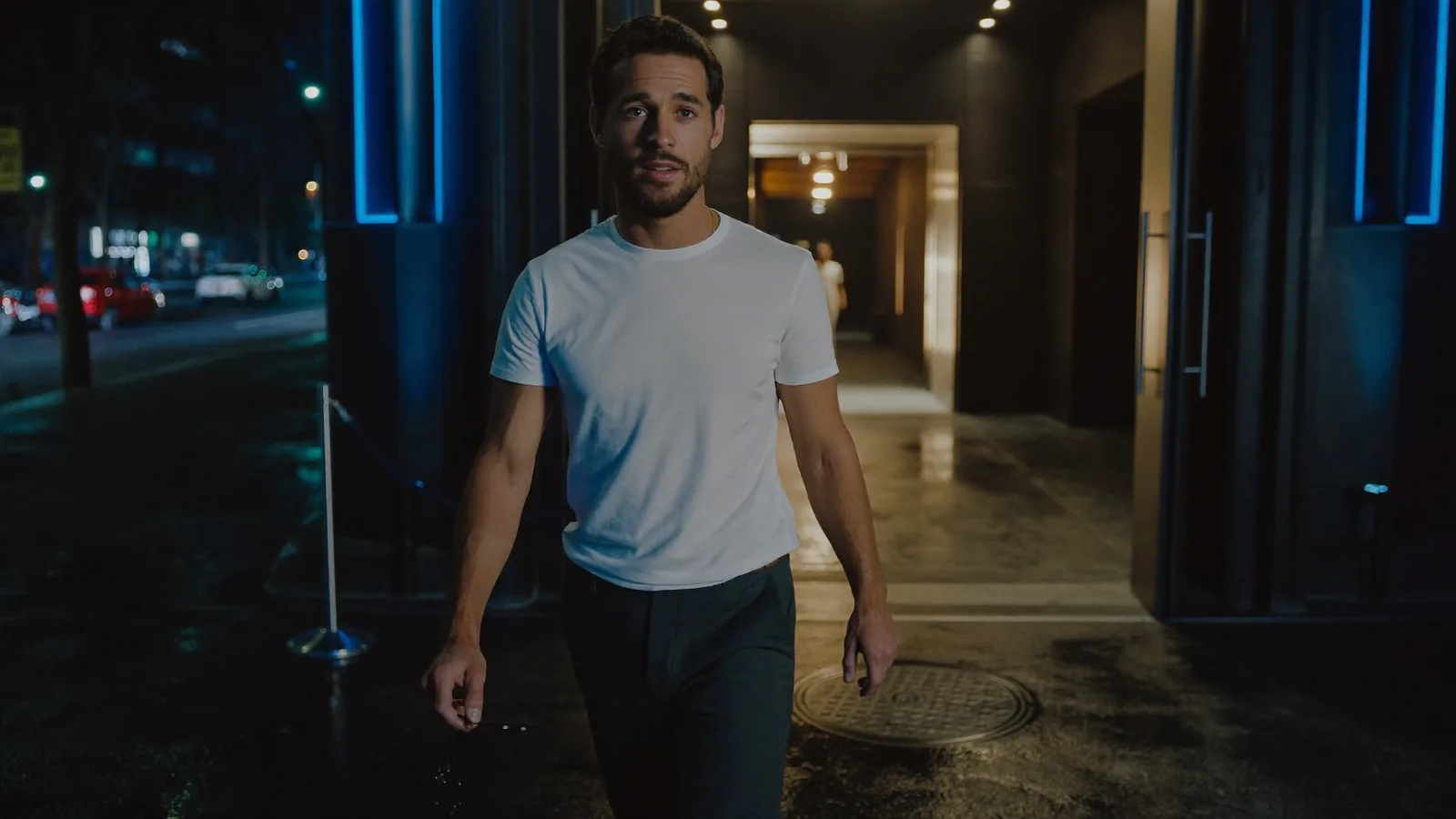
Made in Realism Pro: a still of the man at the club entrance, used as the first frame.
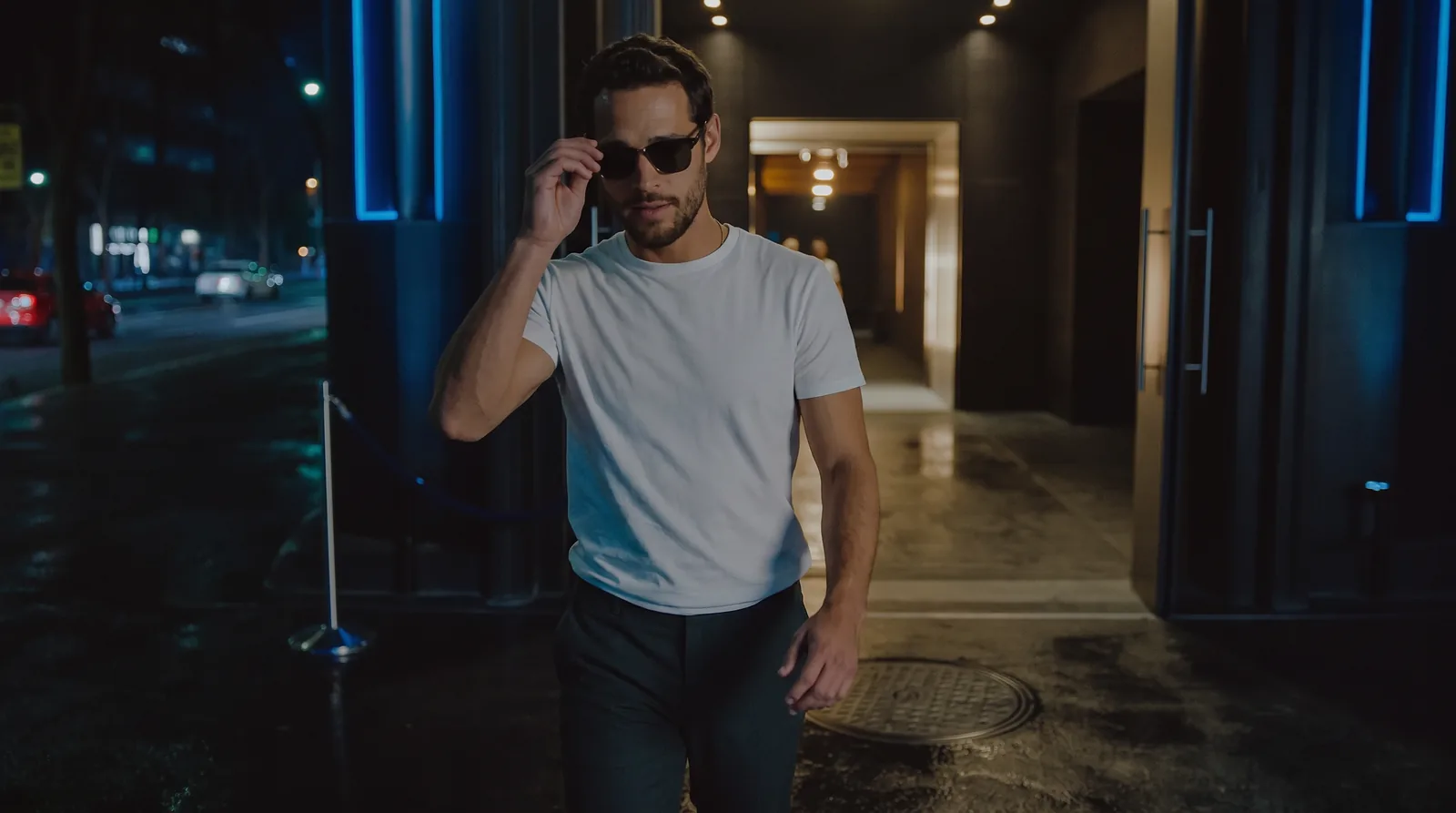
Made in Nano Banana Pro as a still: IMAGE-TO-VIDEO prompt as written, from the still above.
Choose the lens by what the shot needs
Wide lenses show more environment and depth, standard lenses balance the character and the place, longer lenses tighten the frame and separate the subject, and very long lenses compress layers together. Treat focal lengths as starting points; perspective depends on where the camera stands as much as on the lens. Rather than assuming 85 mm makes a shot cinematic, ask:
Lens Question:
“How much of the environment do I need, and where must the camera be to show it?”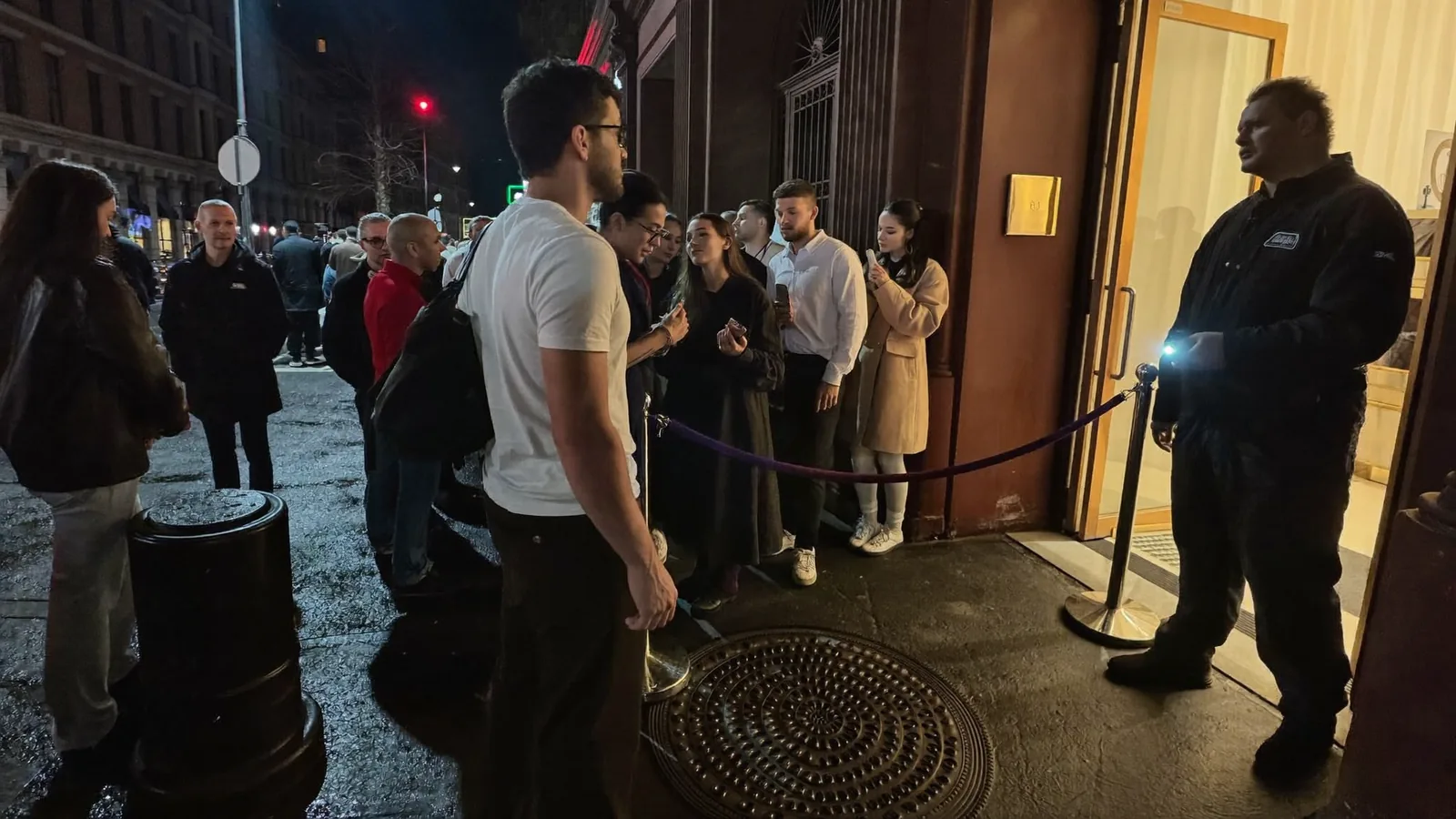
Made in Realism Pro: “Wide shot of the club checkpoint at night, 24mm lens” (illustrates the lens question).
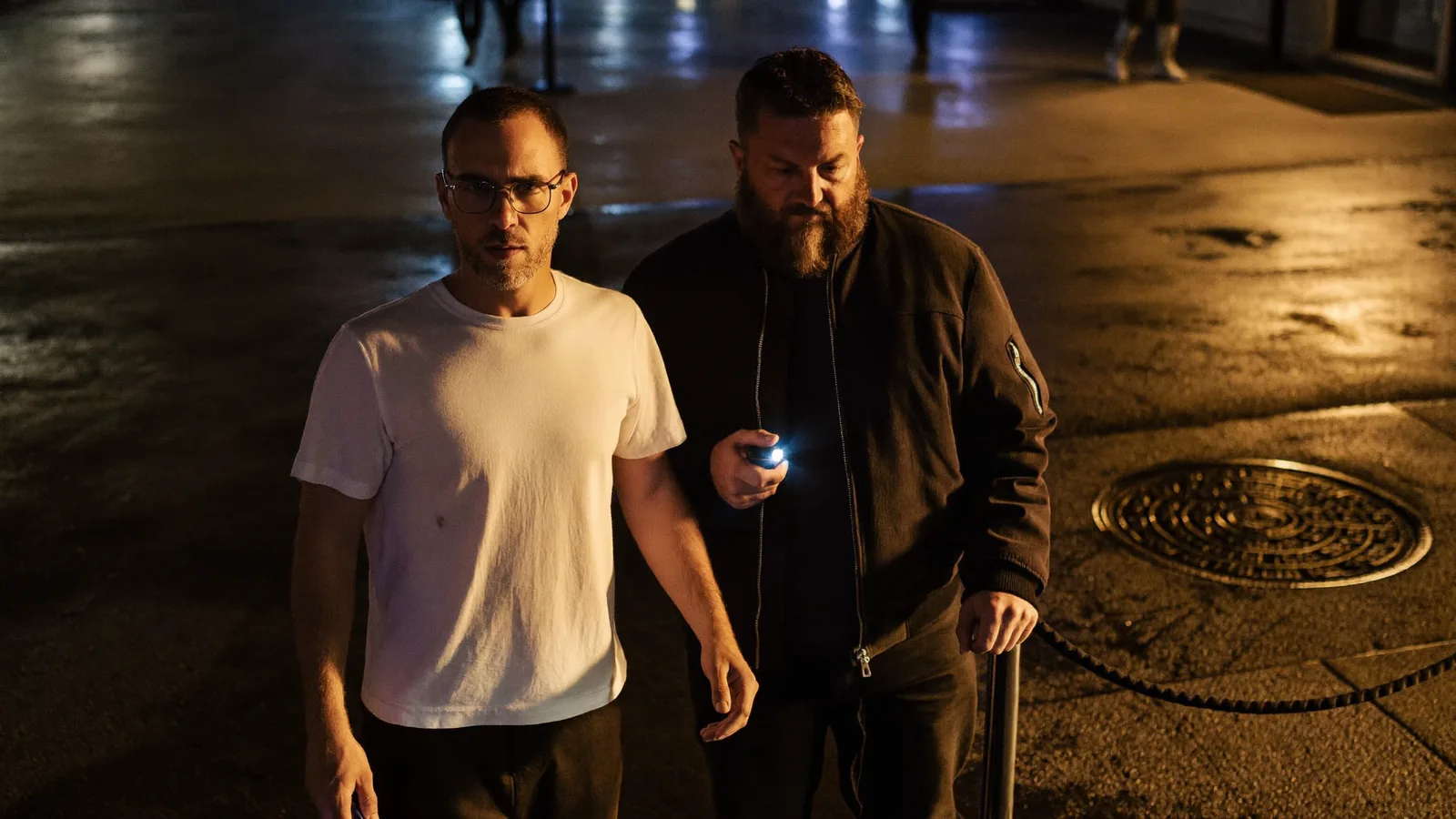
Made in Realism Pro: “Medium close-up of the man and the guard at the checkpoint, 100mm lens from across the street”.
Light: source, direction, quality, shadows
Ask where the light could physically come from, which way it falls, whether it is soft or hard, and how dark the shadow side should stay.
Instead of: “Cinematic lighting, beautiful dramatic light.”
Better:
Soft warm light from the entrance on the right, cooler urban ambient fill in the shadows, deep but readable shadow detail.Why this works
- The entrance is a real source in the scene, so the warm light has a reason; the cooler city fill explains the shadow colour.
- “Deep but readable” sets the shadow density, which “dramatic” never does.
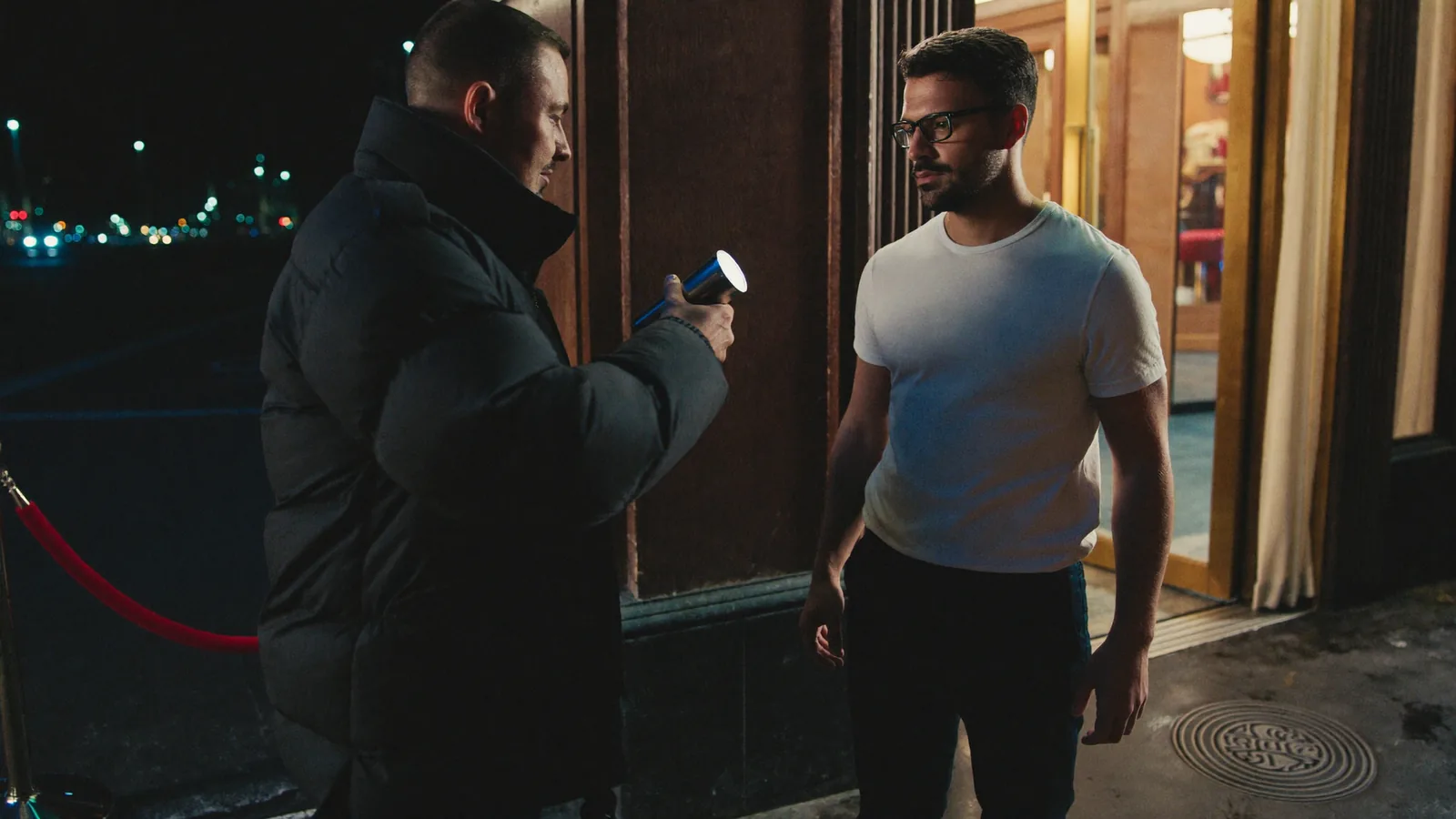
Made in Realism Pro: club checkpoint still + BETTER light line.
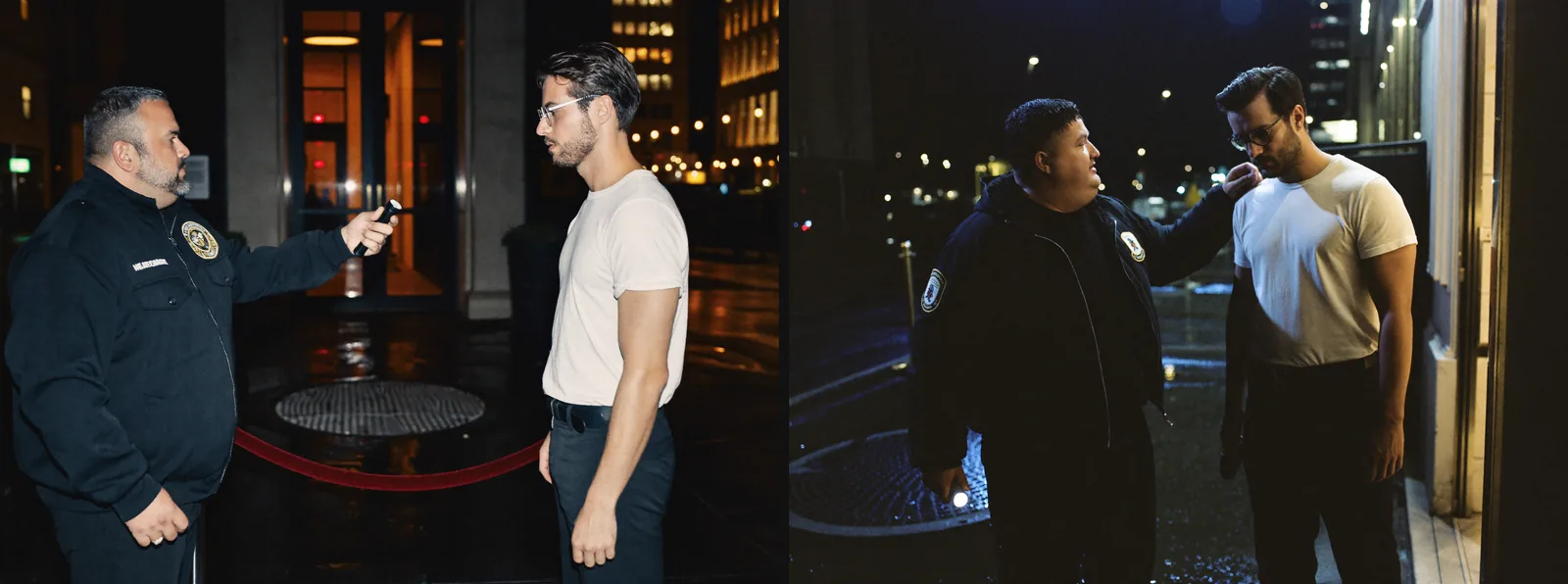
Made in Realism Pro: the “Instead of” line, then the BETTER line.
Handheld that feels physical
“Handheld” alone gives a model nothing to perform. Describe the operator’s body instead, and how the camera responds when the subject moves suddenly; that small lag is what makes a shot feel filmed rather than generated.
Handheld Line:
Subtle operator sway, small framing corrections, natural body-weight movement.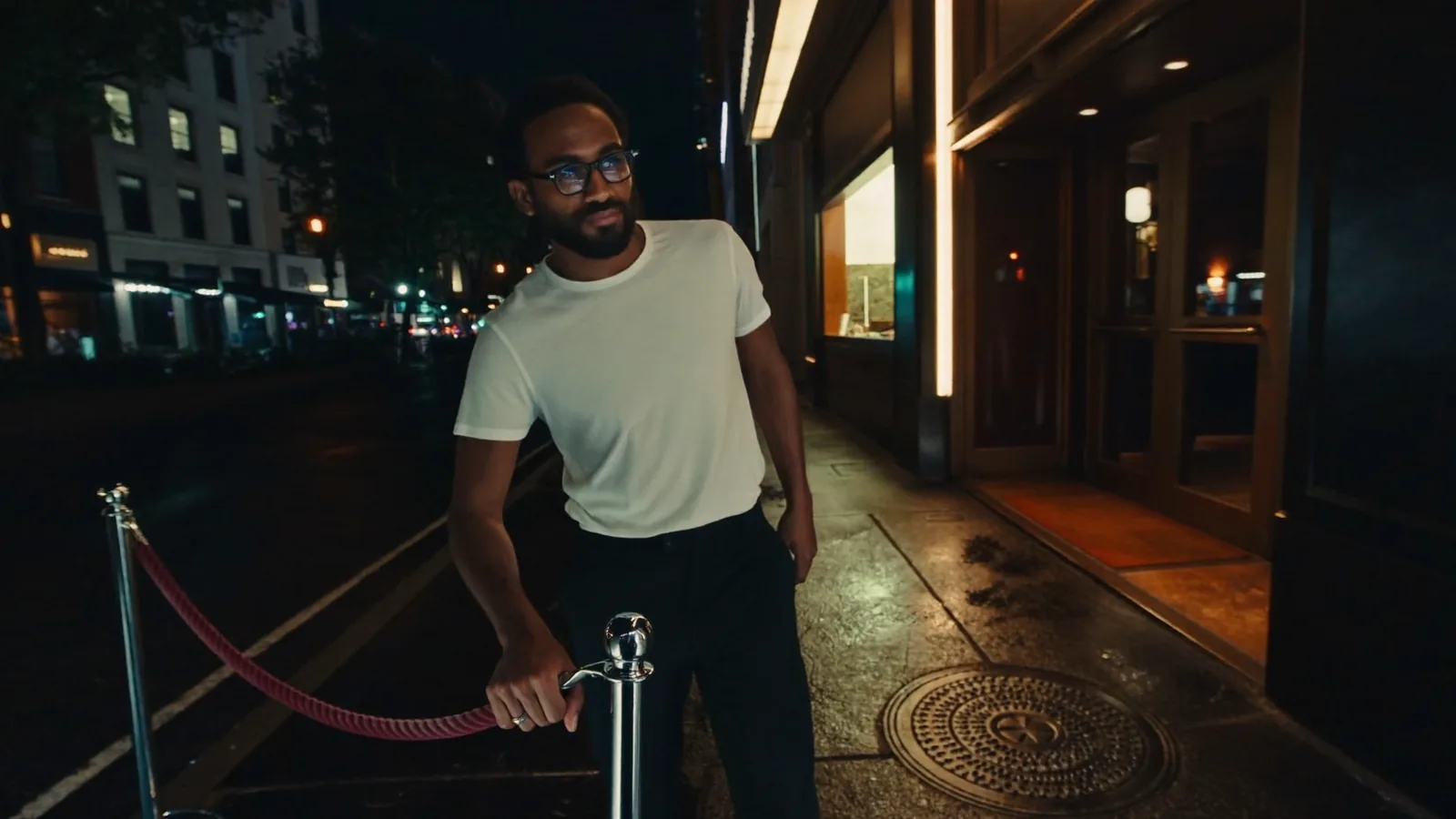
Made in Realism Pro as a still: “The man waits in the queue outside the club.” + HANDHELD LINE.
Reaction Line:
The camera reacts with a small, slightly late reframing correction.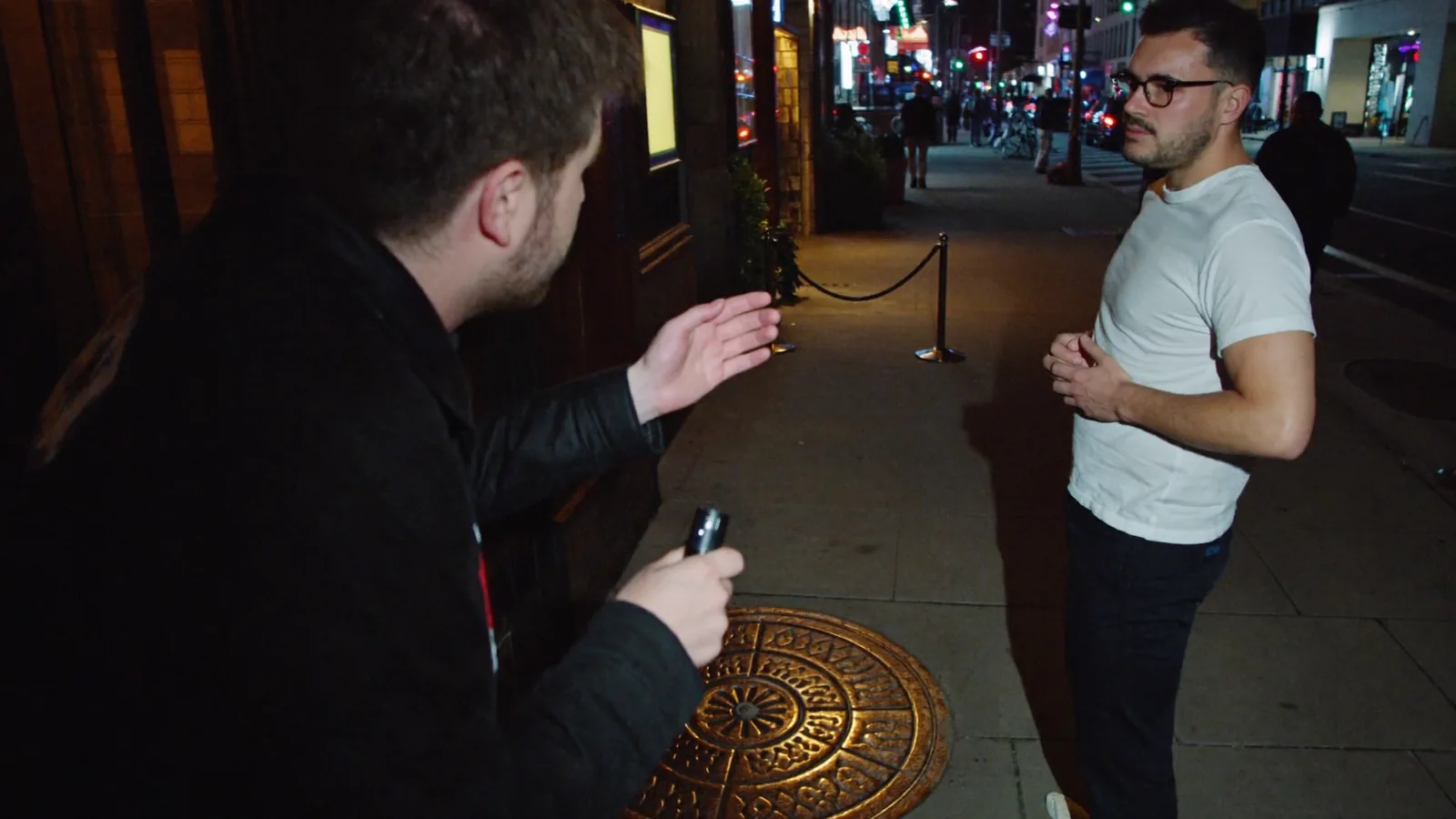
Made in Realism Pro as a still: “The guard suddenly leans towards the man.” + REACTION LINE.
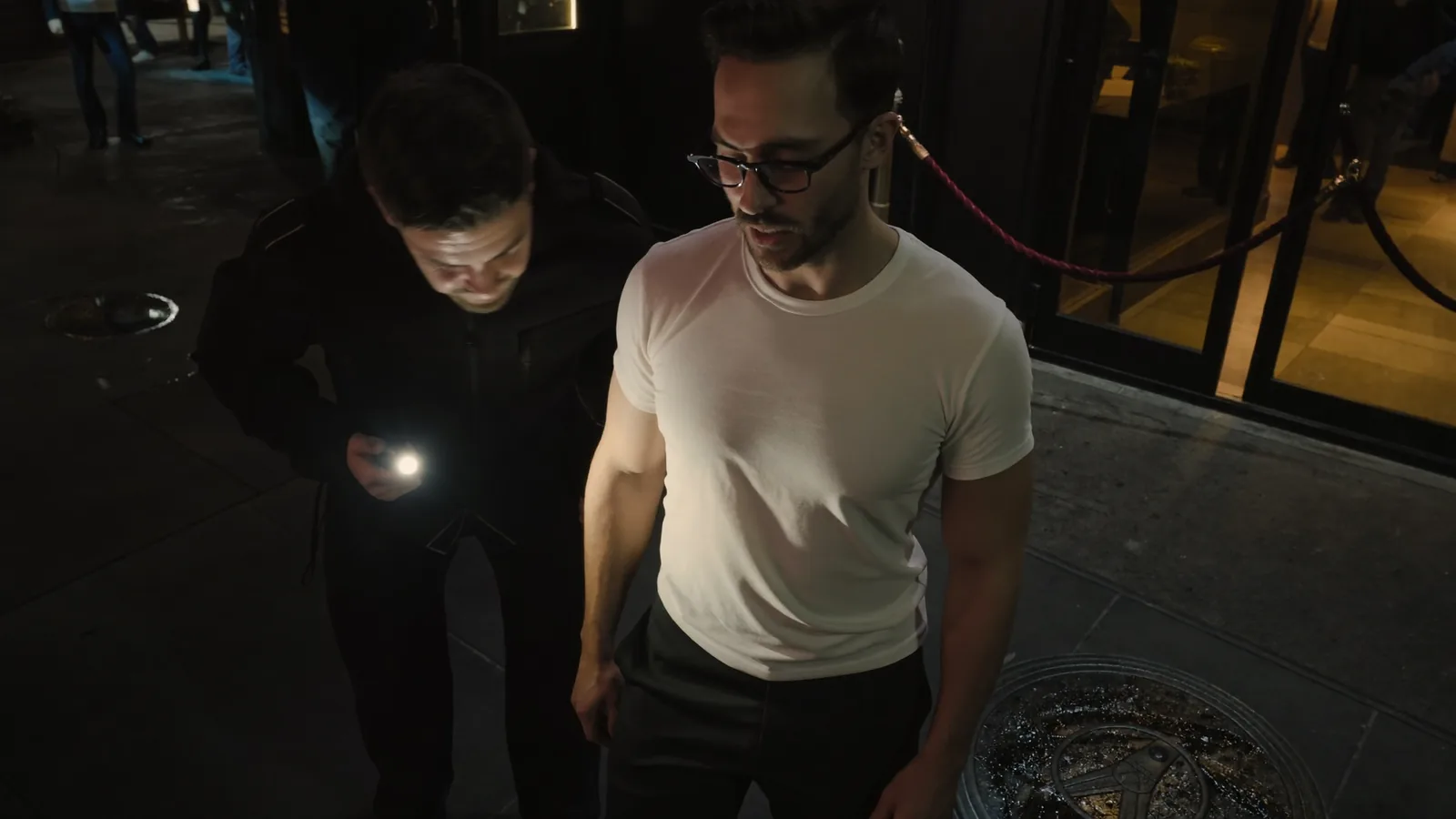
Made in Realism Pro as a still: same clip, a beat later.
Focus that lands a fraction late
Add a focus event only when the shot needs it. For a lively handheld shot, a tiny delay or one micro-correction helps, as long as the important subject stays readable. Not just “Realistic focus.” but:
Better:
As she suddenly leans forward, focus arrives a fraction late on her eyes, makes one small correction and settles.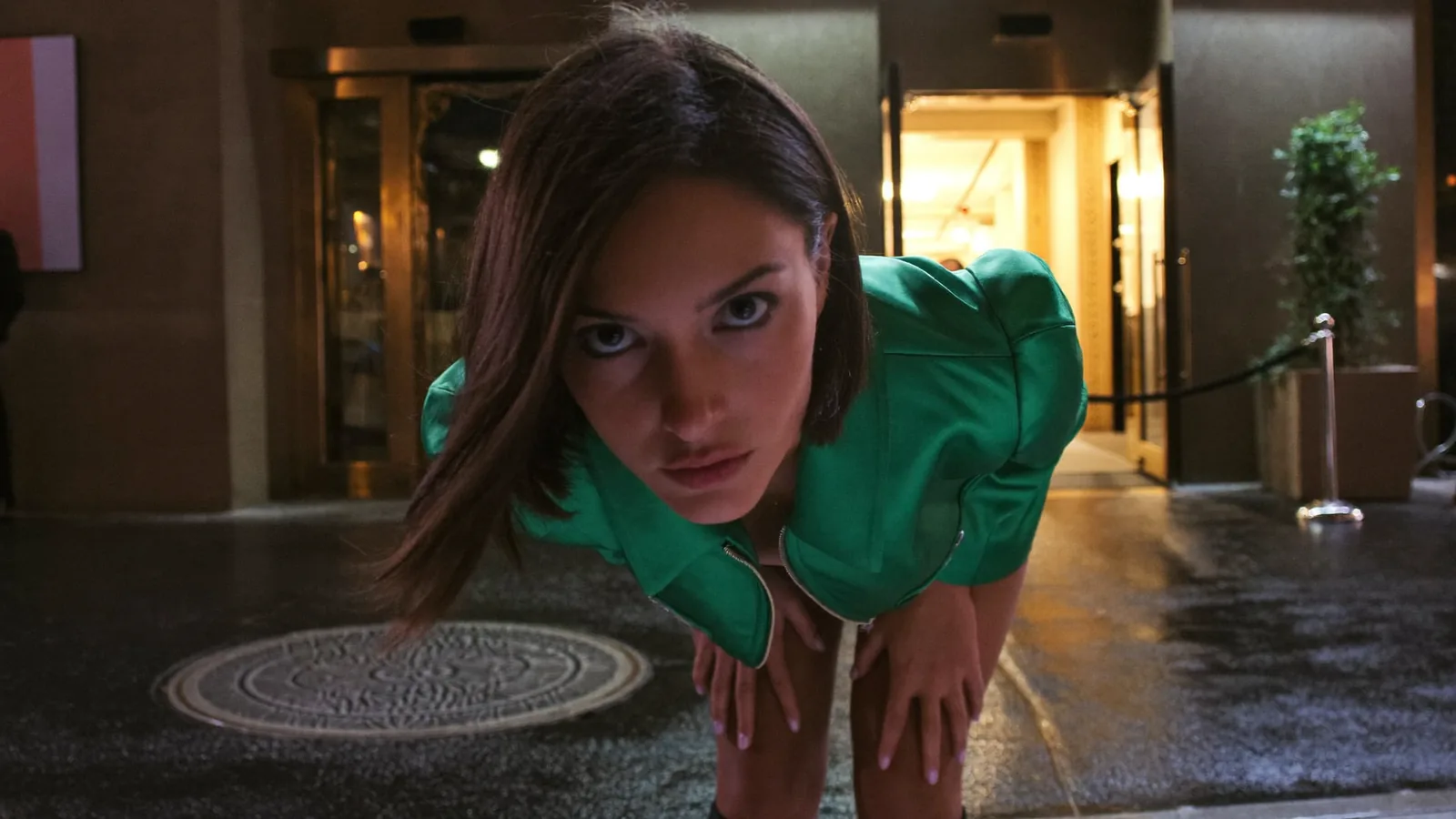
Made in Realism Pro as a still: “A woman at the checkpoint argues with the inspector.” + BETTER focus line.
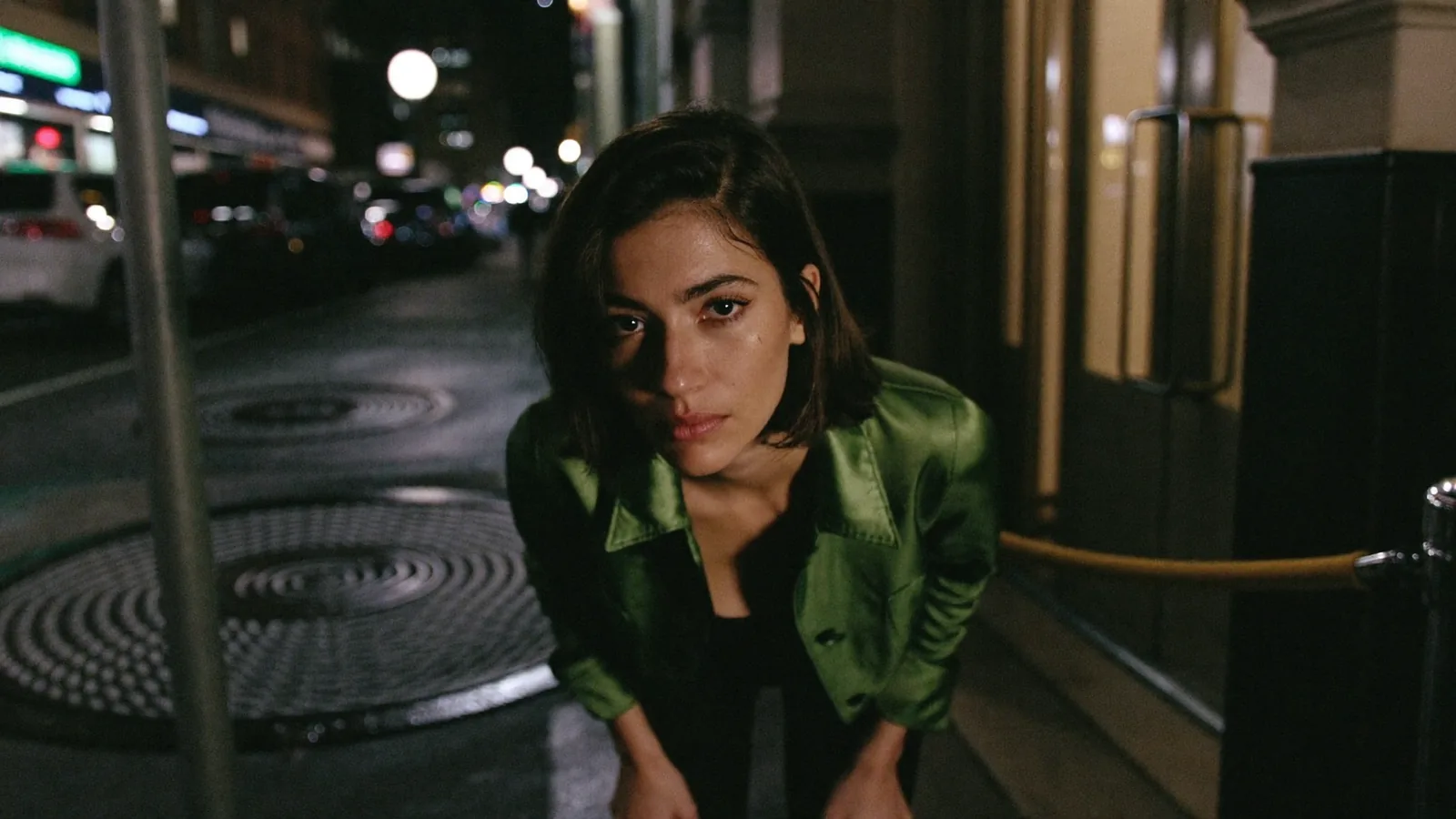
Made in Realism Pro as a still: same clip, after the correction.
Behaviour, not an emotion label
Instead of: “She is nervous.” the model needs physical behaviour to perform: where the eyes go, what the face does, how the weight shifts, and what the body does just after the event. Emotions also move through three phases, trigger, reaction and recovery, rather than freezing as a mask.
Better:
She blinks more often, keeps looking at the inspector, shifts her weight slightly from foot to foot, takes one short breath and opens one palm in a questioning gesture.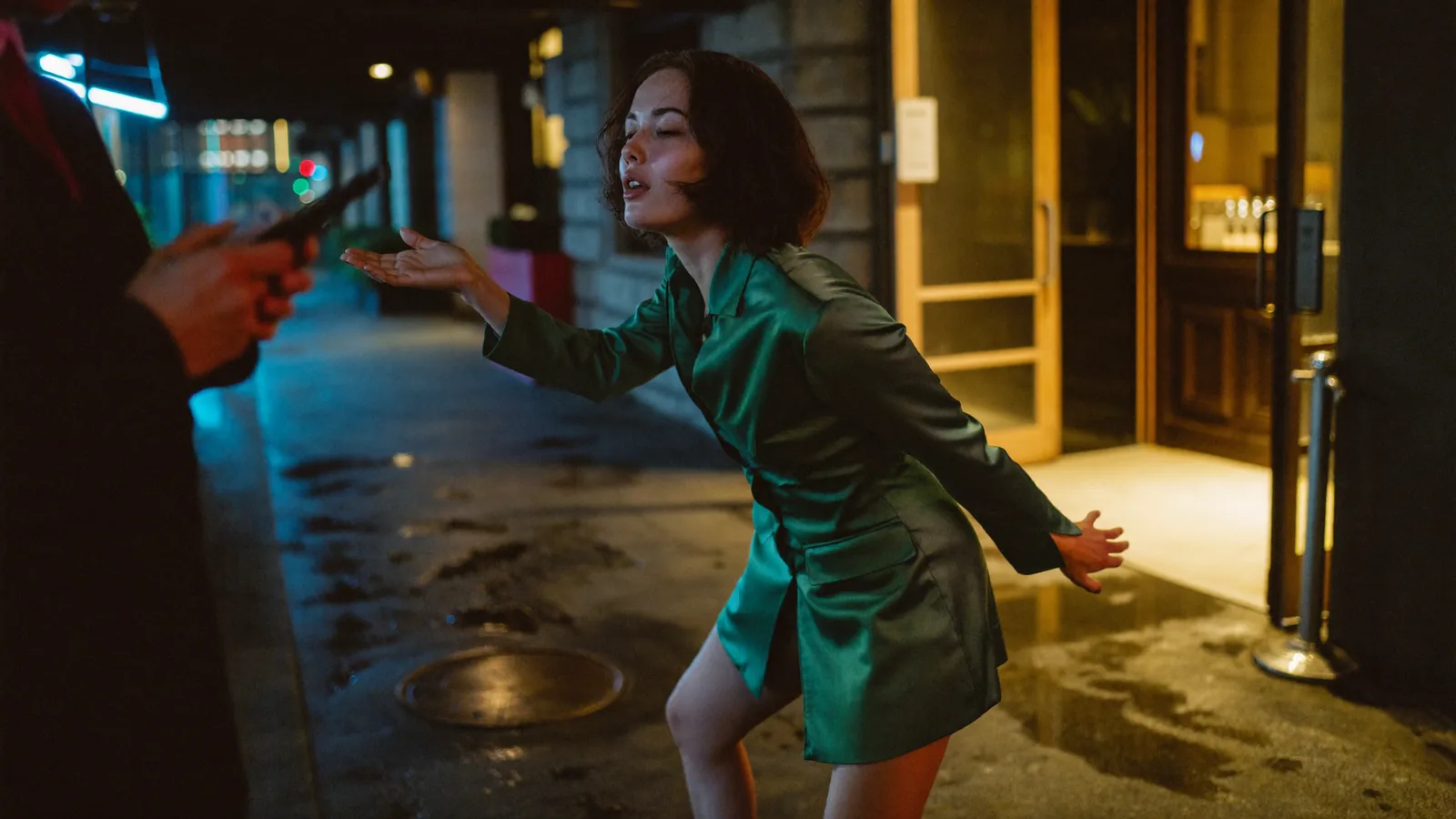
Made in Realism Pro as a still: “A woman faces the inspector at the club checkpoint.” + BETTER behaviour line.
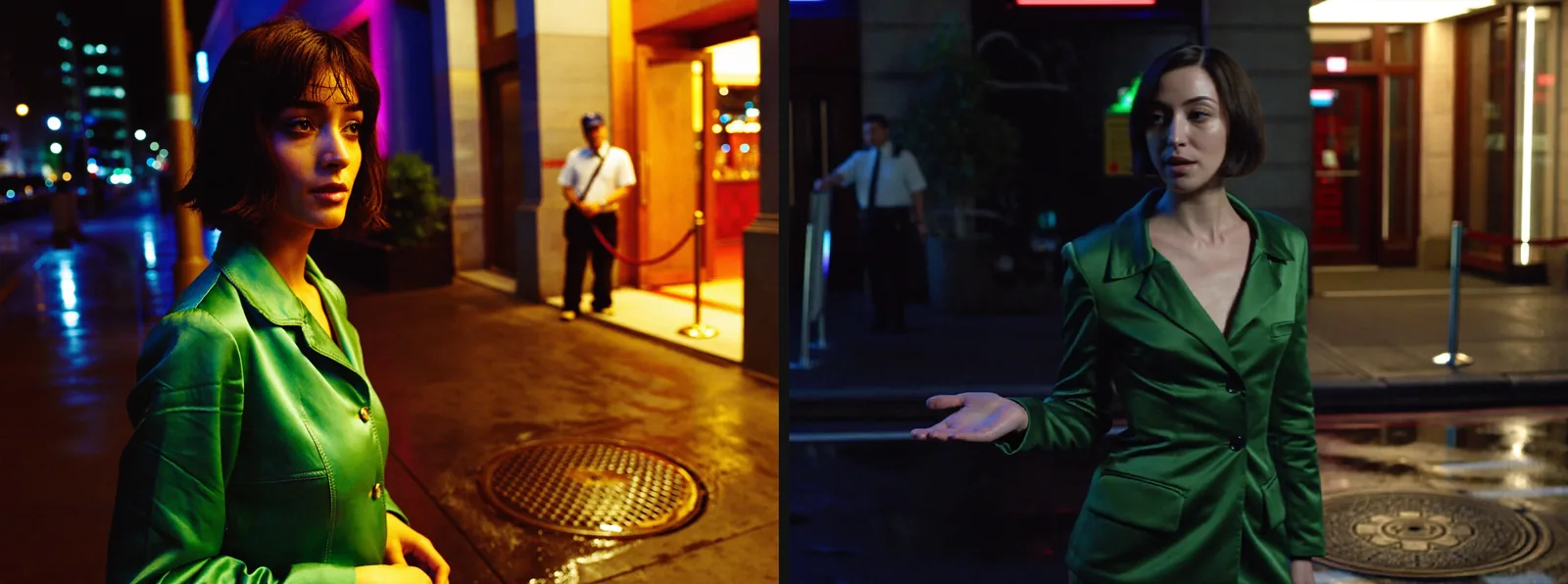
Made in Realism Pro as a still: the weak line, then the BETTER line.
Assign both hands
When a character holds a book, a phone, a glass or a tool, the model may decide they hold it with both hands. If it matters, say which hand holds it and what the other one does.
Hands Line:
He holds the book ONLY in his right hand. His left arm remains free and continues its natural walking swing.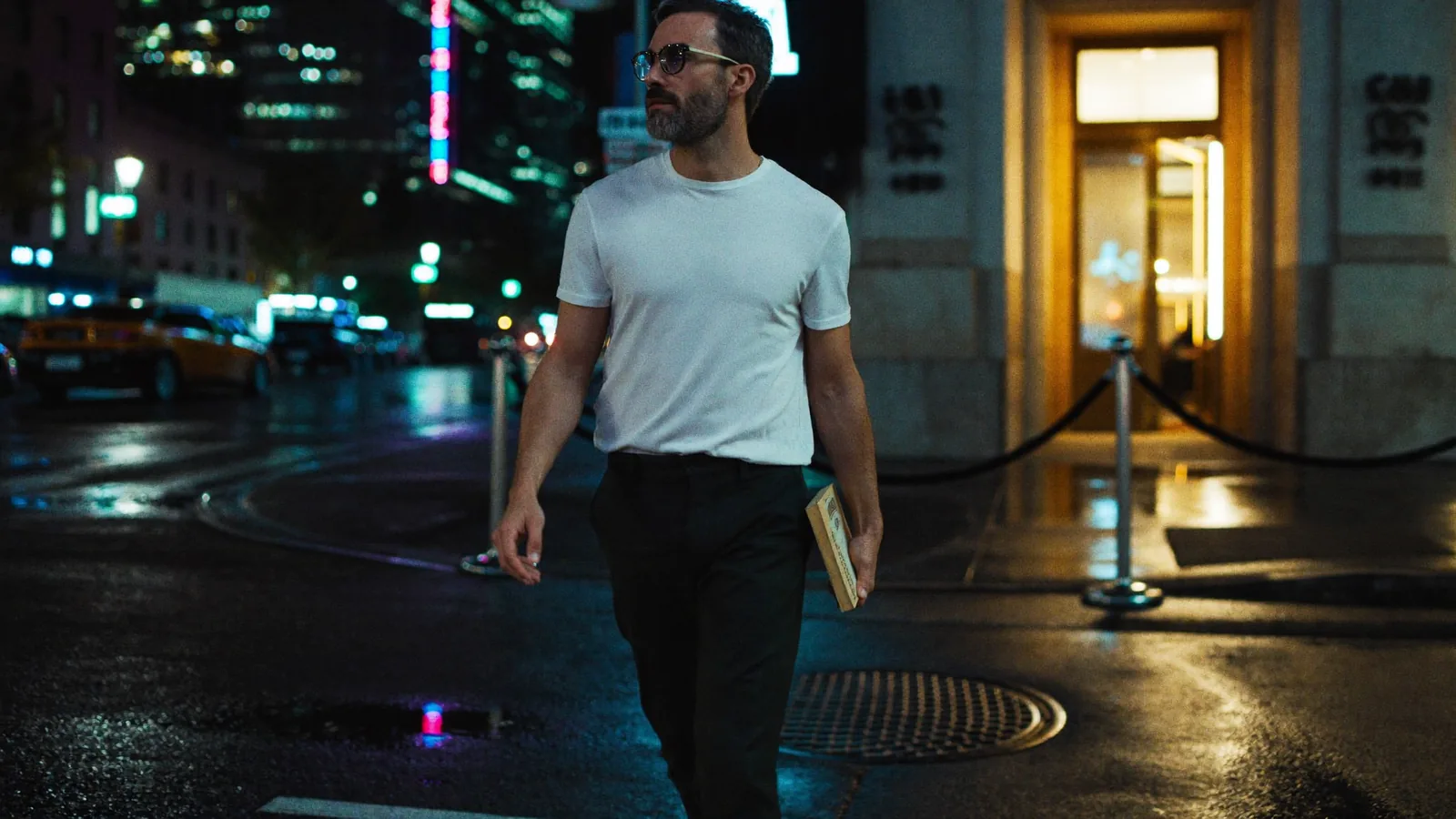
Made in Realism Pro as a still: “The man walks towards the club entrance holding a book.” + HANDS LINE.
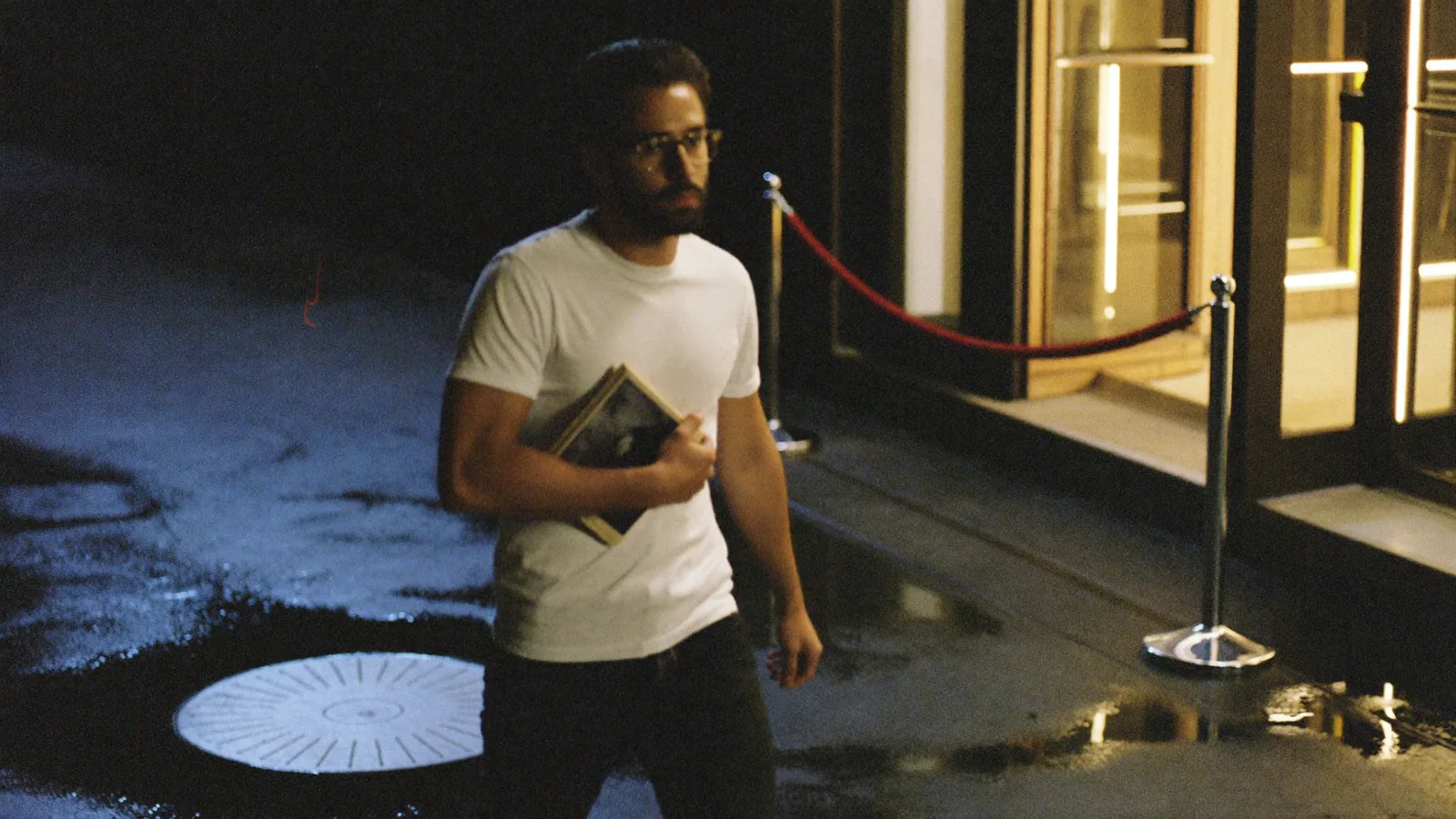
Made in Realism Pro as a still: same prompt without the HANDS LINE.
Start mid-action
A shot that begins from a dead stop often looks staged. Describing the first frame partway into a movement gives the clip momentum from its first frame.
Mid-Action Line:
The first frame catches him at the start of his first step as his gaze shifts to the right.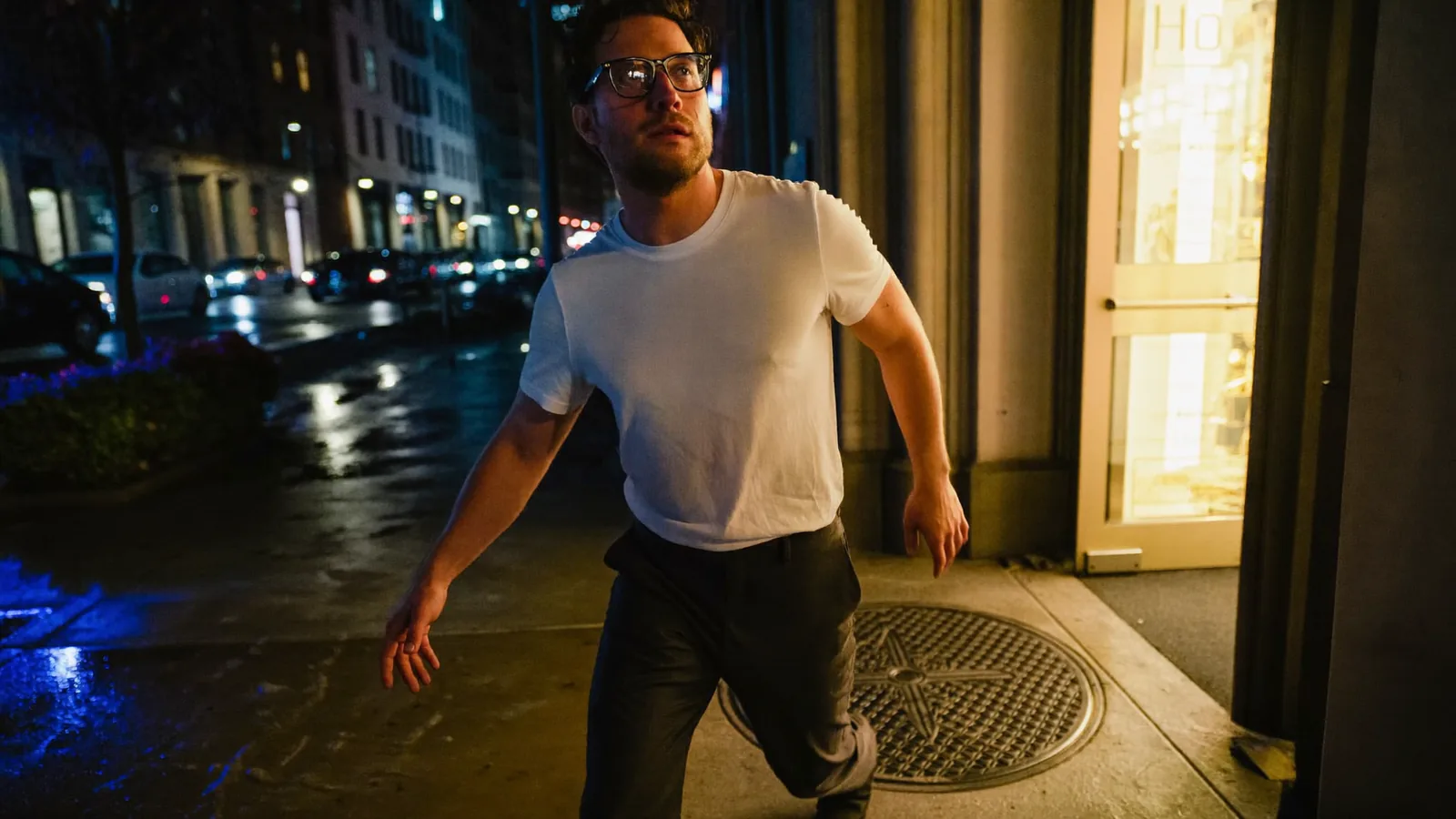
Made in Realism Pro as a still: “The man walks out of the club.” + MID-ACTION LINE, first frame.
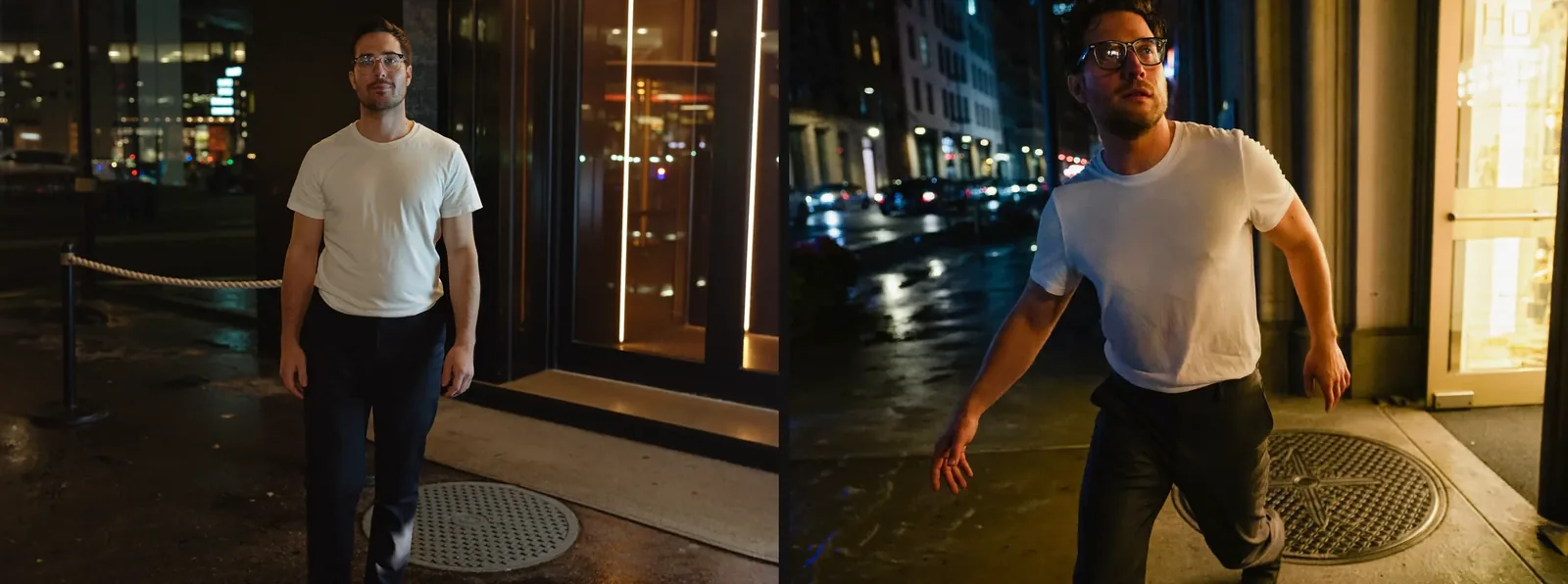
Made in Realism Pro as a still: same prompt without, then with, the MID-ACTION LINE.
Tell each reference what not to bring
Saying what each reference image defines is useful; saying what it must not pass on matters even more. A catalogue photo of an outfit should not bring its white background and studio light into a night scene.
REFERENCE LINE: character
Prompt
@image1 defines identity and wardrobe only. Do not inherit the white background, catalogue pose or studio lighting.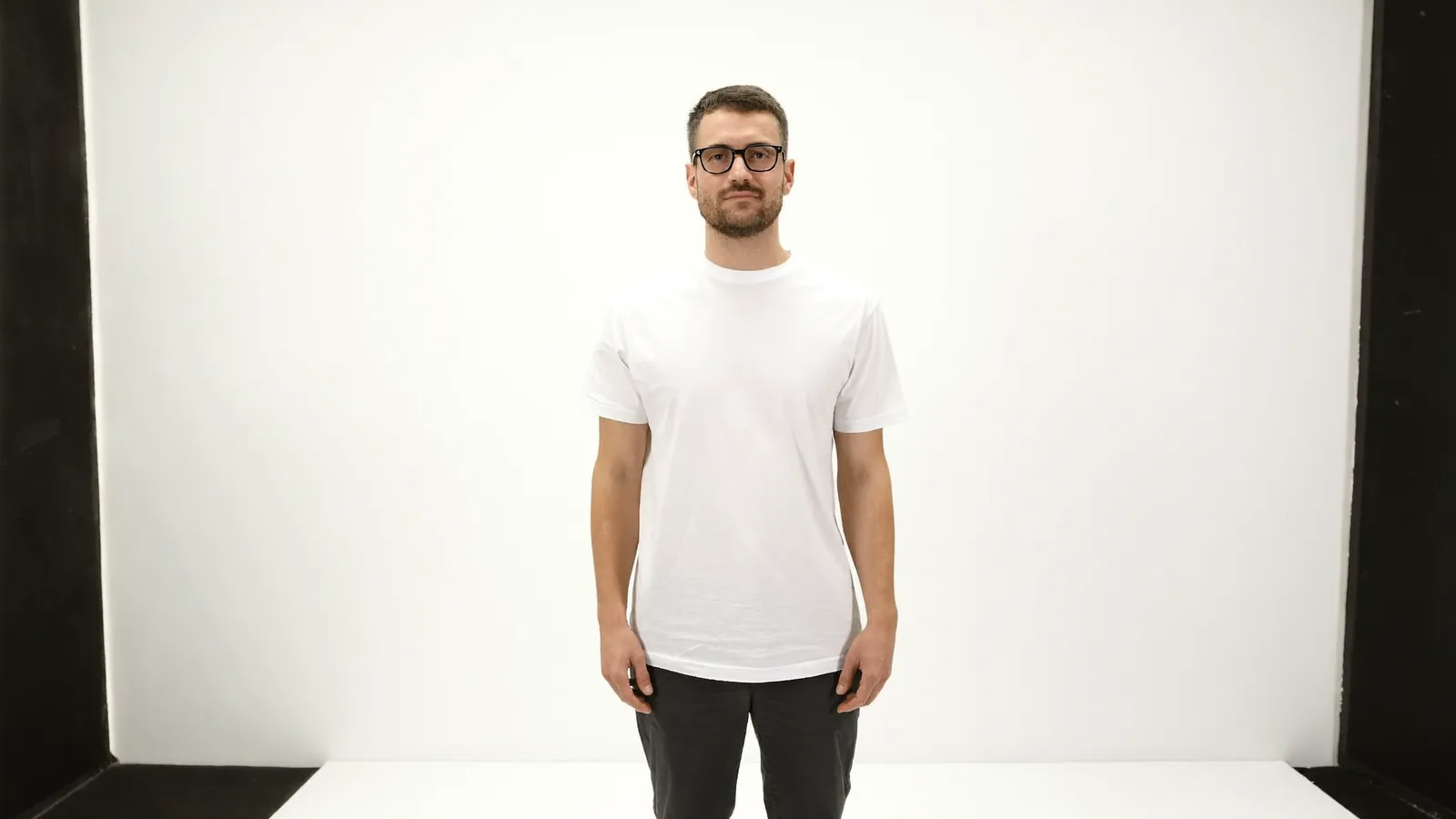
Made in Realism Pro: a catalogue-style still of the character on white, used as @image1.
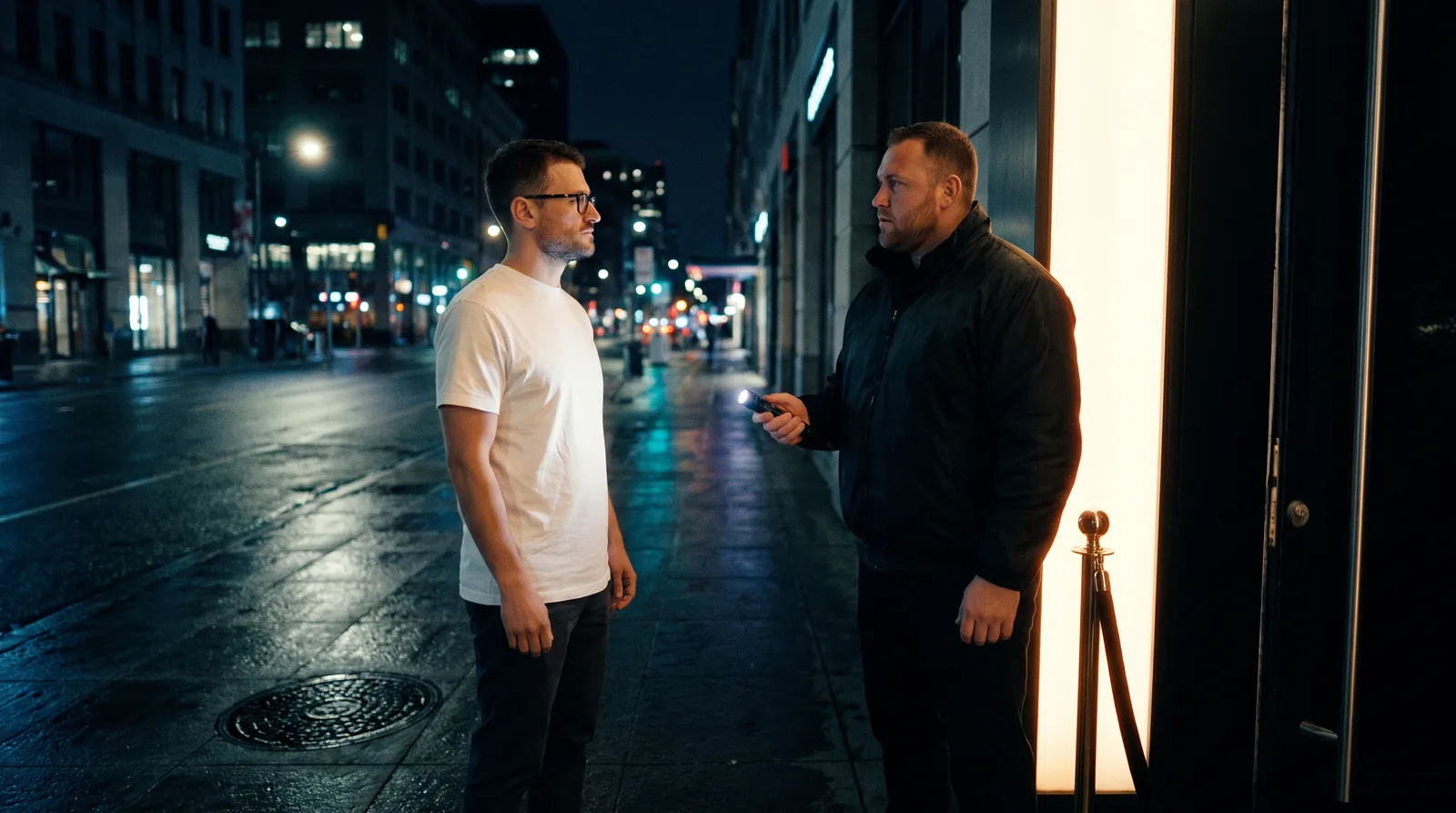
Made in Nano Banana Pro as a still: scene prompt + REFERENCE LINE: character.
REFERENCE LINE: location
Prompt
@image2 defines architecture and lighting only. Do not reproduce the reference people.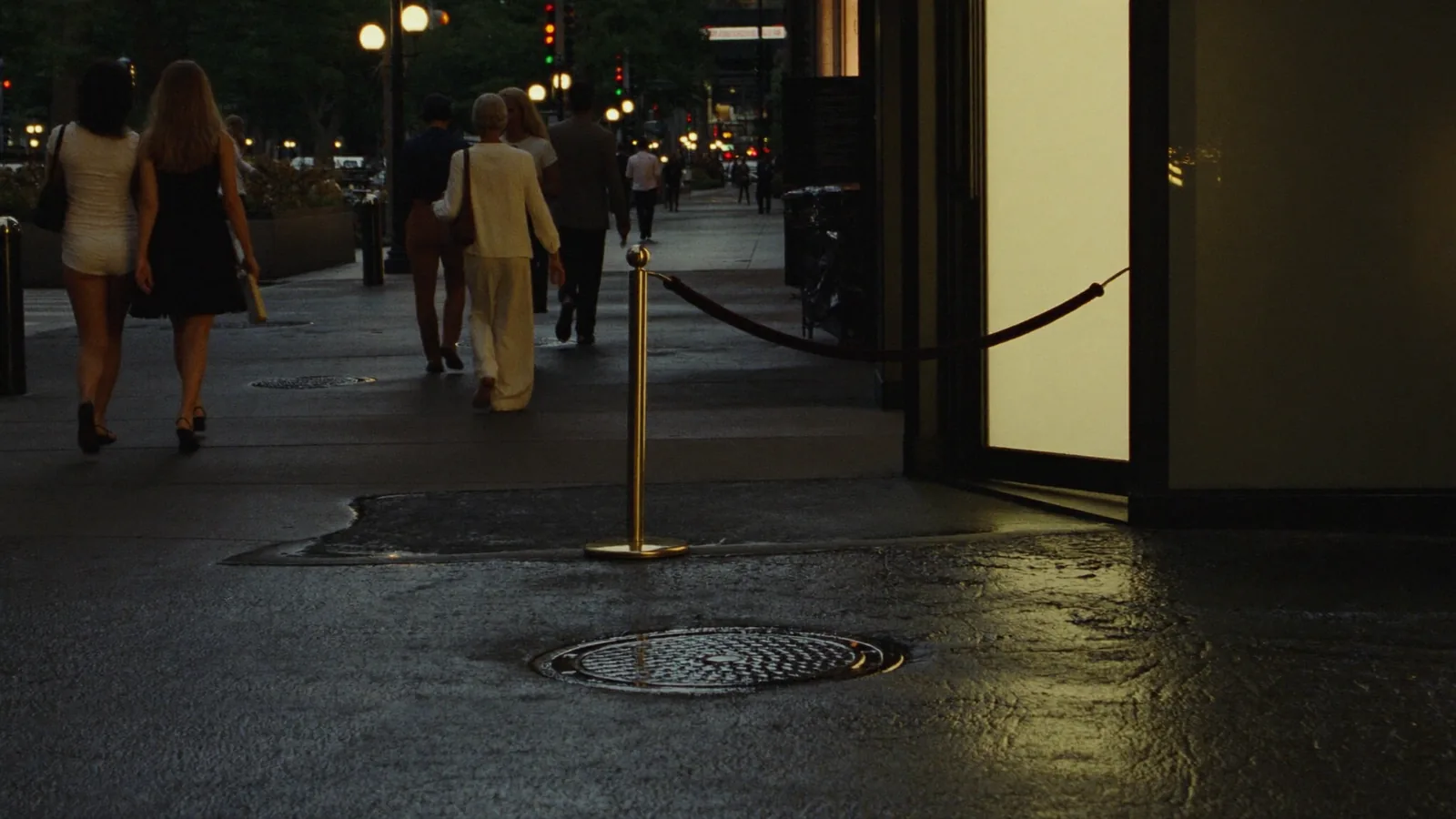
Made in Realism Pro: a still of the club entrance with people, used as @image2.
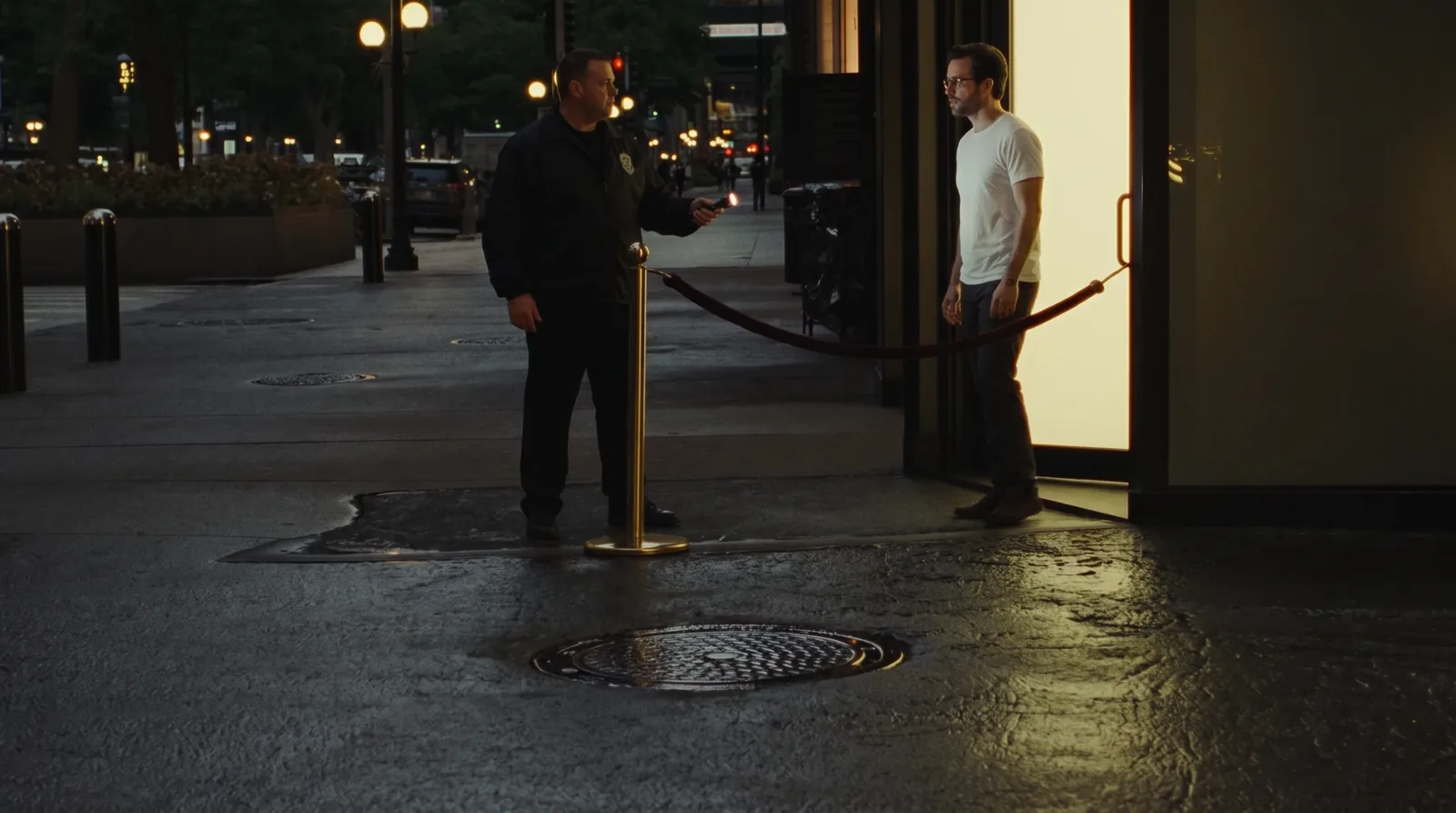
Made in Nano Banana Pro as a still: scene prompt + REFERENCE LINE: location.
Say what should happen, not only what shouldn’t
Describe the wanted state first. “The camera remains locked” is clearer to a model than a list of moves to avoid, and steady behaviour stated positively beats “not nervous”. Keep negatives for specific failures that keep happening.
POSITIVE LINE: camera
Prompt
The camera remains locked.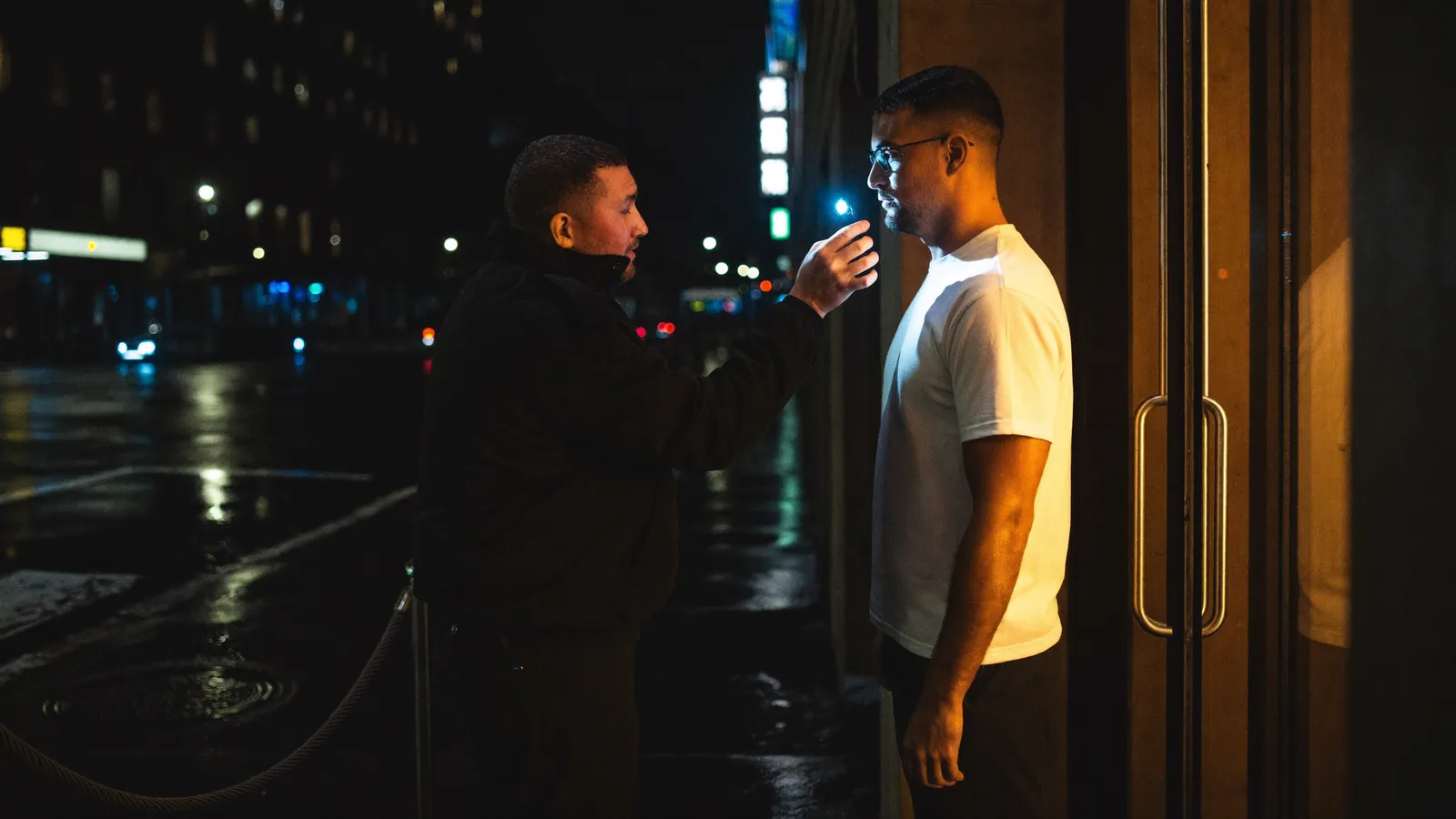
Made in Realism Pro as a still: “The guard checks the man’s glasses.” + POSITIVE LINE: camera.
POSITIVE LINE: performance
Prompt
He remains calm, keeps steady eye contact and breathes evenly.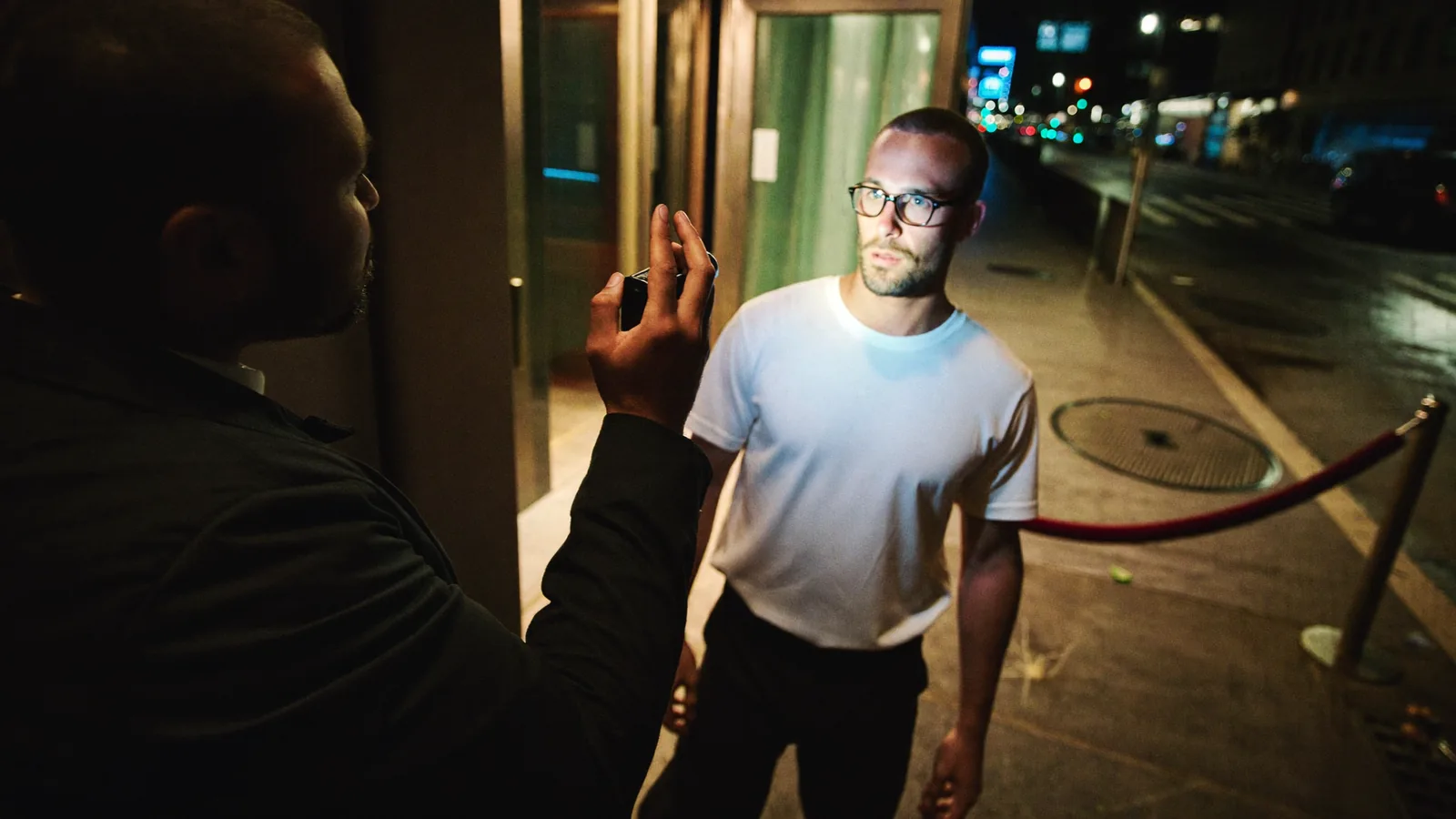
Made in Realism Pro as a still: “The guard questions the man.” + POSITIVE LINE: performance.
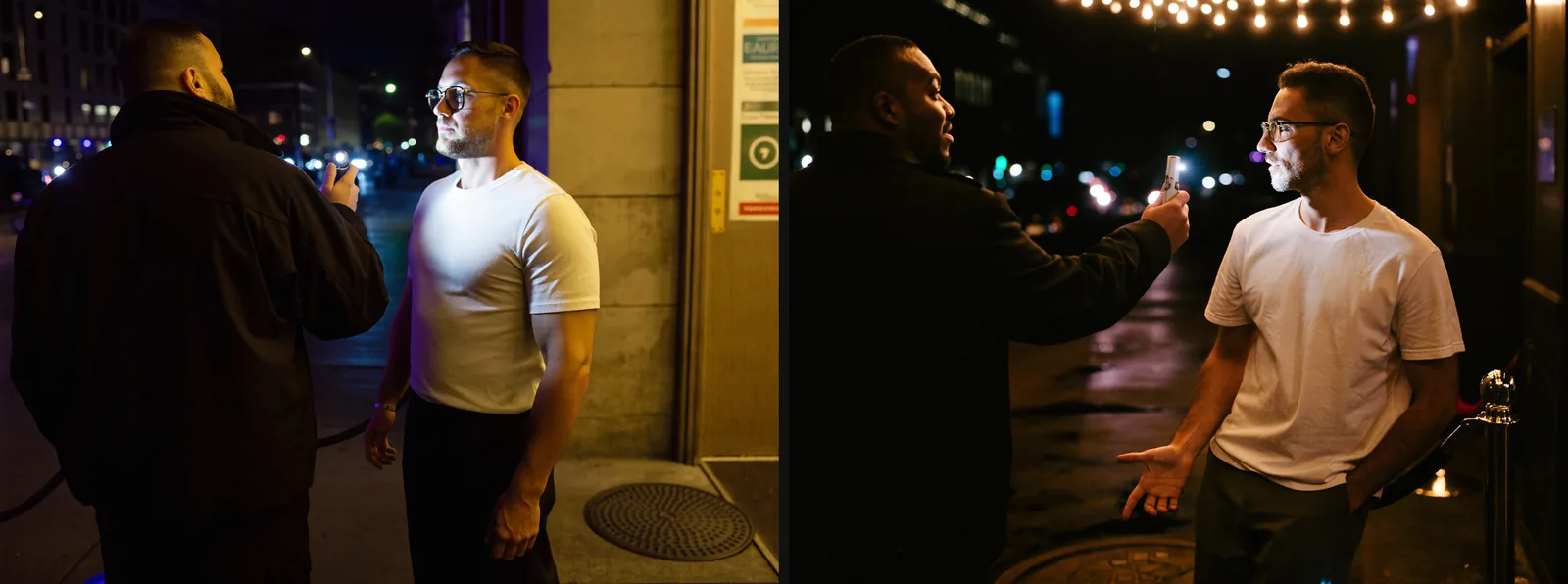
Made in Realism Pro as a still: “He is not nervous.” then the POSITIVE LINE.
A full example
Instead of: “Cinematic man walks through nightclub, cool camera, realistic.”
Better:
65mm handheld medium close-up from a slight front three-quarter angle. The man is already walking toward the entrance when the shot begins. He keeps a relaxed, natural pace while his right hand reaches directly behind his waistband and pulls out the book without stopping. Focus stays on his face and upper body; the distant checkpoint remains softly readable but never becomes the visual priority.Why this works
- It sets lens, camera, angle and framing in the first sentence, starts mid-action and names the single hand that moves.
- It ranks attention: the face and upper body first, the checkpoint readable but never the priority.
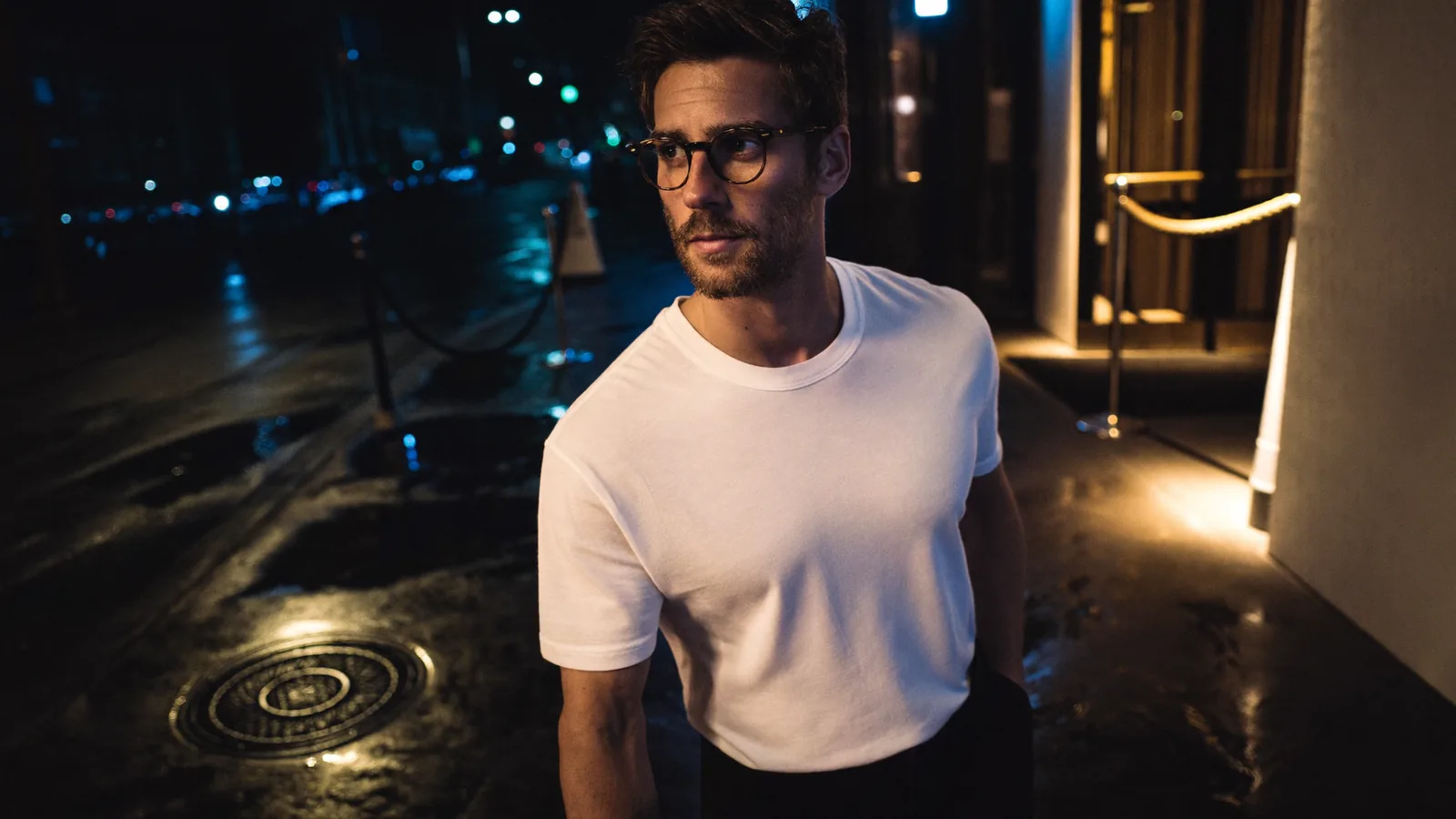
Made in Realism Pro as a still: BETTER example as written.
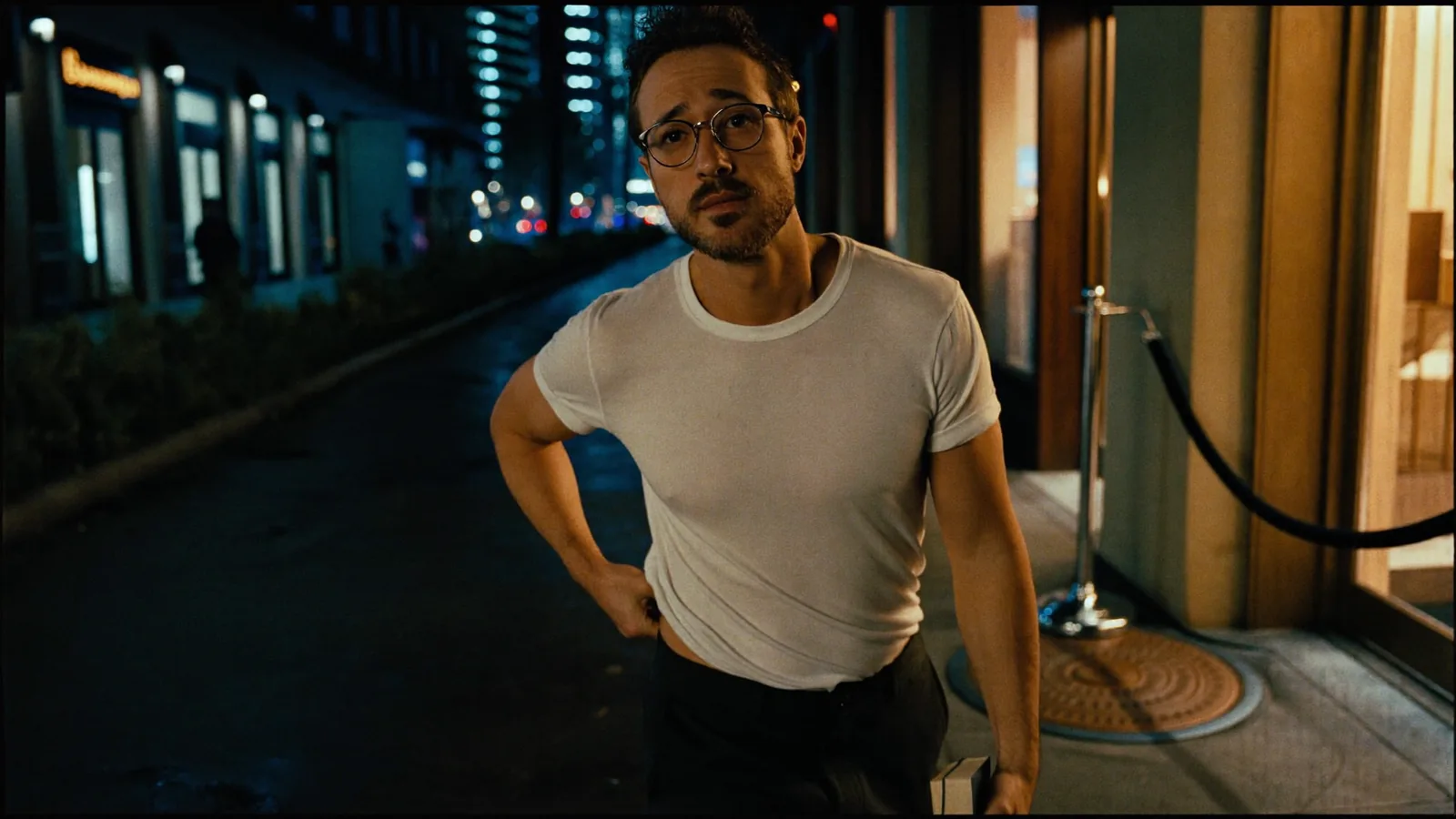
Made in Realism Pro as a still: same clip, later frame.
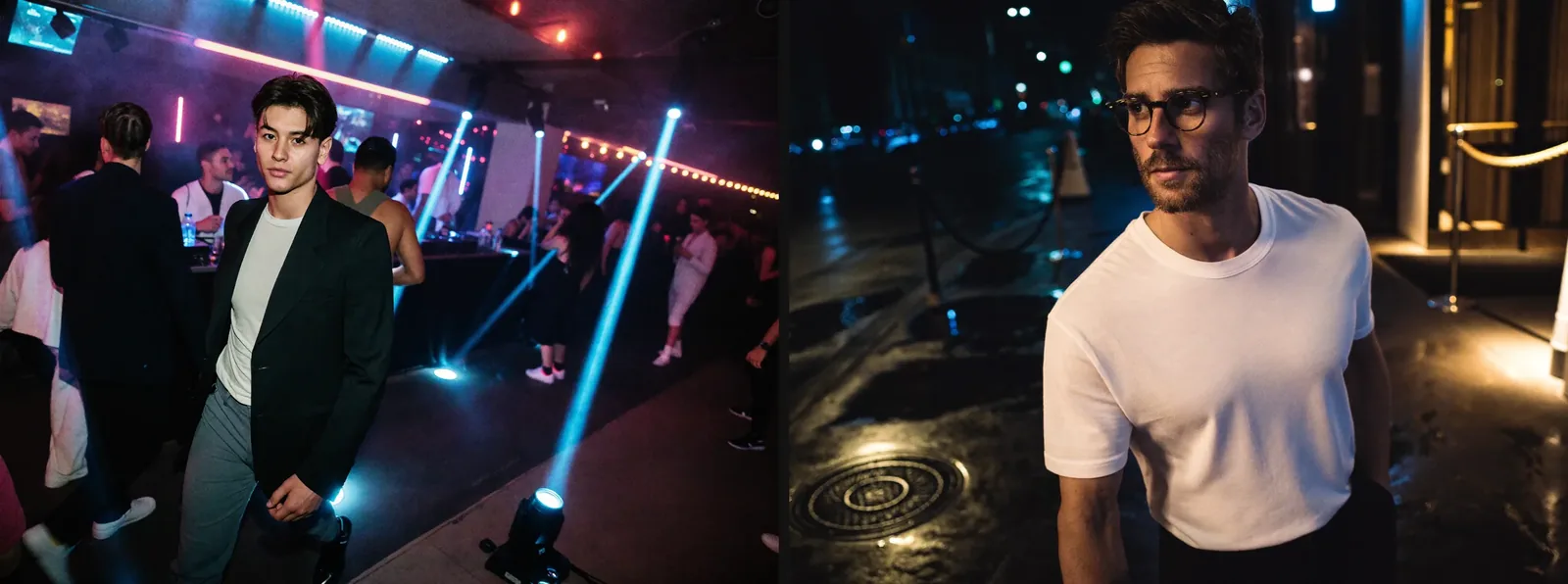
Made in Realism Pro as a still: the “Instead of” line, then the BETTER example.
The copy-paste template
Each block holds one decision, so gaps are easy to spot before generating. Fill only what the shot needs and keep the targeted negatives to failures that have actually happened.
Template:
STYLE AND CAMERA
[Camera / optics / visual texture / handheld or other camera language]
FORMAT
[Aspect ratio / duration / number of shots / cut style / audio]
SCENE CONTEXT
[What happens in one to three sentences]
REFERENCES
@image1: [what it defines]
@image2: [what it defines]
@image3: [what it defines]
SPACE AND CONTINUITY
[Scene map / sides / movement path / what must not move]
CAMERA AND TIMING
0.00-X.XX: [shot / lens / camera / action]
X.XX-X.XX: [next shot]
ACTION AND PERFORMANCE
[Eyes / face / body / hands / reaction]
LIGHT, TEXTURES AND BACKGROUND
[Source / direction / quality / realism / environmental motion]
SOUND
[Dialogue / foreground SFX / ambience]
TARGETED NEGATIVES
[Only the specific failures you genuinely need to prevent]
Why this works
- The order mirrors how a crew plans: style, format, what happens, references, space, camera and timing, performance, light, sound, then negatives.
- SPACE AND CONTINUITY forces a simple map of the scene (where the door is, where people enter and leave, where the camera is), which stops models inventing geography.
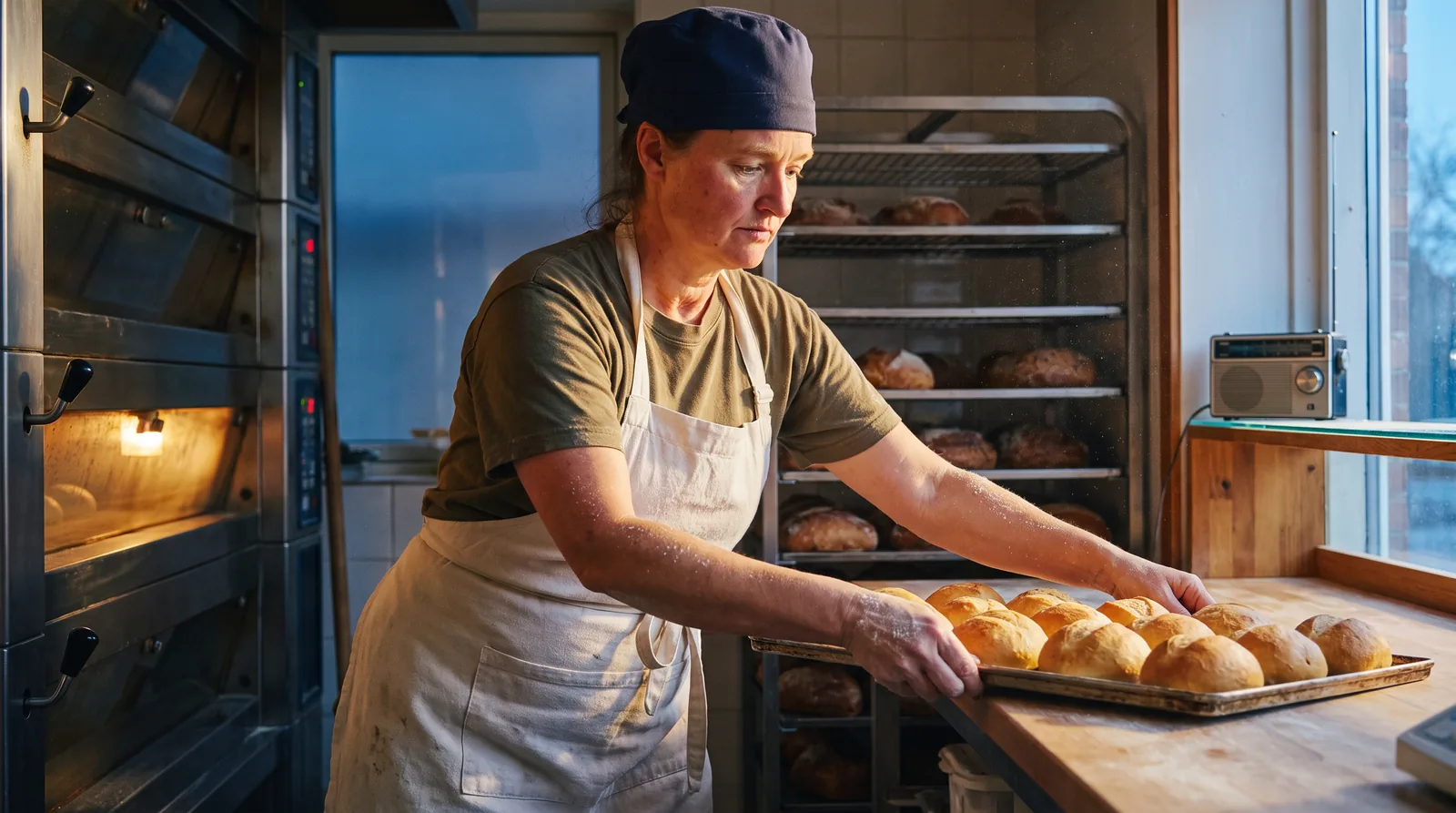
Made in Nano Banana Pro as a still: TEMPLATE filled for one 5-second shot: handheld 35mm, a baker at a counter, @image1 = the baker, warm oven light from the left, sound of trays and a radio.
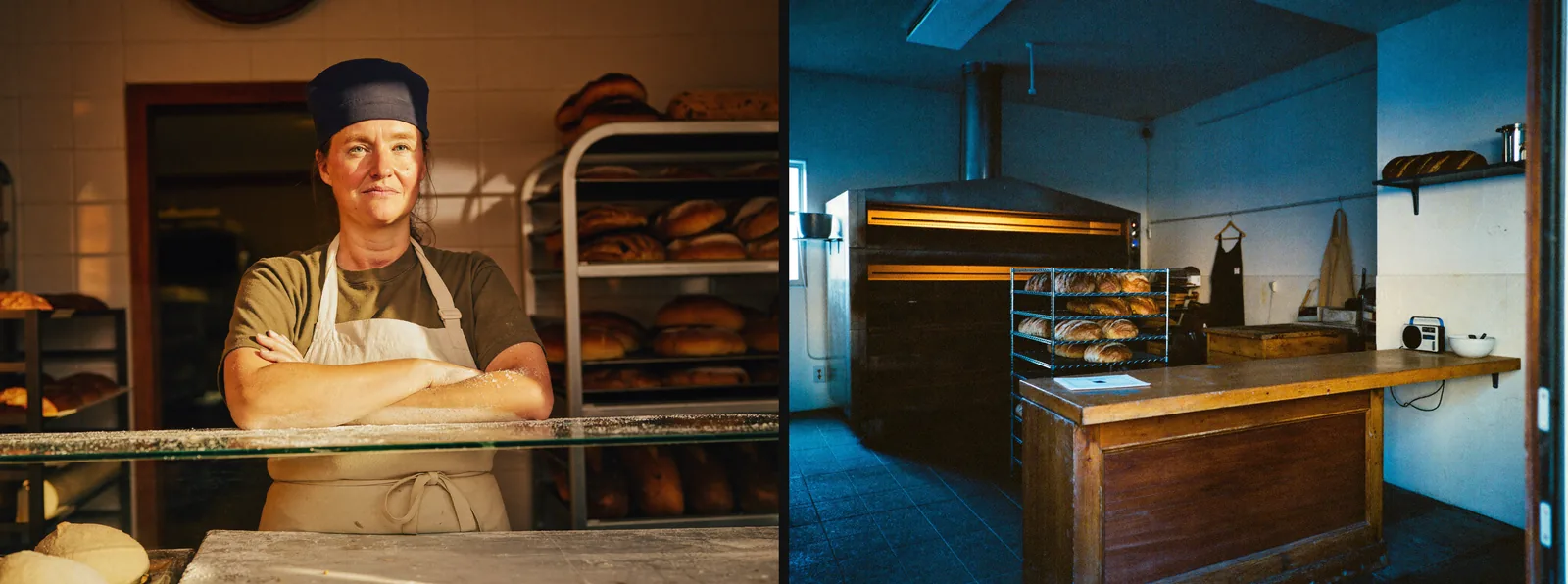
Made in Realism Pro: the two reference stills.
Make your own in PromptWise
Write the “This shot exists to…” sentence first, fill the template, then swap vague words for the lines above. Generate, check what failed, and change one thing at a time. PromptWise has 40+ image, video and audio models, and every model is available as soon as you sign up.
Related
- Cinematic AI video prompts: the full director’s-brief method
- Camera movement prompts
- Realistic AI people prompts
- Depth layering prompts
- All prompts